On this page5
Step by step
Load the media
Set the width your task needs, scroll through the sections you want and open any galleries.
Open Extract assets
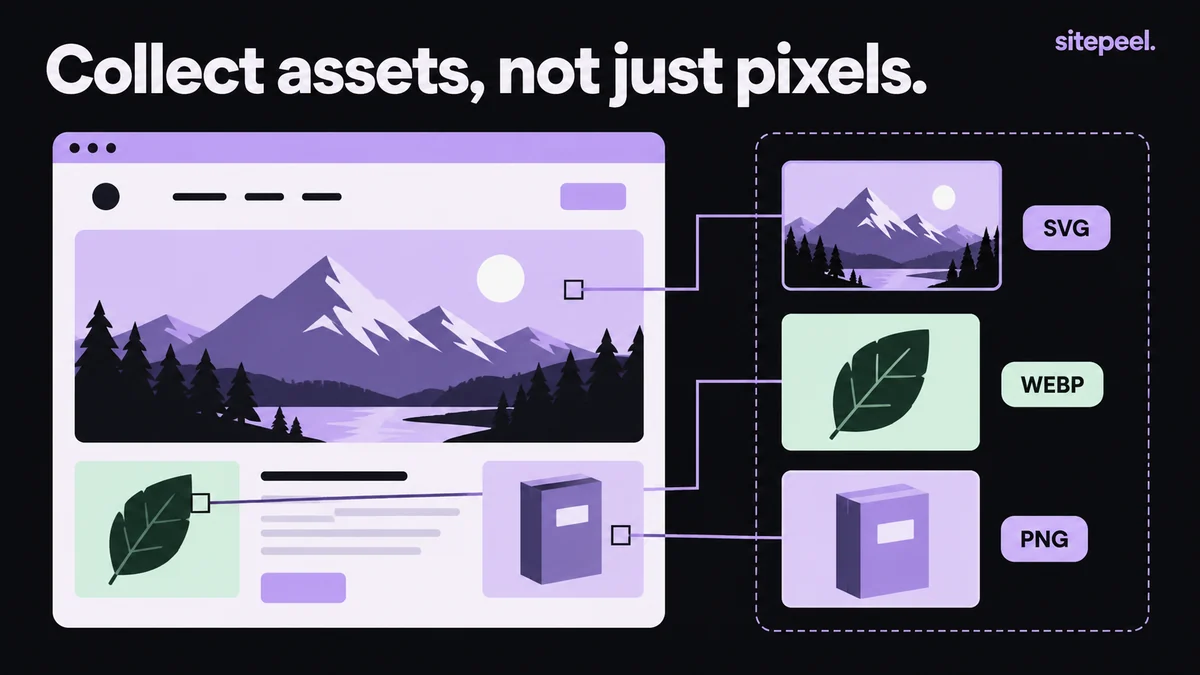
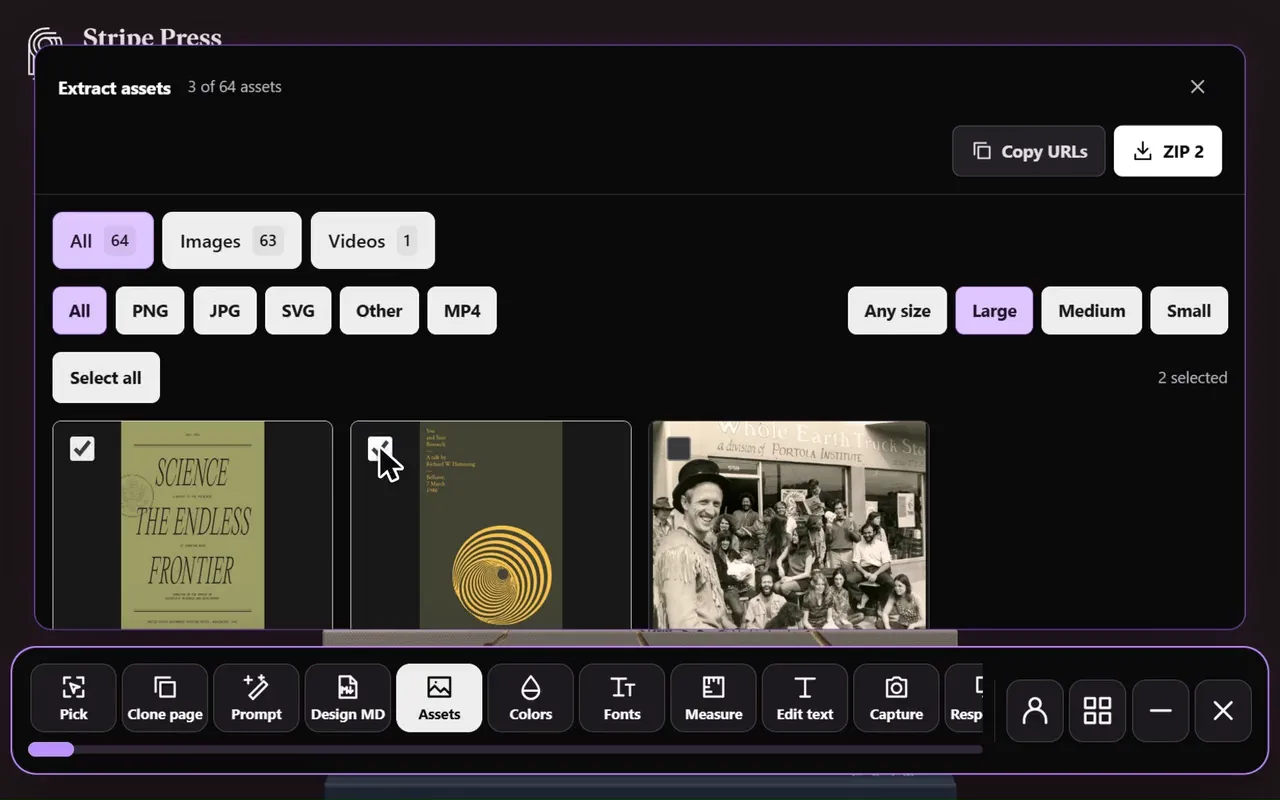
Open Sitepeel, choose Extract assets and browse the images, videos and SVGs.
Filter the collection
Use the type and size filters, then compare dimensions, format and transparency before choosing a file.
Download and check
Save single files or use the export options, then open each download to check its quality.
Free asset extractor or Extract assets tool?
| Free asset extractor | Extract assets tool | |
|---|---|---|
| Where it runs | sitepeel.dev, in any browser | Sitepeel for Chrome |
| What it reads | A public link; Sitepeel opens the page | The page you have open, as it is now |
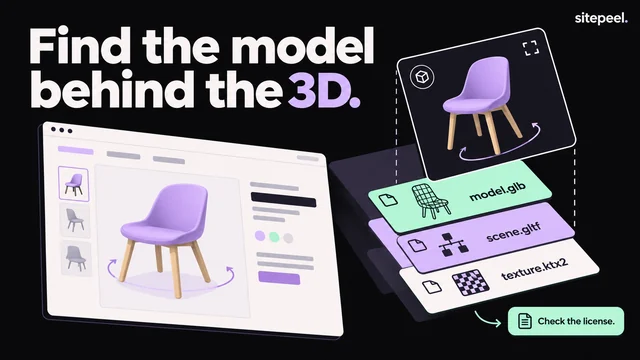
| What it finds | Images, SVGs, icons, video, fonts, 3D models and hidden files | Images, videos and SVGs the page has loaded |
| Download | One ZIP of everything | Single files or the export options |
Why an image is missing or wrong
| Problem | Why, and what to do |
|---|---|
| Image missing | It hasn’t loaded yet. Scroll to it or open the gallery, then collect again. |
| Only a small version | Responsive pages load different files at different widths. Collect at the width you need. |
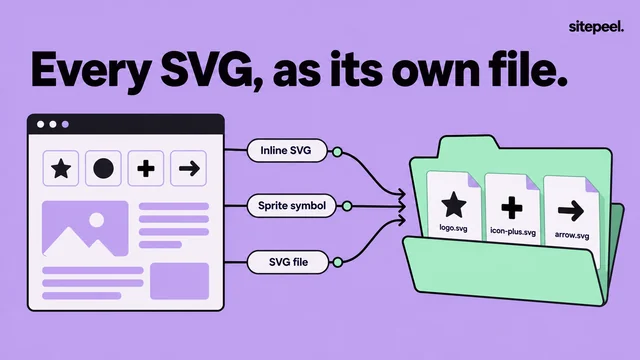
| Not an image file | It may be a CSS background or an inline SVG. |
| Download fails | Expired URL, host restriction, sign-in only or protected media. |
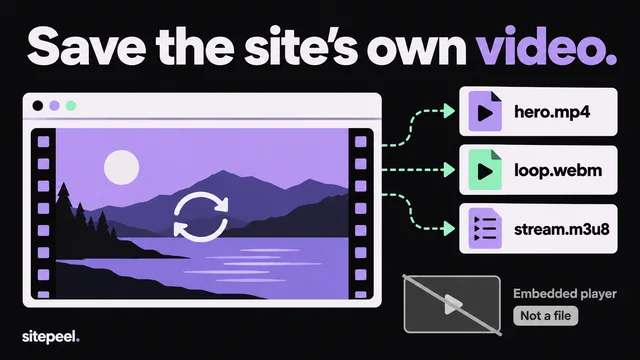
| Nothing to save | Canvas drawings and adaptive video streams aren’t simple files. |
Before you reuse a file
- Keep only the resolution you need and compress for the display size.
- Use descriptive filenames and useful alt text.
- Set width and height so the browser reserves space while images load.
- Copy an asset’s URL to trace where the page gets it, and note the source and license.
- Replace media you don’t have permission to reuse with your own.
Questions
How do I download all images from a website?
Paste the link into Sitepeel’s free asset extractor and download one ZIP, or open the Extract assets tool on the page in Chrome and save the files you pick.
Can I download SVGs, videos and 3D models?
Yes, when they are real files the page loads. The free asset extractor also finds 3D models. Protected streams, temporary URLs and server restrictions can block a download.
Why are some images missing?
They may not have loaded yet, may be drawn on canvas or may not be reachable from the page. Scroll, open the section and collect again.
Can I use the images I download?
They belong to the site’s owner. Use them for reference, or ask for permission before you reuse them.