On this page7
Step by step
Open the larger view
Open the site’s gallery or detail view, if it has one, and wait for it to load.
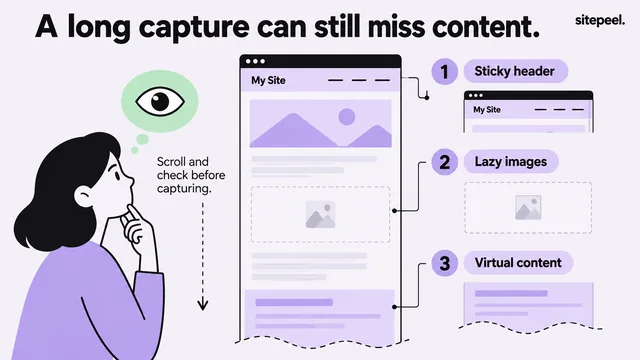
Load lazy images
Scroll through the sections you need, so images that load on approach are fetched.
Compare the sources
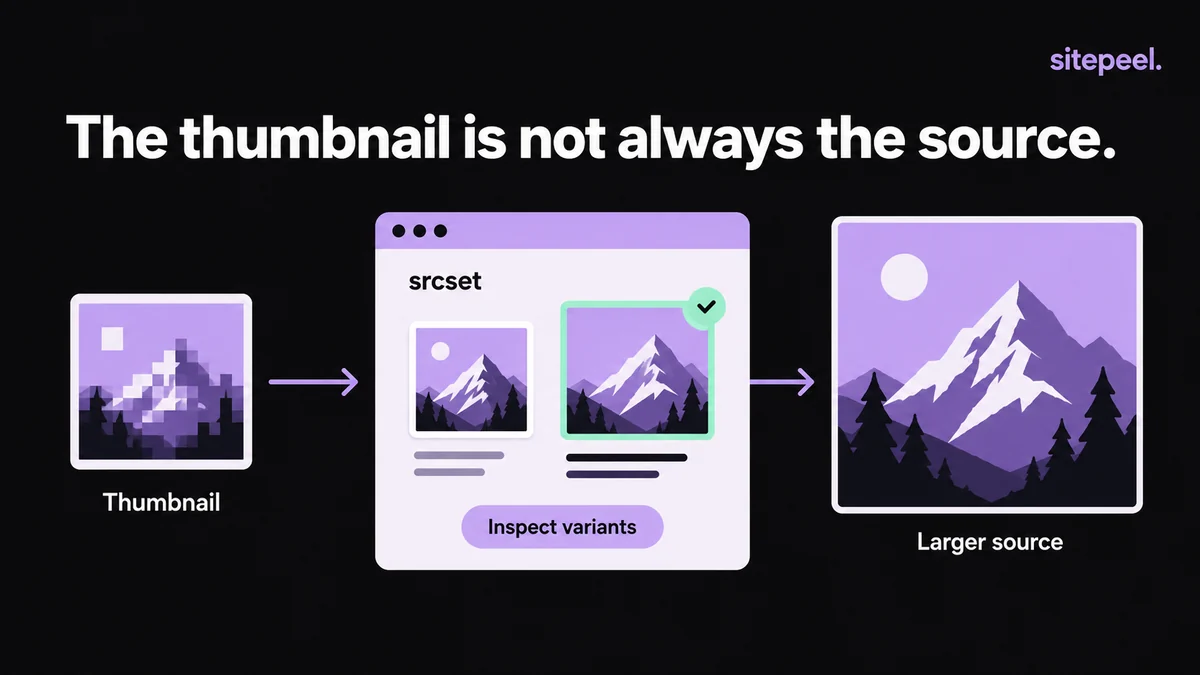
Check the srcset candidates and currentSrc, or use a tool that lists every size the page offers.
Save the best fit
Pick the file that suits your use. A larger file isn’t always the right one.
Check the saved file
Open it and confirm the format, dimensions and detail. A file ending in .jpg can hold an error response.
Where the larger image can be
src isn’t always the file on screen. The browser picks from srcset and picture sources, and currentSrc tells you which one it used, not which is largest.
| Where | What you find |
|---|---|
| srcset and sizes | Several widths of the same image |
| picture sources | Other formats or crops for other screens |
| Gallery or detail view | A larger file loaded when opened |
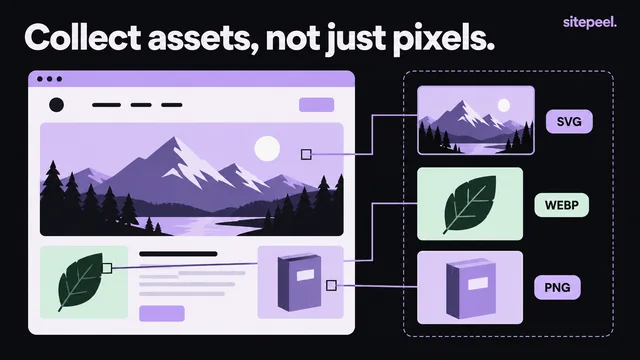
| CSS backgrounds | Images set in stylesheets, not in an img element |
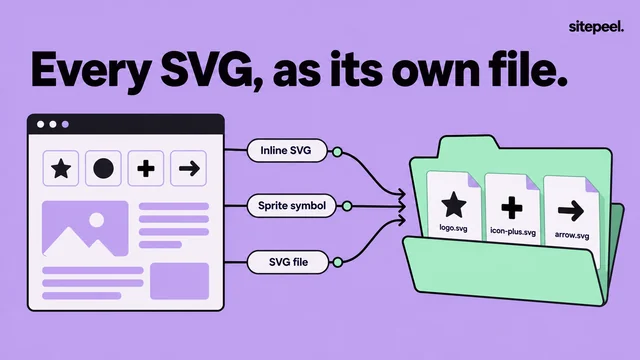
| SVG | Vector art that stays sharp at any size |
Check an image in the console
Run this on the page and compare the selected file with the candidates. The intrinsic size helps, but it doesn’t prove you have the original upload.
// Replace the selector with the image you want to inspect.
const image = document.querySelector("article img");
if (image instanceof HTMLImageElement) {
  console.table({
    selectedSource: image.currentSrc,
    fallbackSource: image.src,
    sourceCandidates: image.srcset,
    intrinsicWidth: image.naturalWidth,
    intrinsicHeight: image.naturalHeight
  });
}
Get every size at once
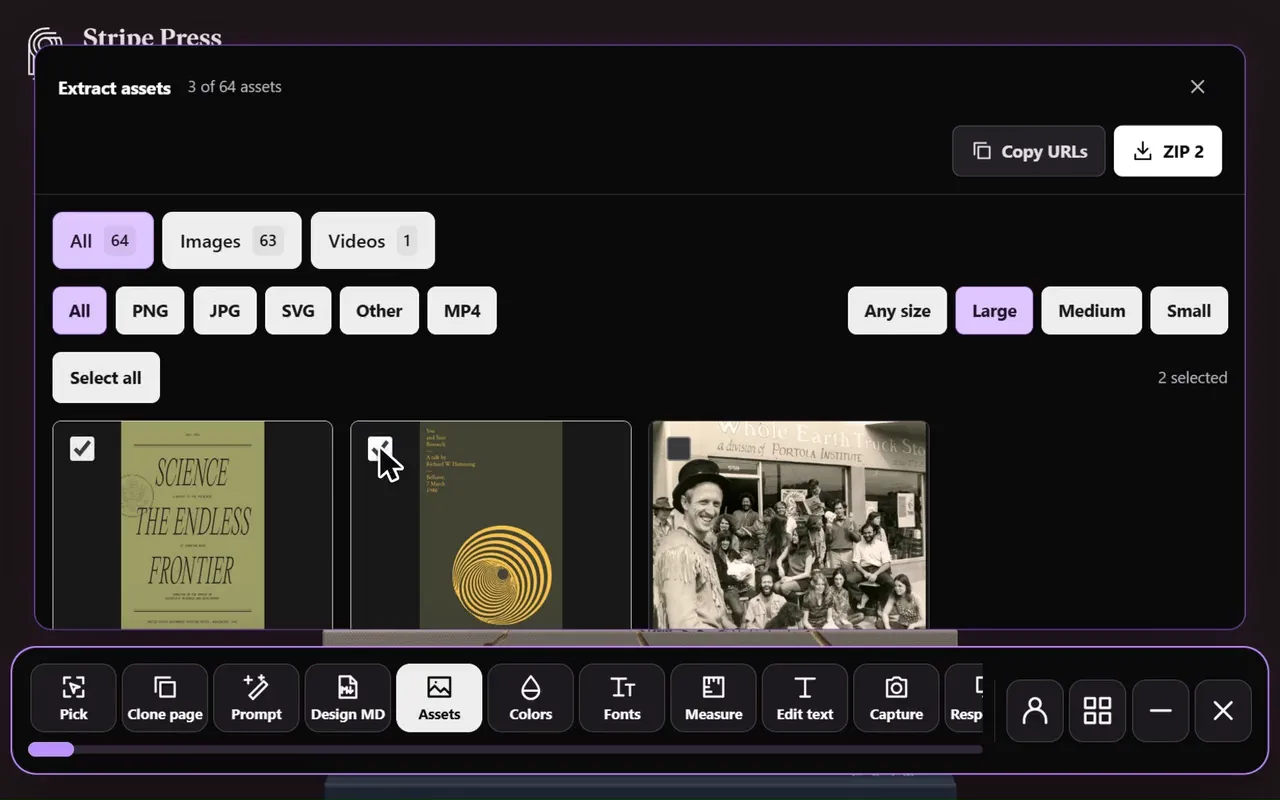
Sitepeel’s Extract assets tool lists the page’s images by type and size. The free asset extractor also reads every size in srcset, images for other screen sizes and hover images in stylesheets.
When the original isn’t available
- Editing width or quality parameters in a URL doesn’t reliably reveal the original.
- Some image services need signed URLs or expose only set sizes.
- Expiring, session-based or login-only URLs can fail to download.
- If you run the site, export from its media library or storage.
- If someone else owns it, ask them for the file and permission.
Before you reuse it
- Don’t upscale a small file; it looks soft.
- Store the approved file in your project and make the sizes your layout needs.
- Keep the aspect ratio, and write alt text when the image carries information.
- Keep originals apart from the optimized files you serve.
- Note the source URL with your reference.
Questions
How do I download the full-size image from a website?
Open the site’s larger view, then check the image’s srcset for bigger candidates. An asset extractor can list every size the page offers. If no larger file is exposed, only the site owner can give you the original.
Why is the image I downloaded blurry?
You likely saved a thumbnail or the size picked for your screen. Look for larger candidates in srcset or a gallery view. Enlarging a small file can’t add detail.