On this page6
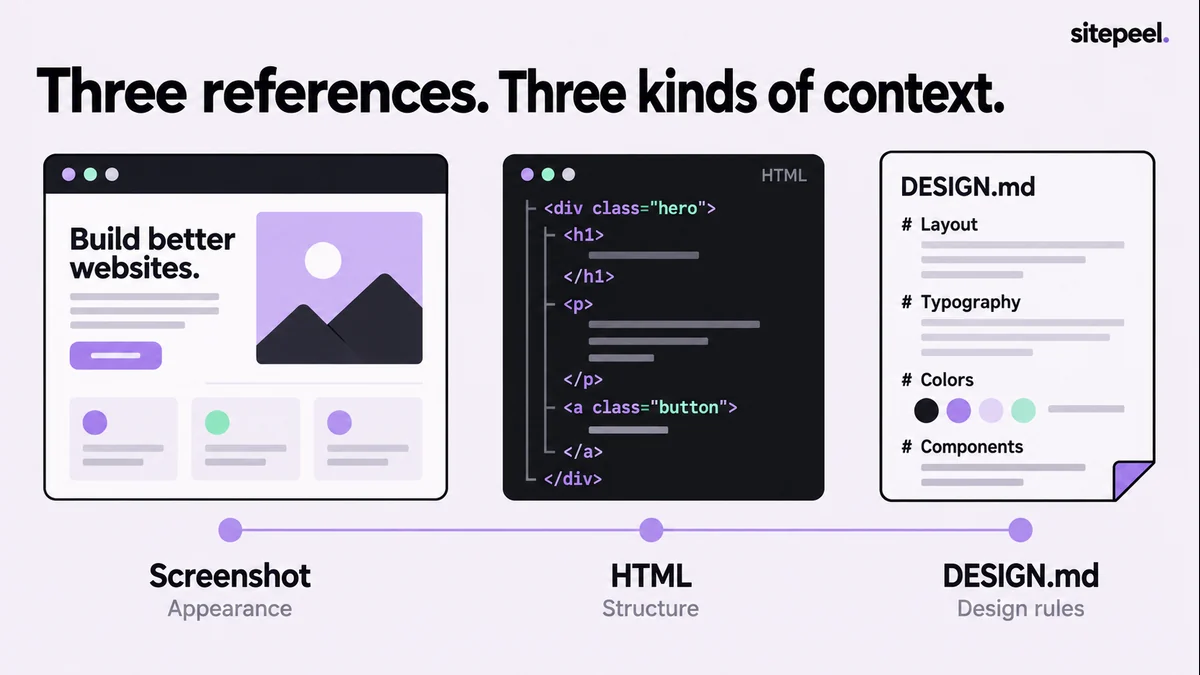
What each reference shows the AI
| Reference | Shows | Misses |
|---|---|---|
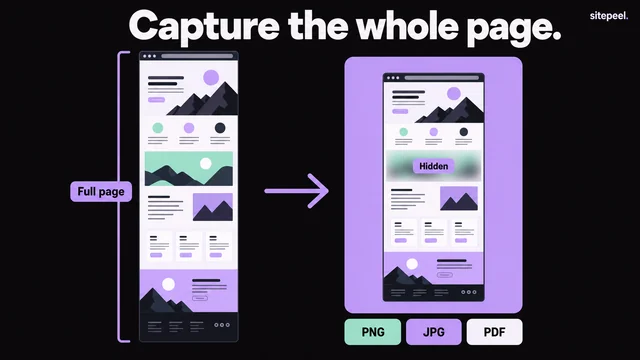
| Screenshot | Proportions, density and spacing as rendered | Fixed or fluid widths, which font loaded, other states, mobile |
| HTML export | Section hierarchy, content order and styles | The original app’s code and behavior |
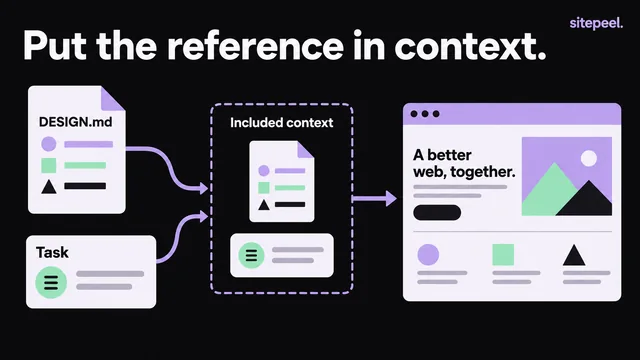
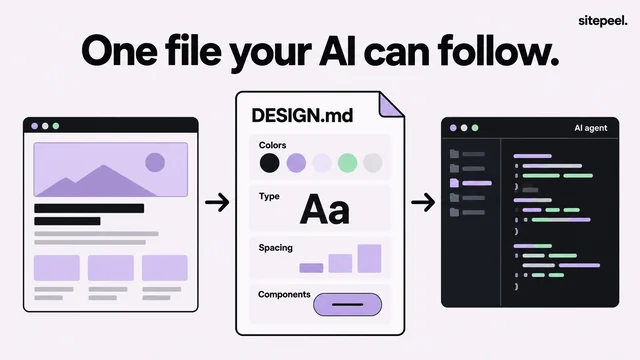
| DESIGN.md | Type scale, color roles, spacing, component rules | The exact layout of one specific page |
Which should you send?
| Your task | Send |
|---|---|
| Reproduce one section | A screenshot and a focused HTML snippet |
| Add a page to an existing product | Your shared components and DESIGN.md |
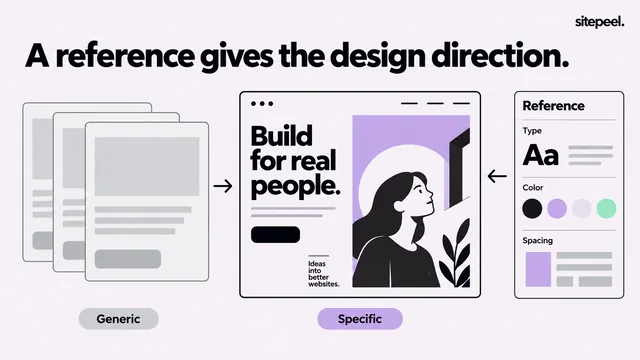
| Explore a new direction | References, each with a note on what it is for |
| Build an interaction | Its trigger, states and expected result, in words |
Prepare each reference
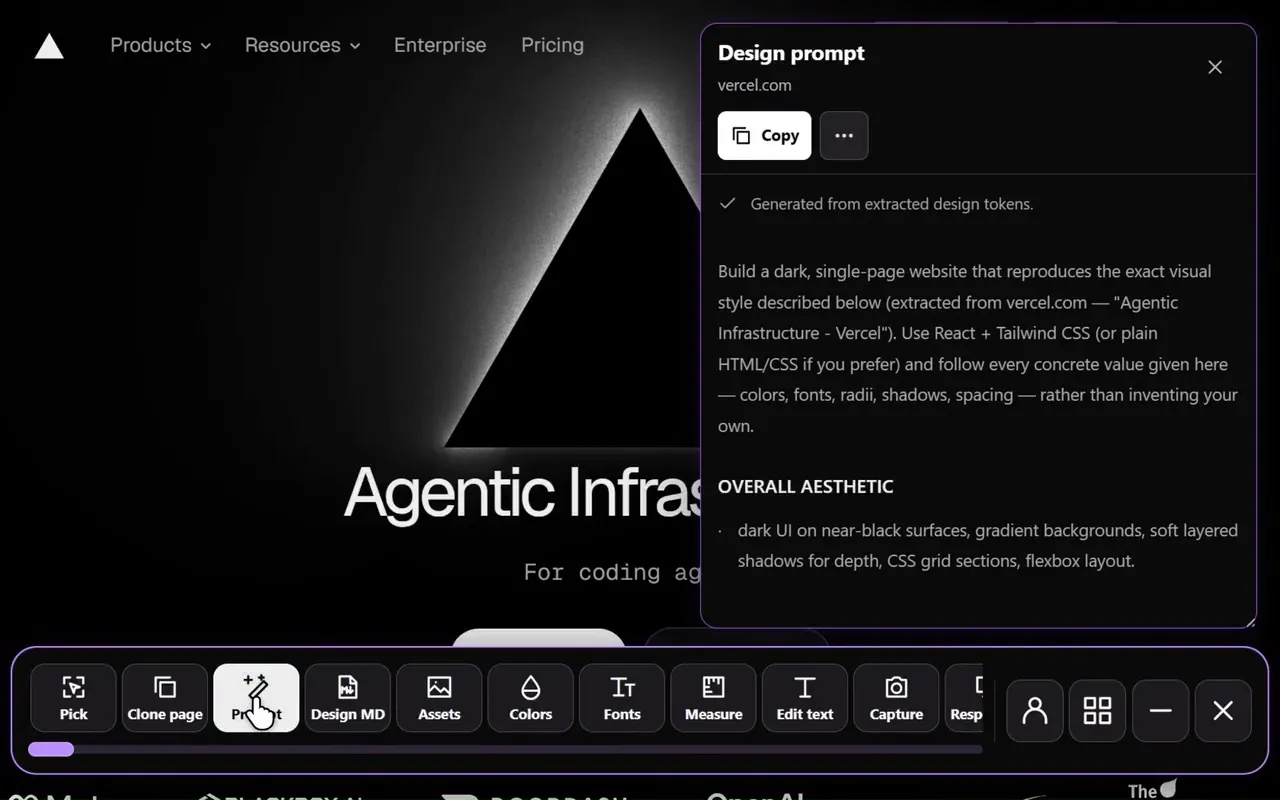
Sitepeel’s Clone page, Screenshot and Design MD tools collect all three from a page you are studying. Review and trim them before you hand them over.
- Screenshot: note the viewport size and include enough context to show how the section fits.
- HTML: if you have the original source project, use its components instead of an export.
- HTML: cut unrelated sections and label it a rendered snapshot, not app source.
- HTML: check asset URLs; exports can point to remote images or page-specific styles.
- DESIGN.md: add reasons where they matter, like why a reading column stays narrow.
- All: supply your real copy early, because text length changes layout.
Send a small, labeled package
Name each file and its role. An unexplained folder of exports and images makes the agent guess. Start with one component, so you can tell a bad interpretation from a missing input.
# Reference package

reference-desktop.png: appearance at a 1440px viewport
reference-mobile.png: intended content order at 390px
section.html: rendered structure, not original app source
DESIGN.md: approved design values and component rules

Task: rebuild the featured section in this project.
Reuse our existing components and use the supplied copy.
The primary button opens our existing contact form.
Do not infer application behavior from the screenshot.

Render both widths and compare hierarchy, wrapping and spacing.
List missing inputs instead of inventing their contents.
Compare under the same conditions
Check the result at the same viewport, zoom, content and loaded fonts as the reference, including any open menu. Fix the largest difference first, then test the real interaction. Record what you approve in your components and DESIGN.md.
Questions
Can AI turn a screenshot into HTML and CSS?
It can make a good starting point, but a screenshot shows one rendered state. It doesn’t reveal widths, loaded fonts, the mobile layout or behavior, so add those in writing and review the result in a browser.
Is DESIGN.md better than a screenshot for AI?
They do different jobs. A screenshot shows how one page looks; DESIGN.md records the rules that should repeat. For a new page in an existing product, send DESIGN.md with your shared components.