On this page5
Step by step
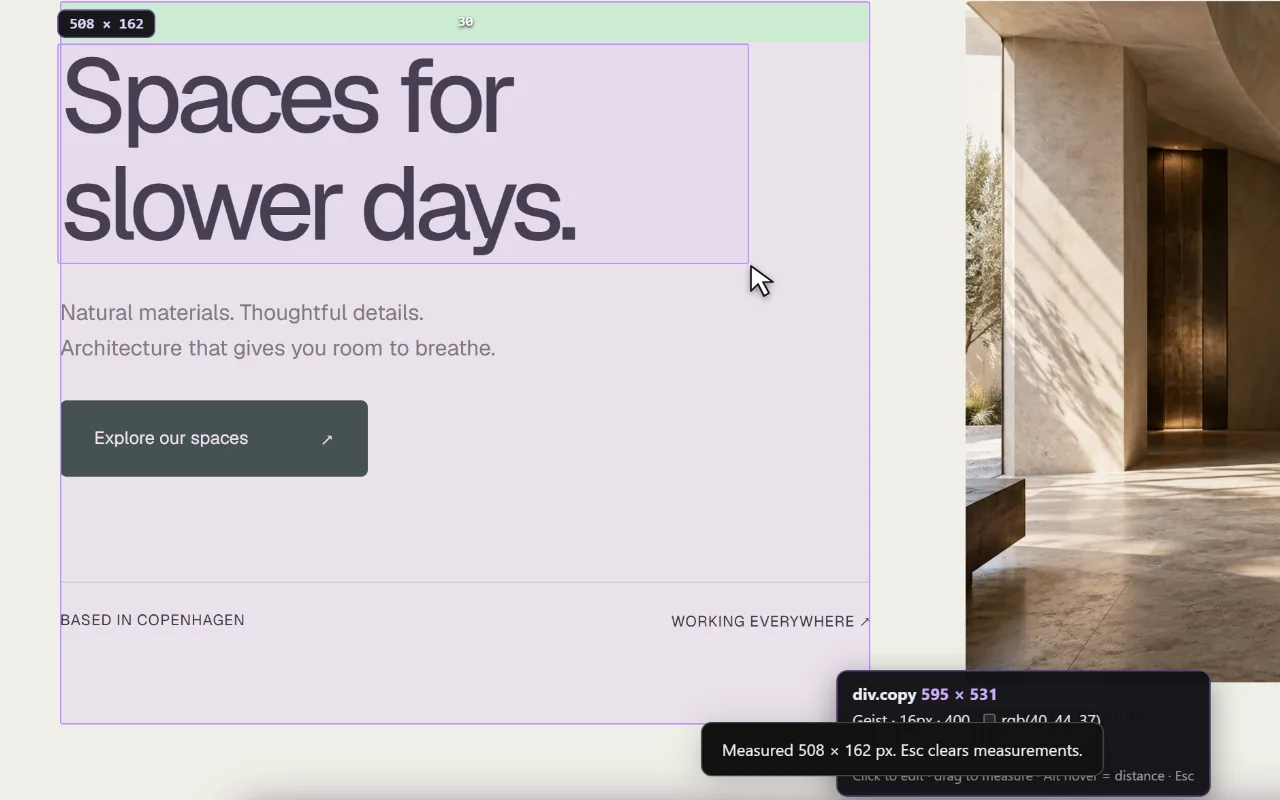
Open Inspect & measure
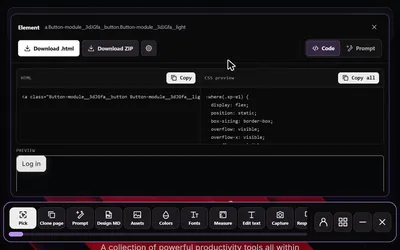
Open Sitepeel and choose Inspect & measure on the page.
Start with the container
Note its width and the space between its edge and the first child.
Inspect the children
Check each child’s size, padding and margin, and the gap set by the parent layout.
Compare repeated parts
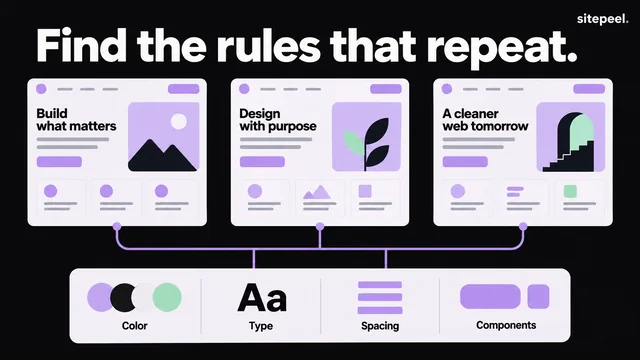
Measure several cards or sections. Values that repeat suggest a spacing scale.
Check another width
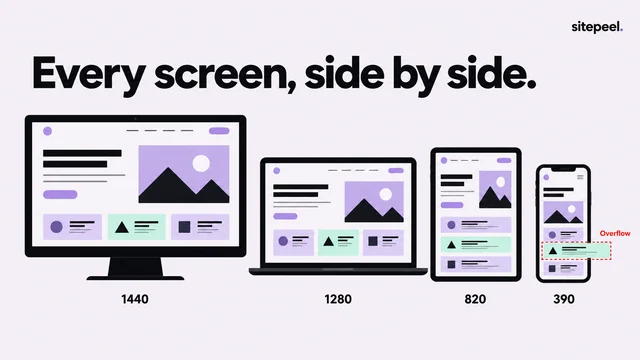
Resize the page and measure the same section again.
Padding, margin, border and gap
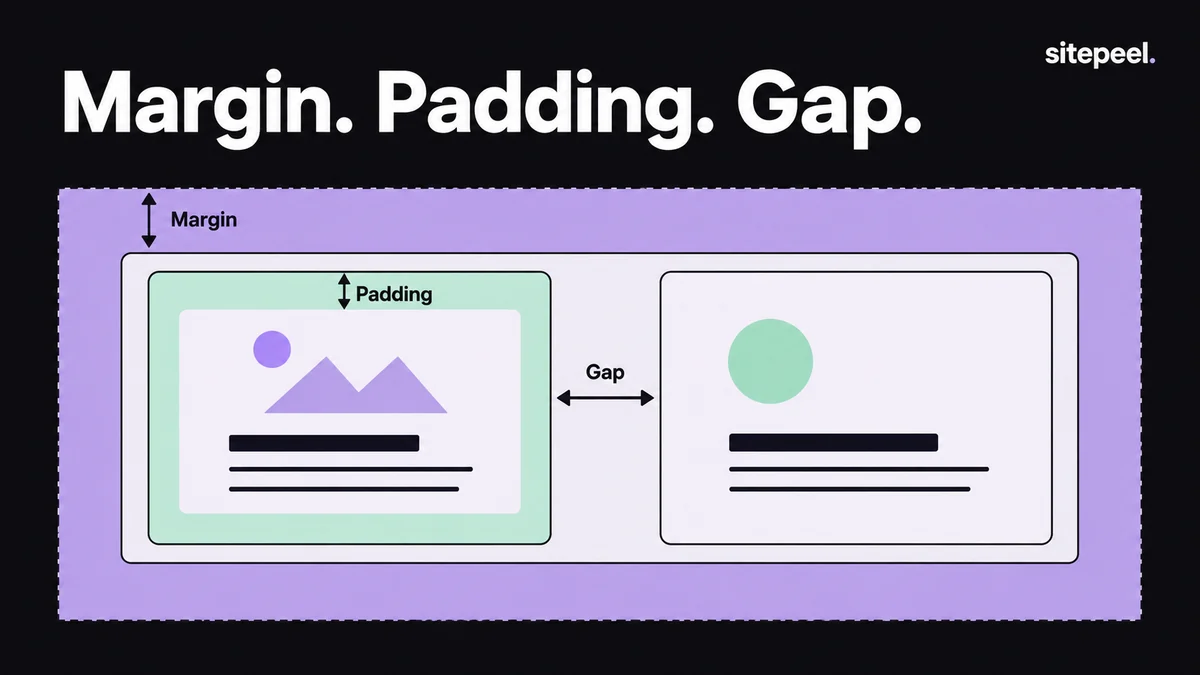
Similar distances can come from different rules, so inspect the parent layout as well as the element.
| Space | Where it sits |
|---|---|
| Padding | Inside the border, around the content |
| Border | Between the padding and the margin |
| Margin | Outside the border, separating boxes |
| Gap | Between the children of a flex or grid parent |
Find the spacing scale
A single 19-pixel gap may come from font metrics or rounding; repeated 16- and 24-pixel spaces are stronger clues. Keep relationships, not every measurement: a small label gap, a larger section gap, consistent card insets.
:root {
  --space-1: 0.25rem;
  --space-2: 0.5rem;
  --space-3: 0.75rem;
  --space-4: 1rem;
  --space-6: 1.5rem;
  --space-8: 2rem;
}
/* Example scale: adjust after reviewing your actual layout. */
Check it at another width
A fluid layout can keep its hierarchy while its distances change. Build the relationship you want, then test it with longer text and larger text settings.
Questions
What is the difference between padding and margin?
Padding is space inside an element’s border, around its content. Margin is space outside the border that separates it from other elements.
Are measurements the same on every screen?
No. Viewport width, fonts and responsive CSS change the layout. Measure at the widths your project needs.
Can it replace browser developer tools?
It’s a focused visual way to inspect and measure. Use developer tools for deeper debugging, JavaScript or network inspection.