Step by step
Name the problem
Start with one observation: a vague headline, an unclear label or a paragraph pushing the button down.
Keep the original
Copy the current wording so you can compare and explain why the new version works better.
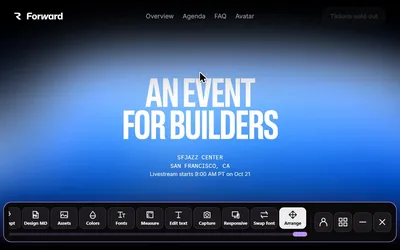
Edit text in place
Open Edit text, change the heading and read it with the supporting sentence and action label.
Try a new arrangement
If the action is hard to find, use Move & delete to group related content or remove a distraction.
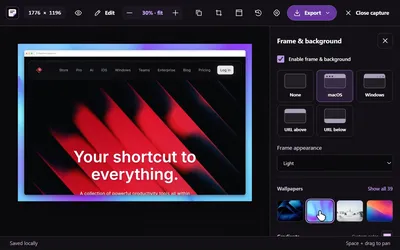
Capture and share
Screenshot the revised section, pair it with the final text and label it a local preview.
Publish normally
Update the code or CMS, then test the real page again.
Copy review checklist
- The heading names a concrete benefit or task.
- The supporting copy adds useful information.
- The action label says what happens next.
- Heading, support and action describe the same task.
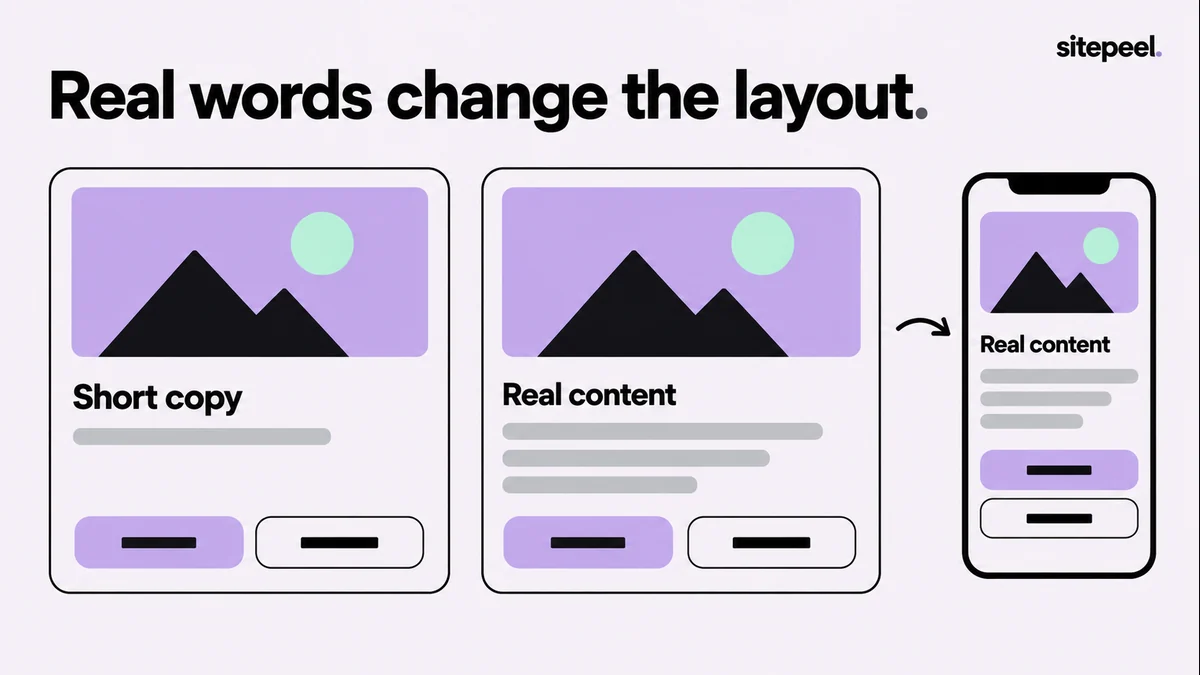
- It still works with longer text and on narrow screens.

What local edits can and can’t do
- They change text and move or remove elements on the page you have open.
- They stay in your browser; the server, CMS and source files don’t change.
- A reload or an app rerender can replace them.
- A moved element may need new CSS in your project if it depends on grid, flexbox or positioning.
Questions
Can I edit a website’s text in my browser?
Yes, locally. Sitepeel’s Edit text tool changes the text on the page you have open. The live site doesn’t change, and a reload may bring back the original.
How do I publish the new copy?
Update your source code or CMS as usual, then check the real page at desktop and phone widths.