On this page4
How it works
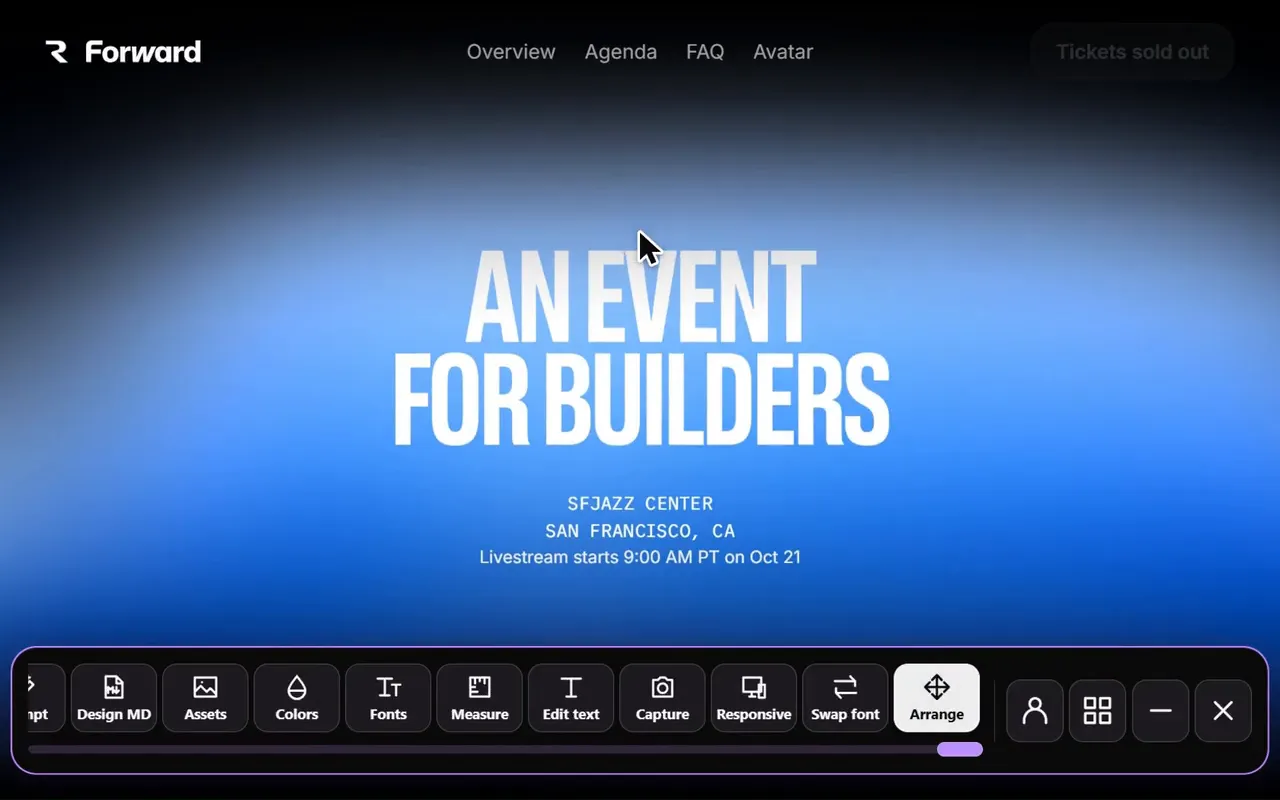
Choose Move & delete
Open the layout tool on a page you want to explore.
Make one change
Move or remove an element and review how the hierarchy changes.
Compare and undo
Capture the idea if useful, then undo changes before trying another direction.
Test a hierarchy before rebuilding it
Moving an action closer to its explanation or removing a distracting section can make a page’s purpose clearer. A local experiment helps you decide whether that direction is worth implementing.
Change one relationship at a time. Compare the content order, grouping and whitespace after each edit.
Work with the layout you are given
A page may rely on grid, flexbox, positioned elements or application state. Moving an element can reveal those dependencies, and some arrangements may need new CSS in the source project.
Treat the experiment as a visual proposal. Check it at another viewport before assuming the rearrangement will work across the whole site.
Take the decision back to the project
Local layout changes do not publish to the website. Save a screenshot and a short explanation of the intended behavior, then implement it in your own code or CMS.
Use the text editor to refine copy after the layout is settled. Inspect measurements when you need to reproduce the spacing accurately.