On this page8
Free tools to test websites on different screen sizes
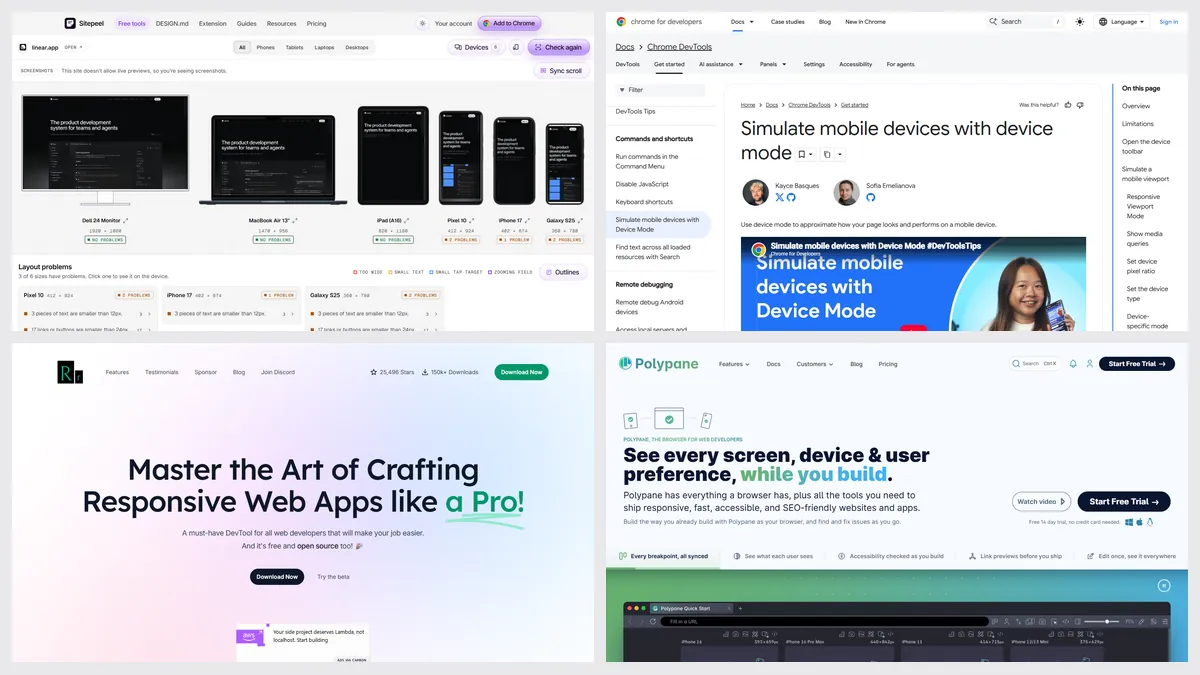
The best responsive design testing tools in 2026 are Chrome DevTools device mode, free and built in, Sitepeel’s free responsive checker for every screen size at once from a link, Responsively App for a free desktop browser, and Polypane for paid, in-depth testing. For real phones, use BrowserStack.
| Tool | Best for | Price | Works in |
|---|---|---|---|
| Sitepeel | Every size at once, problems listed | Free, no sign-in | Chrome extension and web |
| Chrome DevTools | One size at a time, built in | Free | Chrome, Edge |
| Responsively App | A free desktop browser for it | Free, open source | macOS, Windows, Linux |
| Polypane | In-depth testing, paid | 14-day trial; from $9 a month | macOS, Windows, Linux |
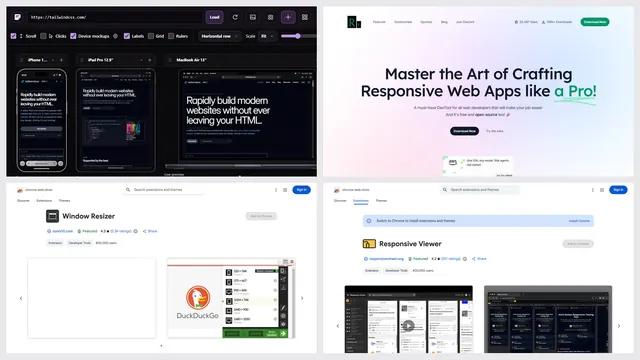
| Responsive Viewer | Many screens in a Chrome tab | Free with ads; Pro $4.99 a month | Chrome |
| Am I Responsive | A four-device picture to share | Free | Web |
| BrowserStack | Real phones and browsers | Free trial; from $12.50 a month | Web |
| Mobile simulator | Phone frames in your browser | Free with ads; from $5.90 a month | Chrome, Firefox, Edge |
| Window Resizer | Resizing the window to a preset | Free | Chrome |
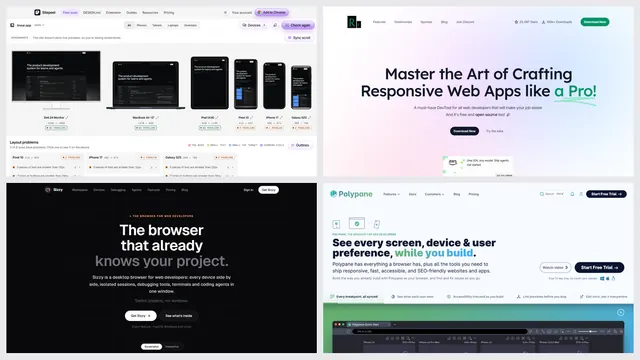
| Sizzy | A paid browser with synced devices | $15 a month or $499 once | macOS, Windows, Linux |
Which responsive tester finds layout problems?
| Feature | Sitepeel | Responsively App | Responsive Viewer | Polypane | Am I Responsive |
|---|---|---|---|---|---|
| From a link, nothing to install | Yes | No | Partly, a limited web preview | No | Yes |
| Several sizes side by side | Yes, up to 12 | Yes | Yes | Yes | Yes, four fixed sizes |
| Synced scrolling | Yes | Yes | Yes | Yes | No |
| Lists layout problems | Yes | No | No | Yes | No |
| Screenshots of every size | Yes, in the extension | Yes | Partly | Yes | Partly |
| Pages behind a login | Yes, in the extension | Yes | Yes | Yes | No |
| Real phones, not emulation | No | No | No | Partly | No |
| Free | Yes | Yes | Yes, with ads | No, 14-day trial | Yes |
1. Sitepeel
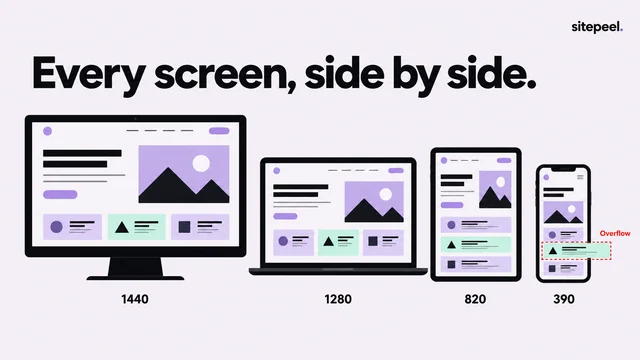
Paste a link to see the page on up to 12 phones, tablets, laptops and monitors side by side, in real device frames with synced scrolling. It lists layout problems: content wider than the screen, tiny text and small tap targets.
- Pick it for a quick check you can share
- The free tool sees public pages; the Chrome extension works behind a login
2. Chrome DevTools
Device mode is already in Chrome: press Ctrl+Shift+M (Cmd+Shift+M on a Mac) in DevTools to pick a phone or drag to any width. It works on localhost and signed-in pages, one size at a time.
- Pick it for quick checks while you code
- No side-by-side view and no layout warnings
3. Responsively App
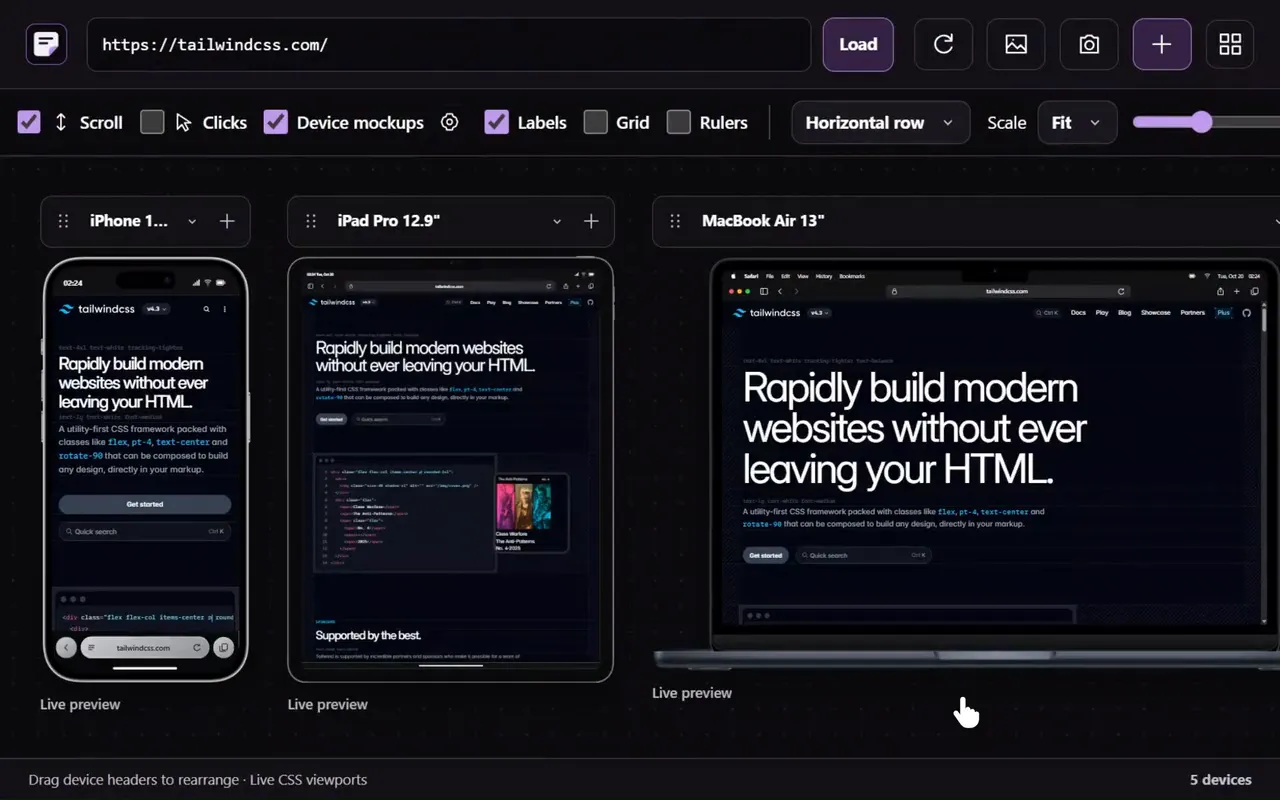
A free, open-source desktop browser that shows a site on many devices at once and mirrors your clicks, scrolls and navigation across them, with screenshots of every device and an MCP server for AI agents.
- Pick it for daily work on your own site
- A desktop install; version 2.0 is in beta
4. Polypane
A paid browser for developers with synced panes at every breakpoint, accessibility and SEO checks, and an overflow detector that points to the element that breaks the layout. Free for students through GitHub’s Student Pack.
- Pick it if testing is a big part of your job
Which one should you pick?
Questions
How do I test my website on different screen sizes for free?
Paste the link into Sitepeel’s free responsive checker to see it on up to 12 devices at once, or open Chrome DevTools device mode. Responsively App is a free desktop option.
How do I test responsiveness in Chrome?
Open DevTools (F12), then press Ctrl+Shift+M, or Cmd+Shift+M on a Mac, to turn on device mode. Pick a phone from the list or drag the edges to any width.
Do I need real devices to test responsive design?
Not for layout: emulated sizes show how the page reflows. Real phones matter for touch, speed and browser quirks; BrowserStack rents them by the month.
Is Polypane free?
No. It has a 14-day trial with no card, then costs from $9 a month billed yearly. It’s free for students through the GitHub Student Developer Pack.
Is Responsively App free?
Yes. Responsively App is free and open source for macOS, Windows and Linux.