On this page8
Best Chrome extensions to download video from a website
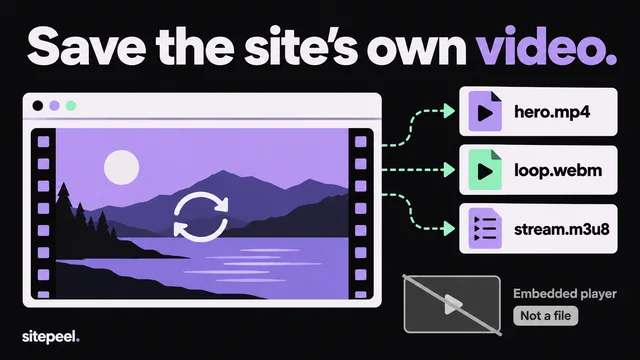
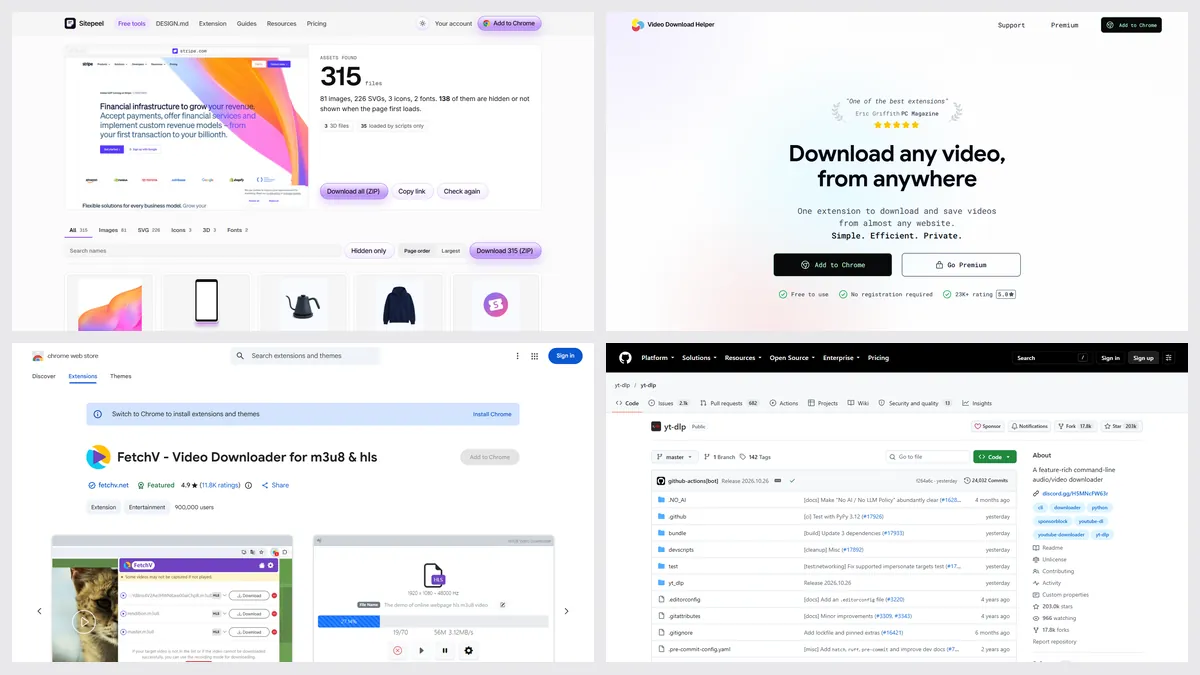
The best video downloader Chrome extensions in 2026 are Video DownloadHelper for streams on any browser, FetchV for free HLS to MP4, and Stream Recorder for live streams. Sitepeel finds every video file a page uses, from a link or in Chrome. For YouTube, use yt-dlp: Chrome extensions may not download it.
| Tool | Best for | Price | Works in |
|---|---|---|---|
| Video DownloadHelper | Streams on Chrome, Firefox and Edge | Free; Premium removes the stream limit | Chrome, Firefox, Edge |
| FetchV | Free HLS (m3u8) to MP4 | Free | Chrome, Edge |
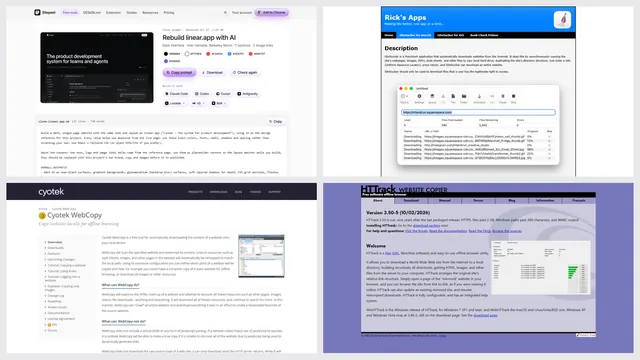
| Sitepeel | Every file a page uses, video included | A few free runs; extension paid once | Chrome extension and web |
| yt-dlp | YouTube and about 1,700 sites | Free, open source | Command line (Windows, macOS, Linux) |
| Stream Recorder | Live HLS streams to MP4 | Free, personal use only | Chrome |
| Video Downloader Professional | Plain video files, one click | Free | Chrome, Firefox, Edge |
| Chrome DevTools | One plain file, by hand | Free, built in | Chrome, Edge |
Which video downloader saves m3u8 streams?
| Feature | Sitepeel | Video DownloadHelper | FetchV | Stream Recorder | yt-dlp |
|---|---|---|---|---|---|
| MP4 and WebM files on a page | Yes | Yes | Yes | Partly | Yes |
| HLS (m3u8) saved as one MP4 | Partly, finds the playlist | Yes | Yes | Yes | Yes |
| DASH (mpd) streams | Partly, finds the playlist | Yes | Partly | No | Yes |
| YouTube | No | No, (Chrome) | No | No | Yes |
| From a link, nothing to install | Yes | No | No | No | No |
| Images, SVGs, Lottie and fonts too | Yes | No | No | No | No |
| DRM-protected video (Netflix) | No | No | No | No | No |
1. Video DownloadHelper
The long-running all-rounder, with 6 million Chrome users. It saves plain files and HLS or DASH streams from the page you have open, signed in or not, with no companion app since version 10.
- Pick it if you use Firefox or Edge too
- The free plan allows one stream download every two hours after the first three
2. FetchV
A free extension that joins the pieces of an HLS stream into one MP4, live streams included, with a recording mode when it can’t find the file. 900,000 Chrome users.
- Pick it for m3u8 videos and very large files
- No Firefox version; last store update September 2025
3. Sitepeel
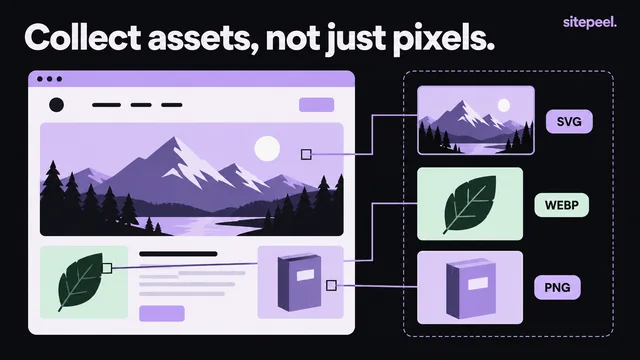
Paste a link and the free asset extractor lists every video the page loads, background and hidden ones too, next to its images, SVGs, Lottie files and fonts. In Chrome, the extension does the same on pages behind a login.
- Pick it when you want the whole page’s files, not just one video
- It finds HLS playlists but doesn’t join them into an MP4
4. yt-dlp
Not an extension: a free command-line program that downloads from YouTube and about 1,700 other sites, merges audio and video, and converts formats. It needs ffmpeg, and a JavaScript runtime for full YouTube support.
- Pick it for YouTube, playlists and batch jobs
Which one should you pick?
Questions
Can a Chrome extension download YouTube videos?
No. Google’s Chrome Web Store rules list “facilitating download of YouTube videos” as a reason to remove an extension. Use yt-dlp, a free command-line program, for YouTube.
What is the best free video downloader extension for Chrome?
For streams, FetchV is free with no limits. Video DownloadHelper is free too, with one stream download every two hours on its free plan. Sitepeel’s asset extractor finds every video file a page loads.
How do I download an m3u8 video as MP4?
Play the video with FetchV, Stream Recorder or Video DownloadHelper installed, then pick the stream in the extension. It joins the pieces into one MP4.
How do I download a video embedded in a website?
Paste the page’s link into Sitepeel’s free asset extractor to list every video it loads, or use an extension while the video plays. Our guide covers both.
Can these tools download Netflix or other protected video?
No. None of them saves DRM-protected streams, and they shouldn’t. Only save videos you have the right to keep.