On this page7
Step by step
Paste the link
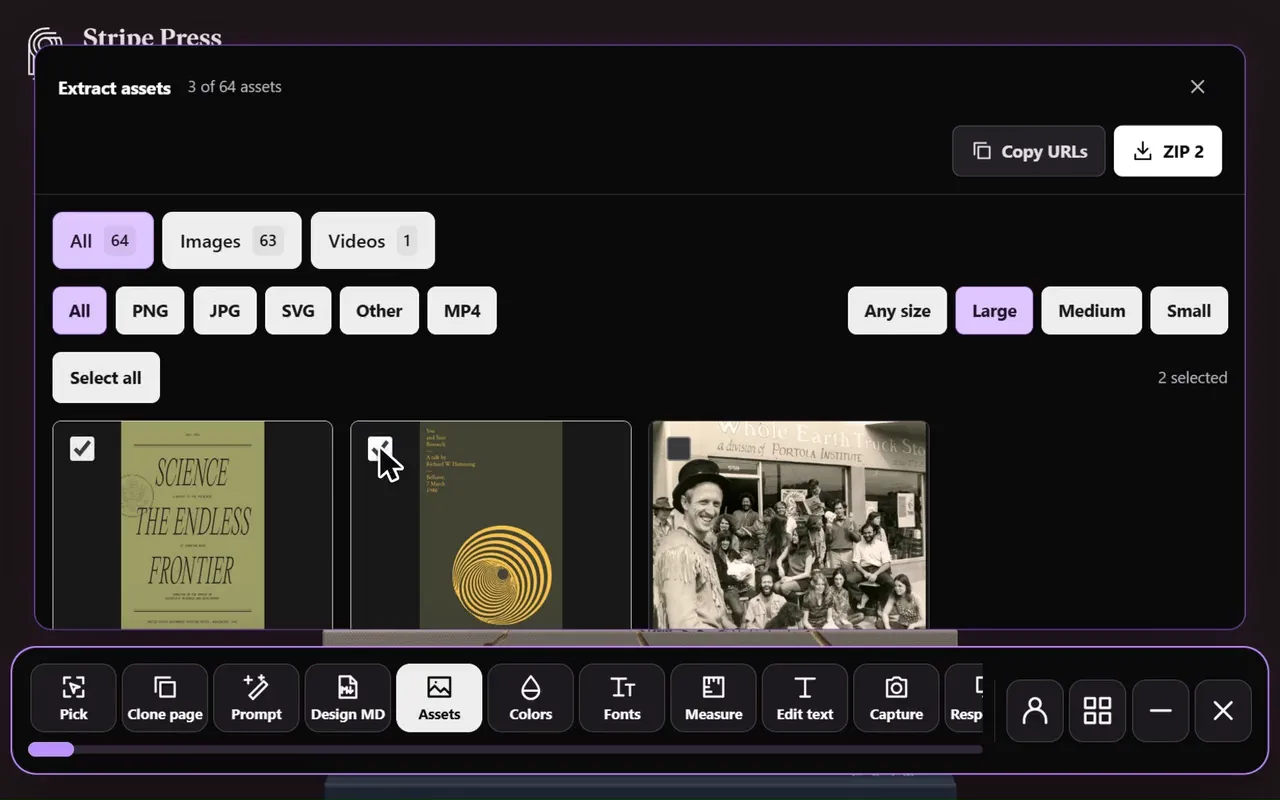
Paste the page’s link into the free asset extractor. Sitepeel opens the page, scrolls it and lists every file it loads.
Open the Animations tab
Lottie JSON, .lottie and .riv files are listed there. Most are marked hidden, because a script loads them.
Download the files
Open a file to see where it was found and its address, then download it, or press ZIP for all of them.
Play it
Drop the file into a Lottie viewer, or play it on your own page with lottie-web or dotlottie-web.
Lottie, dotLottie and Rive files
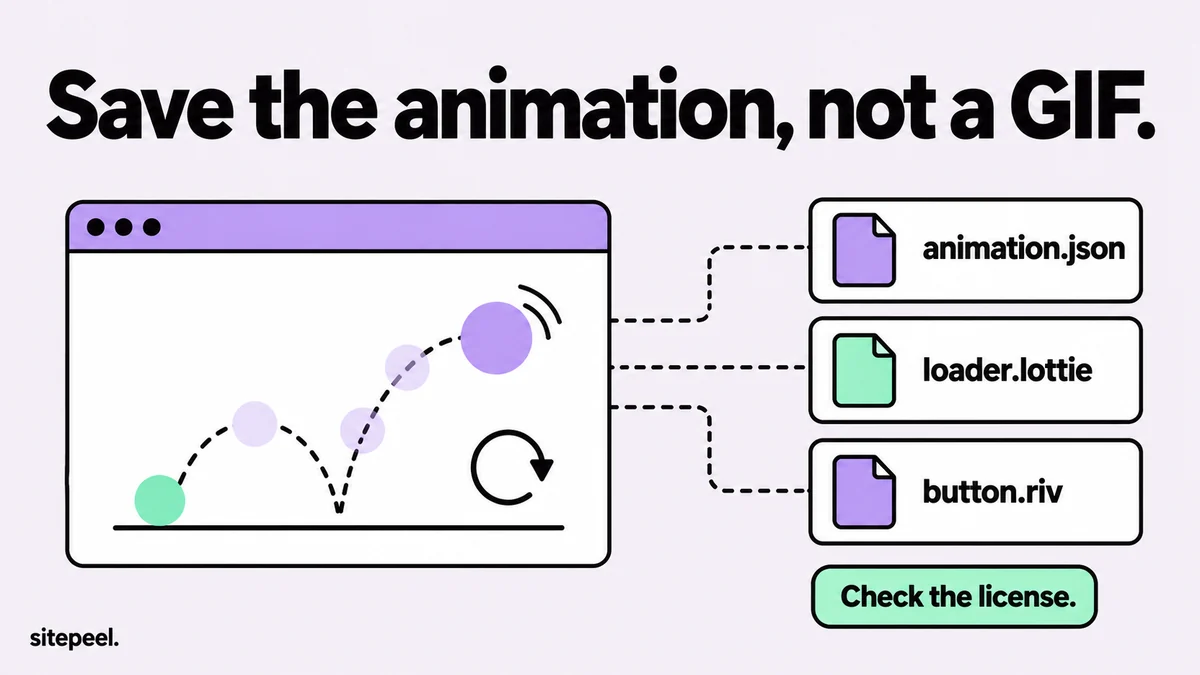
| File | What it is | Play it with |
|---|---|---|
| .json (Lottie) | Layers, shapes and keyframes as JSON, often exported from After Effects with Bodymovin | lottie-web, Lottie viewers |
| .lottie (dotLottie) | A zip with a manifest.json, one or more Lottie animations and their images | dotlottie-web, Lottie viewers |
| .riv (Rive) | The file Rive exports for its runtimes, often with states that react to hover and clicks | A Rive runtime |
What the asset extractor finds
It spots Lottie JSON by its content, so oddly named files still show up, and .lottie and .riv files by their address. On Headspace it found 15 Lottie JSON files and on LottieFiles over 20 .lottie files, each one downloadable.
- Files a script loads late, after the page settles, can be missed. Check DevTools for those.
- Animations that start only on a click or hover may not load at all.
- If a download fails, press Open original to get the file from the site itself.
Find animation files in DevTools
- Open DevTools, go to Network, tick Disable cache and reload the page.
- Scroll to each animation: many load only when they come into view.
- Type
json,lottieorrivin the filter box. - A Lottie JSON has top-level keys like
"v","fr","w"and"layers". Check it in the Preview tab. - In Elements, look for a
srcon<lottie-player>,<dotlottie-player>or<dotlottie-wc>. - Right-click the request, choose Open in new tab, then save the file.
Turn a .lottie file into JSON
A .lottie file is a zip archive, so any unzip tool opens it.
- Rename a copy from
.lottieto.zipand unzip it. - The animation JSON is in the
animationsfolder (ain newer files). - Pictures it uses are in
images(iin newer files). manifest.jsonlists the animations and how they play.
Can you reuse a downloaded animation?
A site’s own animations belong to its owner or the studio that made them, so ask first. Free animations on LottieFiles come with the Lottie Simple License, which allows commercial use; read the terms of anything else before you ship it.
Questions
How do I download an animation from a website?
If it is a Lottie or Rive animation, the page loads it as a file. Paste the link into a free asset extractor and open the Animations tab, or find the .json, .lottie or .riv request in the DevTools Network panel.
What is the difference between Lottie JSON and .lottie?
A .lottie file (dotLottie) is a zip holding one or more Lottie JSON animations, their images and a manifest, so it is usually smaller. lottie-web plays JSON; dotlottie-web plays both.
Why can’t I find the Lottie file in the Network tab?
It may load only when you scroll to it, come from the cache, or be built into a JavaScript file. Tick Disable cache, reload, scroll to the animation and filter by json.
How do I convert a .lottie file to JSON?
Rename a copy to .zip and unzip it. The animation JSON is in the animations folder (a in newer files), with any pictures it uses in images (i).
Can I use Lottie animations from other websites?
Only with permission. A site’s own animation belongs to its owner. Free LottieFiles animations come with the Lottie Simple License; check the terms of anything else before you use it.