On this page7
Feature by feature
| Feature | Sitepeel | CSS Peeper |
|---|---|---|
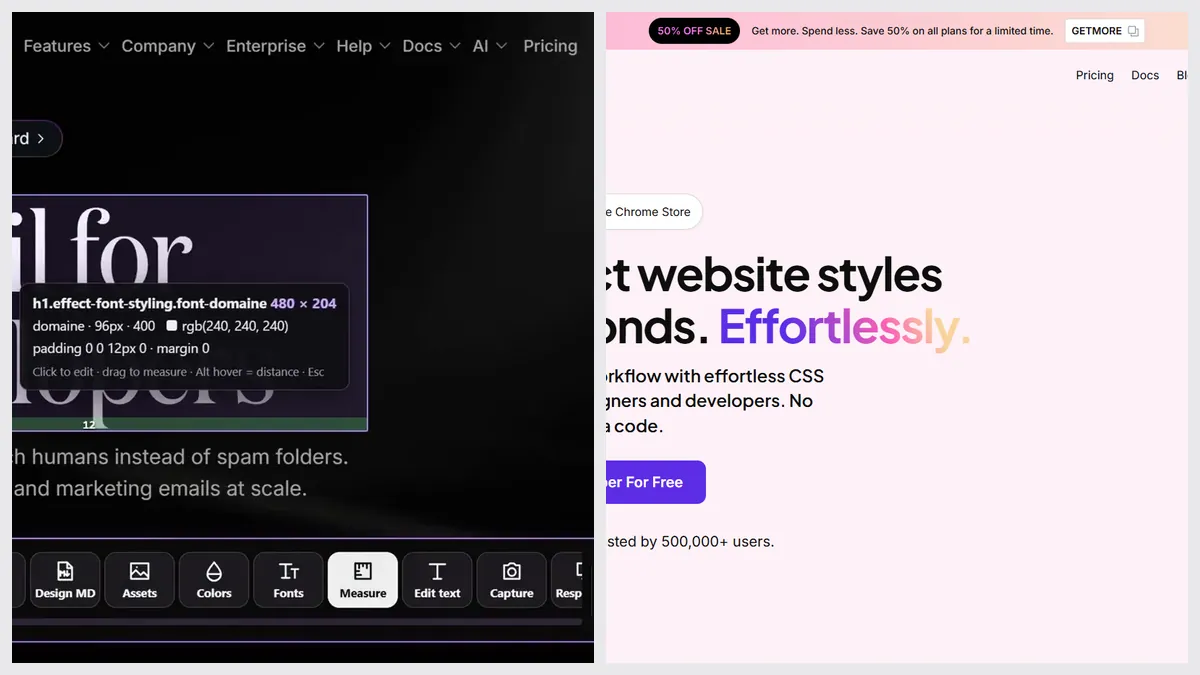
| Inspect CSS, fonts and colors | Yes | Yes |
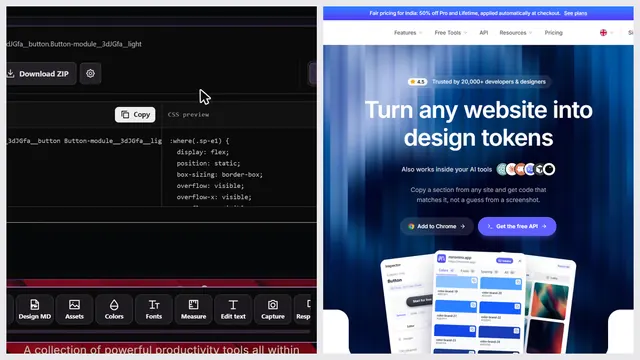
| Copy an element’s CSS | Yes, HTML and CSS | Partly, CSS only, on paid plans |
| Page color palette | Yes, also as a free web tool | Yes |
| Download images and SVGs | Yes, images, SVG, video, Lottie, 3D | Yes, images, icons and SVGs |
| Export the whole page | Yes, the rendered page | No |
| DESIGN.md for AI agents | Yes, extension and free web tool | No |
| Prompt that rebuilds a page with AI | Yes, Clone prompt | No |
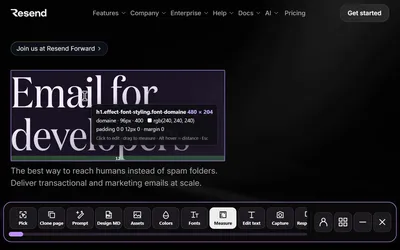
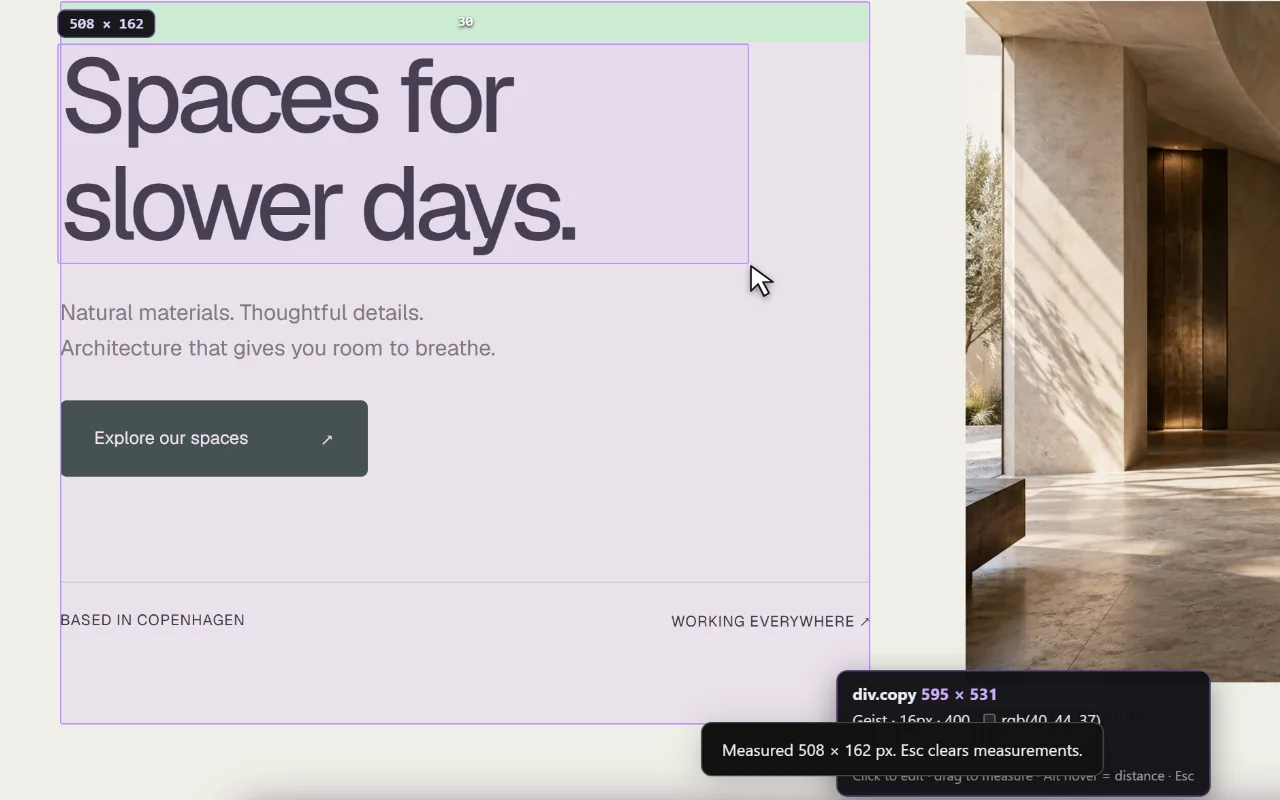
| Measure spacing | Yes | No |
| Screenshots with an editor | Yes, with an editor | No |
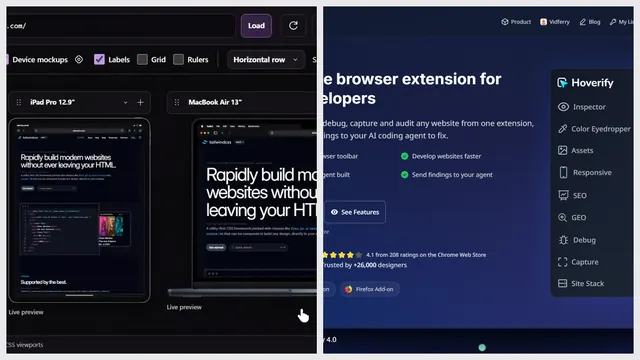
| Device preview | Yes, also as a free web tool | No |
| Contrast checker | No | Yes, on paid plans |
| Free tools from a link, no install | Yes, 9 free website tools | No |
Pick CSS Peeper if…
- You mostly read colors and type, and want the simplest panel
- You want a free plan inside the extension
- You want a contrast checker next to the colors
- A small monthly price suits you better than one payment
Pick Sitepeel if…
- You copy components as HTML and CSS, or export whole pages
- You hand designs to AI: Clone prompt and DESIGN.md
- You also measure, take screenshots or check screen sizes
- You don’t want a subscription
Pricing
CSS Peeper ran a 50% off code on October 27, 2026. Its terms say there are no refunds, so use the 7-day trial first.
| Plan | Sitepeel | CSS Peeper |
|---|---|---|
| Free | Free website tools, no install. Chrome extension free to install, with a 24-hour trial of every tool | Basic plan: inspector, 3 smart inspections a day, assets, palette export |
| Paid | Lifetime access, paid once (regional price) | Professional $2.49 a month, Ultra $4.99 a month (billed yearly) |
| Billing | One payment, no subscription | Yearly or monthly ($2.99 and $5.99). 7-day trial |
| Works in | Chrome extension (Chrome, Edge, Brave) and free website tools | Chrome |
CSS Peeper at a glance
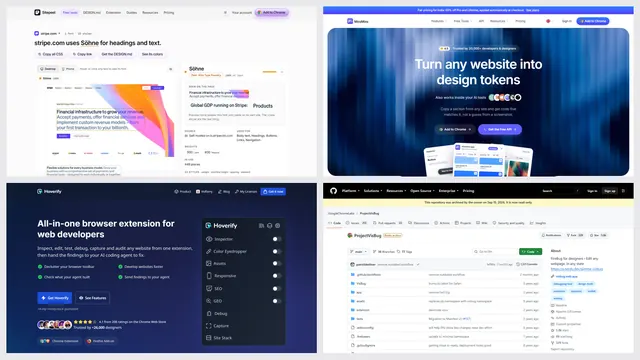
CSS Peeper is a long-running design inspector with about 500,000 users on the Chrome Web Store. It’s made for designers who want answers, not DevTools.
The verdict
Questions
Is CSS Peeper free?
Yes, it has a free Basic plan with the inspector, asset downloads, palette export and 3 smart inspections a day. Copying CSS and unlimited inspections need a paid plan.
Is CSS Peeper on Firefox?
Not officially. We found it only on the Chrome Web Store in October 2026.
Is Sitepeel a CSS Peeper alternative?
Yes. Sitepeel inspects fonts, colors and spacing too, and adds code export, Clone prompt, DESIGN.md, screenshots and a device preview. Its website tools are free and need no install.