On this page7
The short list
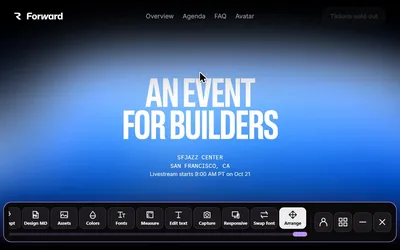
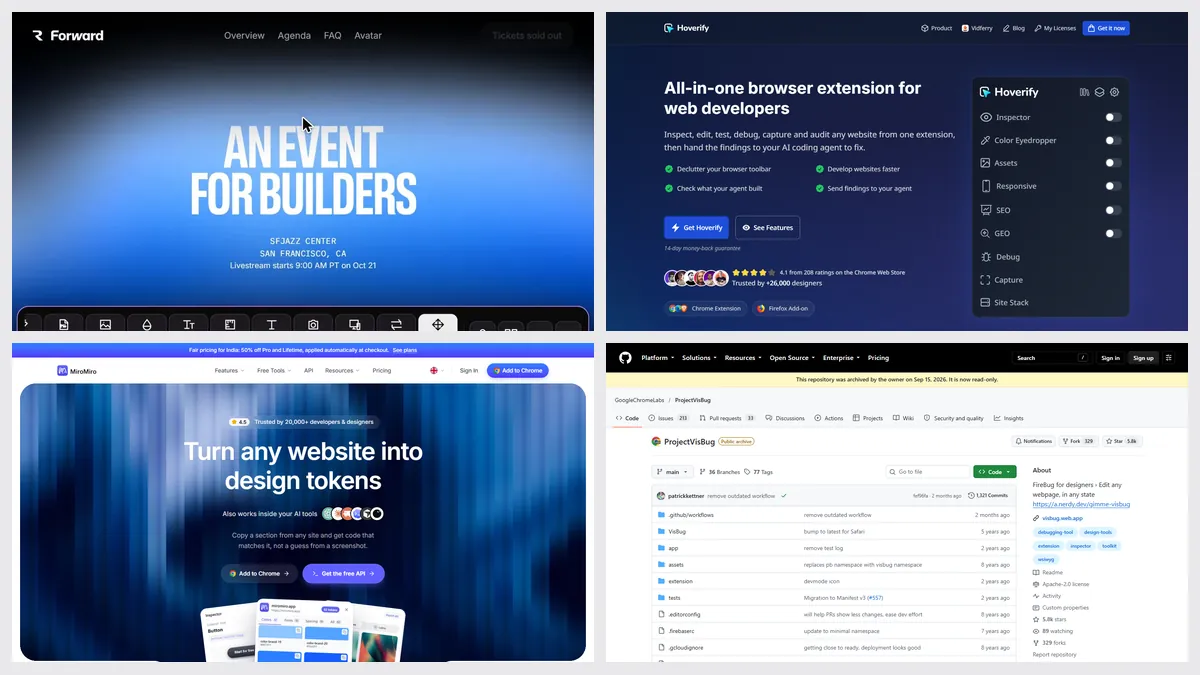
VisBug made a live page feel like a design tool: drag, nudge, resize, restyle. The GitHub project is now read-only, and the last store update was in 2024.
| Tool | Best for | Price | Works in |
|---|---|---|---|
| Sitepeel | Quick mockups on a live page | Free web tools; extension paid once | Chrome extension and web |
| Hoverify | Live CSS editing | $30 a year or $89 once | Chrome, Firefox |
| MiroMiro | Edit, then copy the code | Free plan; Pro €12 a month or €99 once | Chrome, Firefox |
| Chrome DevTools | Free, exact edits | Free, built in | Chrome |
| VisBug | If it still works for you | Free, open source | Chrome, Edge, Firefox |

1. Sitepeel
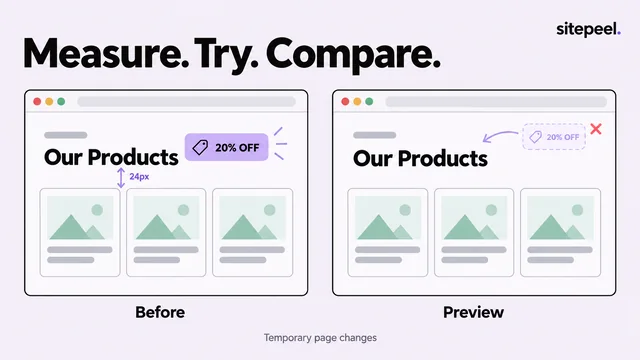
Sitepeel’s Move & delete, Edit text and Swap fonts tools let you rearrange a live page, try new words and test fonts, with undo. Measure checks spacing, and Screenshot captures the result.
- No free-form CSS editing like VisBug’s style tools
- Changes stay in your tab
2. Hoverify
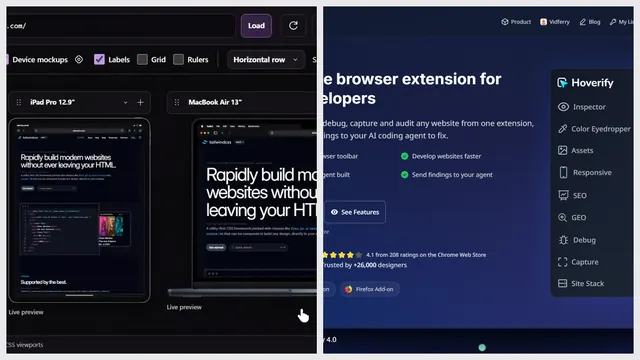
Hoverify’s inspector edits CSS live, media queries and animations included, and has rulers, device previews and screenshots.
3. MiroMiro
MiroMiro’s free plan includes a live style editor for colors, fonts, spacing, borders and shadows. Copying the result as CSS or Tailwind needs Pro.
4. Chrome DevTools
The Elements panel edits any style or element, and the device toolbar tests sizes. It’s less visual than VisBug, but it’s always up to date.
Which one should you pick?
Questions
Is VisBug discontinued?
Its GitHub project was archived on September 15, 2026, which means no more updates. The Chrome, Edge and Firefox listings were still up in October 2026.
What is the best free VisBug alternative?
Chrome DevTools is free and built in. MiroMiro’s free plan has a live style editor. Sitepeel’s website tools are free; its page editing tools are in the paid Chrome extension.
Can I save the changes I make on a live page?
Not to the real site. Take a screenshot, or copy the edited element’s code with a tool like Sitepeel, MiroMiro or Hoverify.