On this page8
The short list
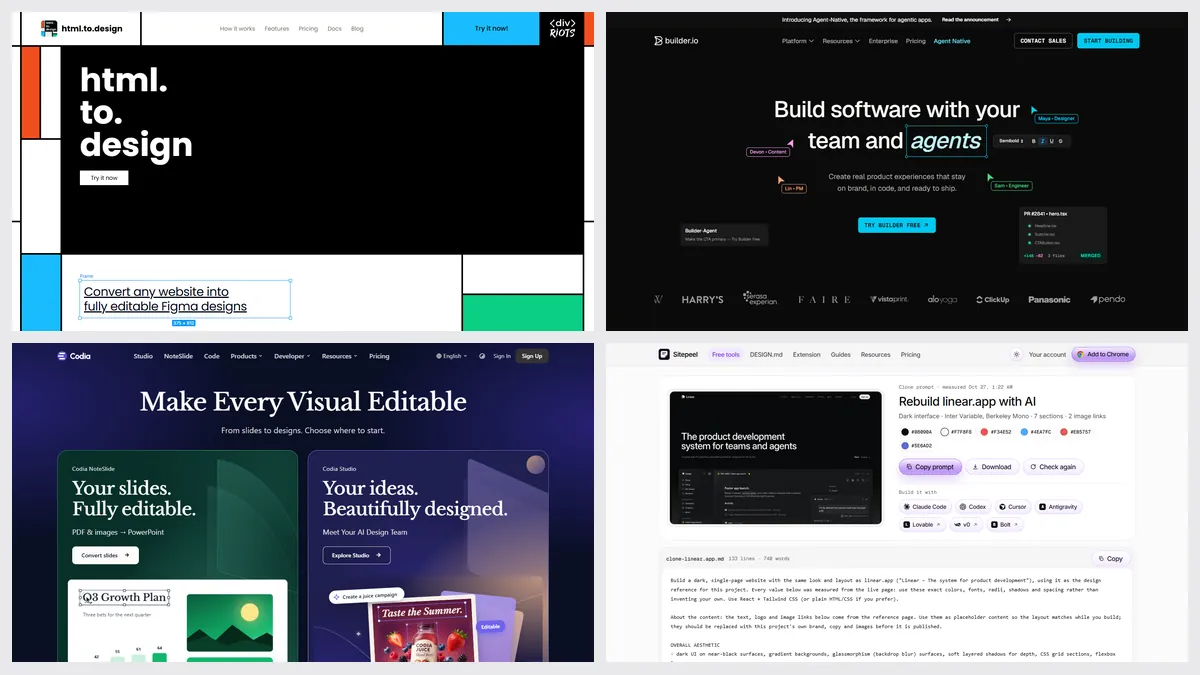
html.to.design has 700,000 Chrome users and a 4.5 rating. People look elsewhere for more free imports, a lower price, or because the next step is code and not Figma.
| Tool | Best for | Price | Works in |
|---|---|---|---|
| Codia Web2Figma | A free Figma plugin with viewports | 10 free credits a month; Pro on its site | Figma, Chrome |
| Export to Figma | A low price, paste into Figma | 10 exports a month free; Pro $1 a month at launch | Chrome, Figma |
| HTML to Figma | Pixel or editable modes | 10 manual imports once; $12 a month or $96 a year | Figma |
| Sitepeel | HTML, a prompt and a DESIGN.md | Free web tools; extension free to start, paid once | Chrome extension and web |
| Builder.io | A free import, paid extras | Free features with no card; premium extras | Figma, Chrome |
| html.to.design | Whole pages as editable layers | 10 a month free; Pro $12 a month billed yearly | Figma, Chrome |
1. Codia Web2Figma
Paste a link, pick desktop, tablet or mobile, and Codia rebuilds the page as editable text, images and frames. It runs on Figma’s free plan, and a Chrome extension captures pages behind a login.
2. Export to Figma
A Chrome extension that captures a page or an element, then you paste it into Figma as layers. The free plan has 10 exports a month, and Pro is unlimited at an introductory price.
3. HTML to Figma
A Figma plugin with no extension: paste HTML, or capture a public link in Pixel or Editable mode. Its free trial covers pasted HTML only, and link capture needs a license. It says editable results can need cleanup.
4. Sitepeel
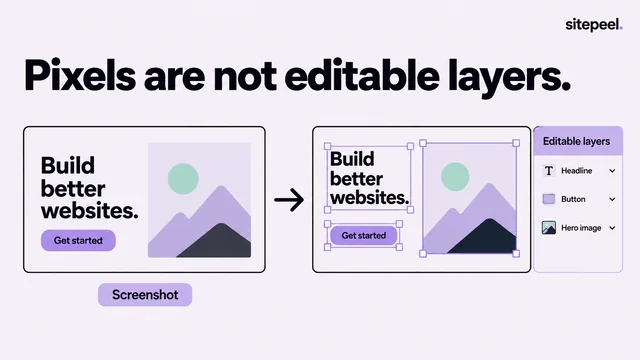
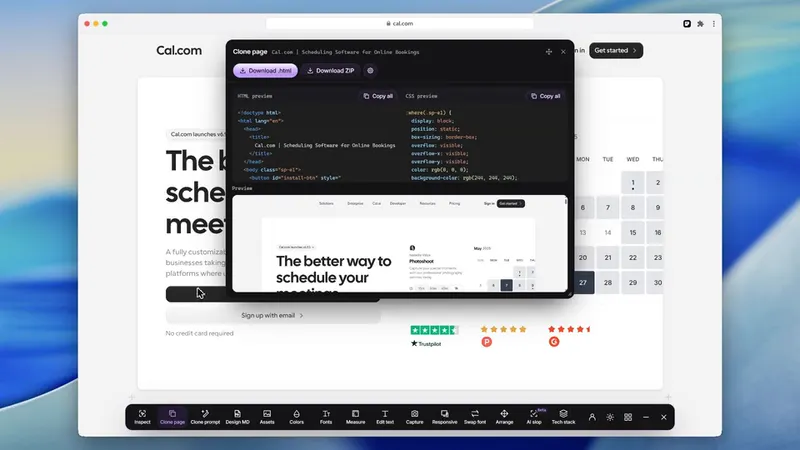
Sitepeel doesn’t make Figma layers. It gives you the page’s HTML and CSS, a Clone prompt that rebuilds it with AI, a DESIGN.md and its files. Pick it when the next step is code.
When html.to.design is the better pick
- You want a whole page in Figma with auto layout and styles
- You import many links or files at once on Pro
- You want several viewports and themes in one import
- You capture pages behind a login with its Chrome extension
Which one should you pick?
Questions
Is html.to.design free?
Yes, for 10 imports, then 10 a month with a free divRIOTS ONE account, no card needed. Pro is $12 a month billed yearly or $18 monthly, with a fair use cap of 1,000 imports per 30 days.
What is a free alternative to html.to.design?
Codia Web2Figma has 10 free credits a month, Export to Figma has 10 free exports a month, and Builder.io’s plugin has free features with no card.
Does Sitepeel import websites into Figma?
No. Sitepeel gives you HTML and CSS, a Clone prompt, a DESIGN.md and the page’s files. For editable Figma layers, use one of the plugins here.
Can these copy a page behind a login?
html.to.design and Codia say their Chrome extensions can. HTML to Figma takes pasted HTML from your own browser. Sitepeel’s Chrome extension works on signed-in pages too, as code.