On this page7
The short list
Page Ruler Redux was a simple ruler for pixels. Its Chrome Web Store page now says “This item is not available”, so people need a new way to measure.
| Tool | Best for | Price | Works in |
|---|---|---|---|
| Sitepeel | Measuring plus inspecting | Free web tools; extension paid once | Chrome extension and web |
| Hoverify | Rulers in a dev toolbox | $30 a year or $89 once | Chrome, Firefox |
| VisBug | Free spacing checks | Free, open source | Chrome, Edge, Firefox |
| Chrome DevTools | Free and exact | Free, built in | Chrome |
1. Sitepeel
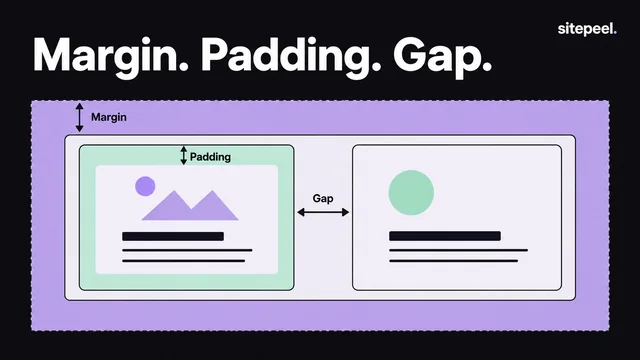
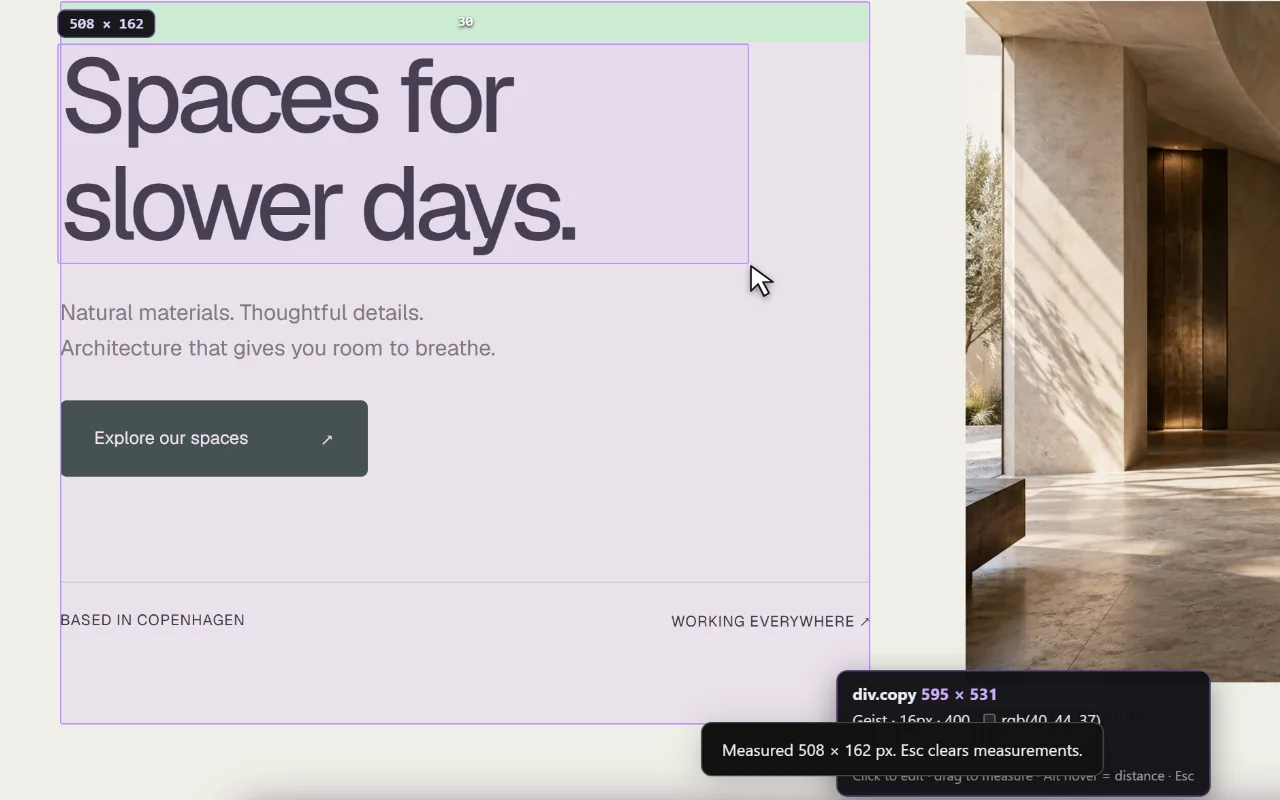
Sitepeel’s Inspect & measure shows an element’s size, padding and margins on hover, and measures the distance between any two elements. The rest of the toolkit copies code, fonts, colors and screenshots.
2. Hoverify
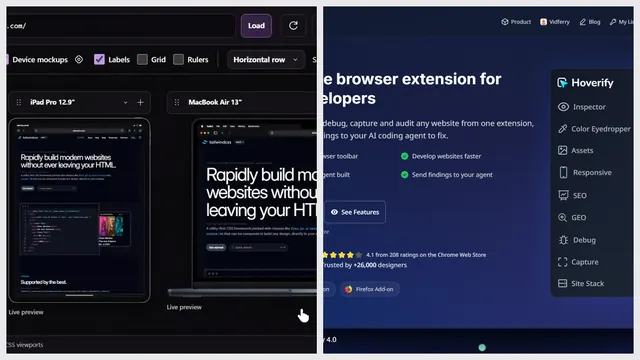
Hoverify’s inspector has a CSS box view (padding, margin, border, size) and ruler guidelines, next to its other dev tools.
3. VisBug
VisBug measures spacing and distance between elements, free. It was archived in September 2026, so it won’t get fixes.
4. Chrome DevTools
Inspect an element to see its box model with exact sizes, padding, border and margin. Hover elements in the Elements panel to see them on the page.
Which one should you pick?
Questions
What happened to Page Ruler Redux?
Its Chrome Web Store page says “This item is not available”, so it can’t be installed. We couldn’t find a reason on the store.
How do I measure the distance between two elements?
Sitepeel’s Inspect & measure checks sizes, padding and margins and measures the distance between elements. VisBug and Hoverify measure spacing too.
Can I measure a page without an extension?
Yes. Chrome DevTools shows each element’s size, padding and margin in the box model when you inspect it.