On this page8
The short list
Video DownloadHelper has 6,000,000 Chrome users and about 20 years behind it. People look elsewhere because of the limit on stream downloads, or because a video won’t download.
| Tool | Best for | Price | Works in |
|---|---|---|---|
| CocoCut | Free streams and a recording mode | Free; Premium price not published | Chrome, Edge |
| FetchV | Free HLS and DASH to MP4 | Free | Chrome, Edge, Firefox |
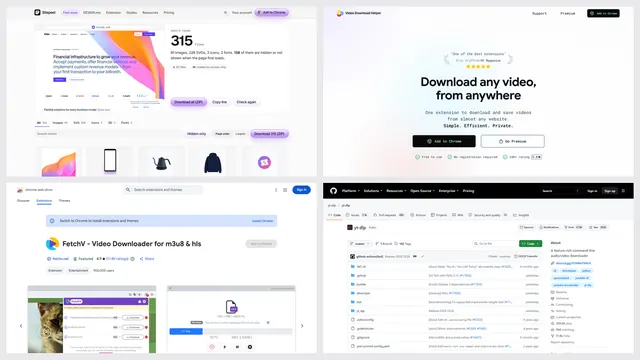
| Sitepeel | A site’s own video files, from a link | A few free runs; extension paid once | Chrome extension and web |
| Video Downloader Professional | Plain files, one click | Free | Chrome, Firefox, Edge |
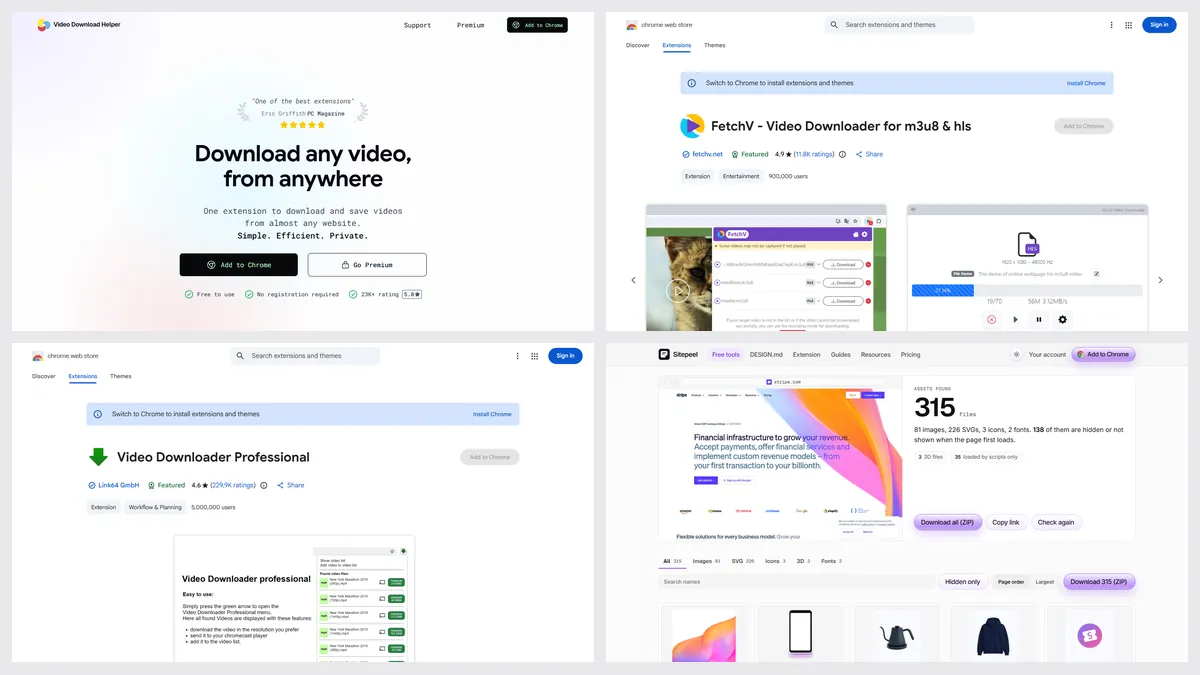
| Video DownloadHelper | Streams on three browsers | Free with limits; Premium yearly or lifetime | Chrome, Firefox, Edge |
Video DownloadHelper not working? Check these
- YouTube: not supported in the Chrome version, its listing says
- A wait for stream downloads: the free plan allows 1 every 2 hours after the first 3
- A message about the companion app: update to version 10 or later, which no longer needs it
- No video found: play the video first, then open the extension
- Protected video: tools like this can’t save DRM streams
1. CocoCut
CocoCut saves video and audio, including HLS and live streams, with no account, and has a recording mode for videos that are hard to find. It has 900,000 Chrome users and a 4.8 rating.
- Premium adds batch downloads, higher quality and no ads
2. FetchV
FetchV saves HLS, DASH and live streams as MP4, with a record mode as a fallback. Its site says it’s 100% free with no sign-up. It has 900,000 Chrome users and a 4.9 rating.
- No YouTube or DRM video, and no promise that every player works
3. Sitepeel
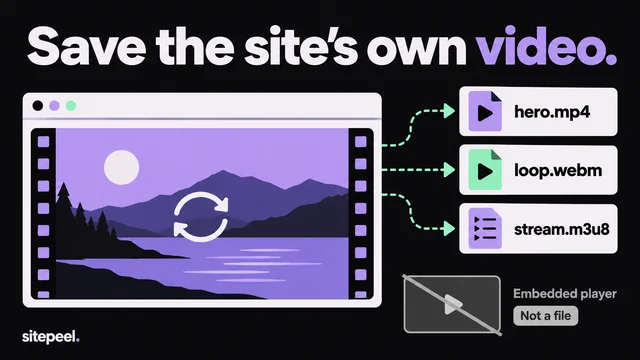
Paste a link and Sitepeel lists the videos the page loads, background ones too, with its images, SVGs and fonts. It takes a site’s own files, not YouTube or Vimeo. Stream tools like CocoCut and FetchV beat it on HLS.
When Video DownloadHelper is the better pick
- You use Firefox or Edge as well as Chrome
- You save HLS, DASH and live streams, and want a lifetime license
- Plain file downloads are all you need: those are unlimited on the free plan
Which one should you pick?
Questions
Is Video DownloadHelper safe?
We didn’t audit it. It has run for about 20 years, with 6,000,000 Chrome users and a 4.7 rating from 36.3K ratings. Install it from the official store listing or downloadhelper.net.
Do I need the Video DownloadHelper companion app?
Not since version 10.0 in December 2025. Update the extension to the current version, and it downloads without the app.
Why is Video DownloadHelper not working?
Usually it’s YouTube, which the Chrome version doesn’t support, the free limit on stream downloads, an old version asking for the companion app, or a protected video.
Is Video DownloadHelper free?
Yes. Plain file downloads are unlimited. Stream downloads are 3 on install, then 1 every 2 hours. Premium is yearly or lifetime; we saw ₹900 and ₹1,700 from India, so check your own price.
Can these extensions download YouTube?
No. FetchV and Video DownloadHelper say so on their listings, and Chrome’s store rules don’t allow it. See our best video downloader list for what does.