On this page6
Side by side
People mix these up because the names are so close. They do different jobs: one reads a page, the other reads a picture.
| WhatFont | WhatTheFont | |
|---|---|---|
| What it reads | The CSS of a live page | An uploaded image or photo |
| Made by | chengyinliu.com | MyFonts |
| Price | Free | No price stated; iPhone app free |
| Works in | Chrome, Chromium browsers, Safari, bookmarklet | Web, iOS, Android, ChatGPT |
| Languages | Any text a page renders | Latin text only |
| Shows | Font, size, weight, color, CSS | Matches from 400K+ font styles on MyFonts |
| Ratings | 3.8 on Chrome (2.1K ratings) | 2.4 on the App Store, 3.2 on Google Play |
| Latest update | Version 3.3.0, October 12, 2026 | Google Play, October 5, 2026 |
Use WhatFont if…
- The text is live on a web page
- You want its size, weight and CSS too
- You want to copy the CSS with a click
Use WhatTheFont if…
- The text is in a logo, screenshot or photo
- You want to buy the match on MyFonts
- You’re on your phone, away from a browser
Where Sitepeel’s font finder fits
Neither tool lists every font on a page at once. Paste a link into Sitepeel’s free font finder to get every font that renders, with weights, sizes, where each appears, where to get it and free look-alikes. It reads pages, not pictures.
The verdict
Questions
What is the difference between WhatFont and WhatTheFont?
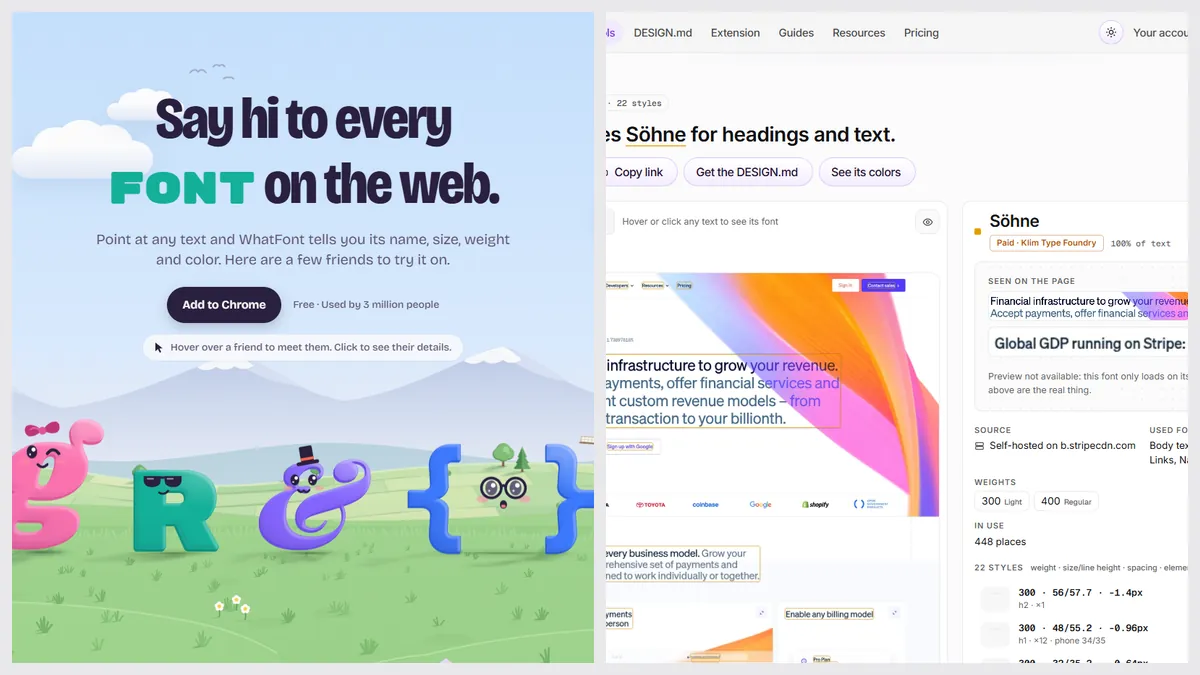
WhatFont is a browser extension that reads a live page’s CSS. WhatTheFont is a MyFonts tool that matches an uploaded image. Use the first for web text and the second for pictures.
Is WhatTheFont free?
The MyFonts page states no price or limit, and the iPhone app is listed as free. We found no paid plan for it, but MyFonts doesn’t say so in words.
Is there a WhatTheFont Chrome extension?
We found none from MyFonts on the Chrome Web Store. WhatTheFont works on the web, on iOS and Android, and through ChatGPT by typing @MyFonts.
Does WhatTheFont work on Japanese or Chinese text?
No. MyFonts says it supports Latin text only. Images must be PNG or JPG, under 5MB and at least 50 by 50 pixels.
Is WhatFont free?
Yes, on Chrome and in Safari on Mac, iPhone and iPad, with no account.