

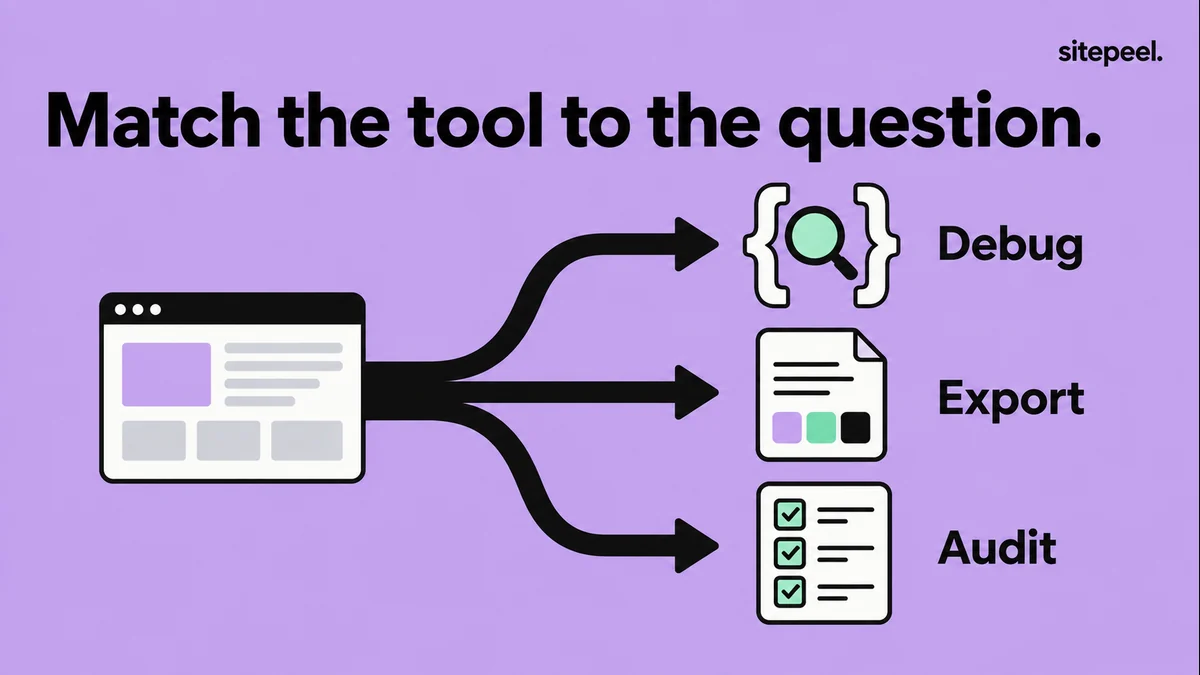
Choose by the output you need
Start with what you need to take away: an explanation of a broken layout, a reusable design reference, or a report of issues to investigate. That choice is more useful than a long list of extensions with overlapping features.
We make Sitepeel. This comparison is based on our own website inspection and export checks, our recorded Lighthouse audit, and the official documentation linked below. It is a task comparison, not an independent ranking or a speed benchmark. Chrome DevTools and Lighthouse do not require a separate design extension for the workflows described here.
| Tool | Use it for | Keep in mind |
|---|---|---|
| Chrome DevTools | Investigating CSS rules, layout and browser behavior. | Inspection changes need to be carried back into your source project. |
| Sitepeel | Collecting design details, rendered HTML/CSS and Design MD. | Exports do not recover the original application or its backend. |
| Lighthouse | Finding page quality issues in an audit report. | Automated checks do not replace manual review or real-user measurements. |
Chrome DevTools: understand why the page behaves that way
Choose DevTools when the question is about cause: which rule sets this width, why is this declaration overridden, or what changes at a breakpoint? Inspect the element, compare the Styles and Computed views, and examine its parent container.
For example, if a heading wraps differently from the reference, compare the font that actually loaded, the available width and the relevant CSS. Change one value at a time and observe the effect. A local experiment helps identify the fix; the lasting change belongs in your project.
This is a strong starting point for CSS debugging. If your main task is collecting many design observations into a handoff document, plan how you will record and organize the findings as you inspect.
Follow a complete website design inspection workflow
Sitepeel: take a design reference into your project
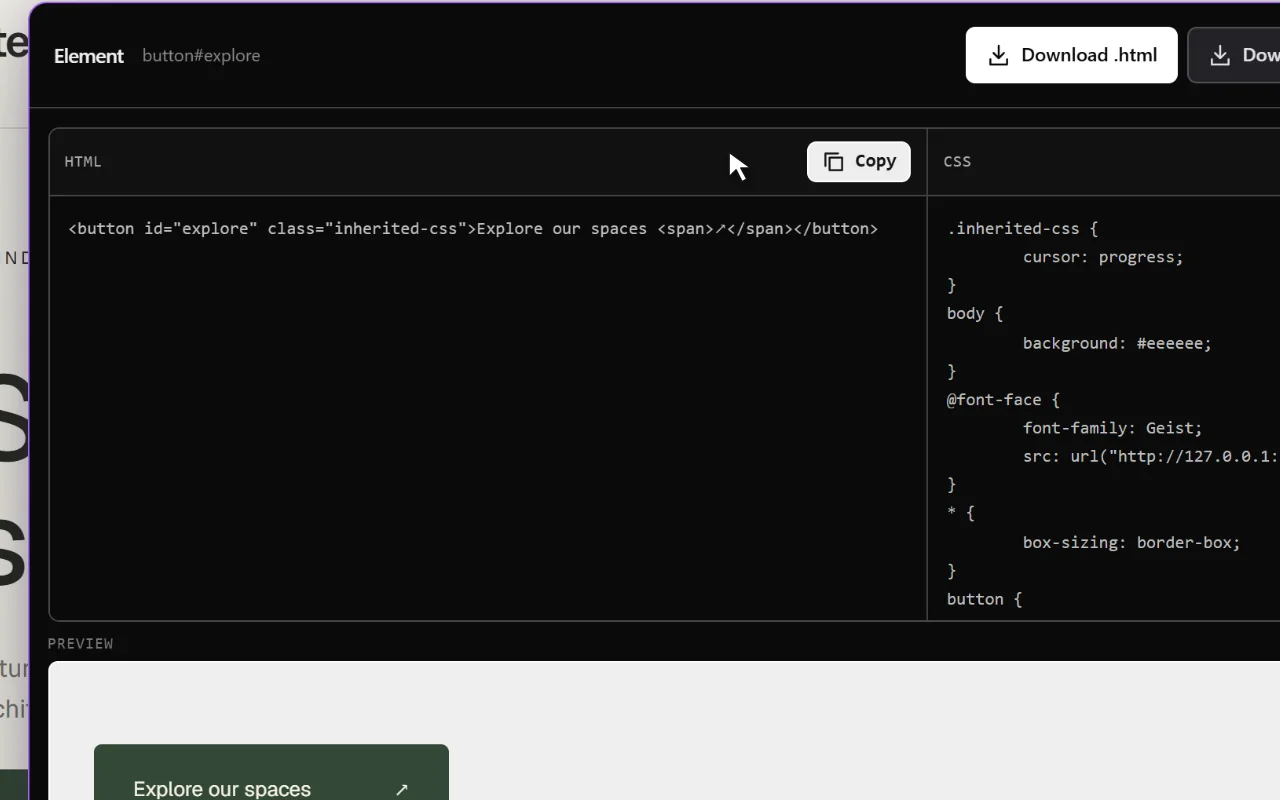
Choose Sitepeel when you want an output you can reuse: an element’s rendered HTML and CSS, a current-page snapshot, a reviewed color palette or a Design MD reference. Its tools group common collection tasks inside a desktop browser extension.
A practical exercise is to select one button, review the HTML and CSS preview, and export it. Then check the result in your own project. Fonts, inherited styling and external assets can still need attention; the output is not the original component source.
For an AI workflow, use Design MD for recurring visual decisions and a design prompt for the particular page you want to build. Review both before handing them off. Sitepeel is designed for Chrome, Edge and Brave on desktop; website demos can be tried before installing. Current lifetime terms are shown in the site’s pricing section.
Lighthouse: turn page checks into an issue list
Choose Lighthouse when you want an automated report covering performance, accessibility, best practices and SEO. It can run from Chrome DevTools or the command line. Use each finding to decide what to investigate next.
We used Lighthouse on Sitepeel’s homepage during our September 18, 2026 review. The report separated audit findings into categories, giving us a different output from a CSS inspection or a design export. It did not produce a reusable component or establish a Google ranking.
Keep test conditions consistent when comparing runs. Review the underlying findings rather than treating the score as a complete assessment of the website. Keyboard use, content clarity and real-device behavior still need attention.
Use the three tools in one review
Suppose you are rebuilding a product page you own. First, use DevTools to understand its containers, responsive changes and confusing style rules. Write down uncertainties before copying anything.
Next, use Sitepeel to collect only the reference you need: one element, the current page, or a design document. Adapt that reference to your own content and implement the required navigation, forms and states in your application.
Finally, run Lighthouse against the page you built. Investigate its findings, then manually check the main visitor task with a keyboard and a narrow viewport. Keep the source reference, implementation and audit notes separate so you can see which problem belongs to which stage.
Try the same small task before choosing an extension
If you are looking for the best browser extension for web design, compare tools on a task you actually repeat. Use one page, one viewport and one component. Check the usefulness of the output, supported browsers, installation permissions and purchase terms.
Avoid scoring a tool for a job it does not claim to do. An audit report and an HTML export are different deliverables. This checklist helps you record what happened without inventing a universal winner.
# Browser tool comparison

Task: [inspect a layout, export an element, or audit a page]
Page and viewport: [use the same conditions]
Tool and version: [record what you tried]

- [ ] It completes the task I need.
- [ ] I can understand and reuse its output.
- [ ] Missing fonts, assets or states are clear.
- [ ] It works in my browser and workflow.
- [ ] I understand permissions and data handling.
- [ ] I checked current pricing and access terms.

Observed result: [what actually happened]
Limitations: [what needed another tool or manual work]
Decision: [use it for a specific task, with reasons]