On this page6
Step by step
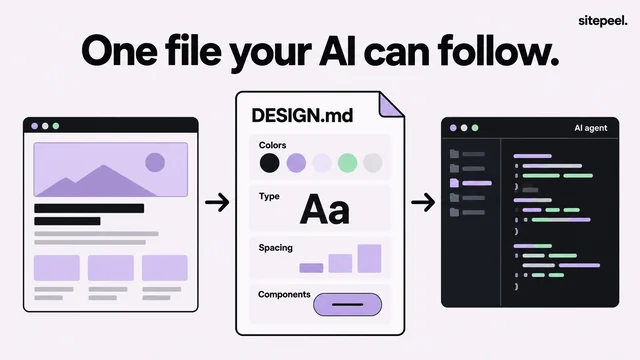
Save the file in your project
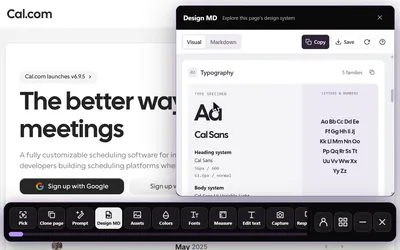
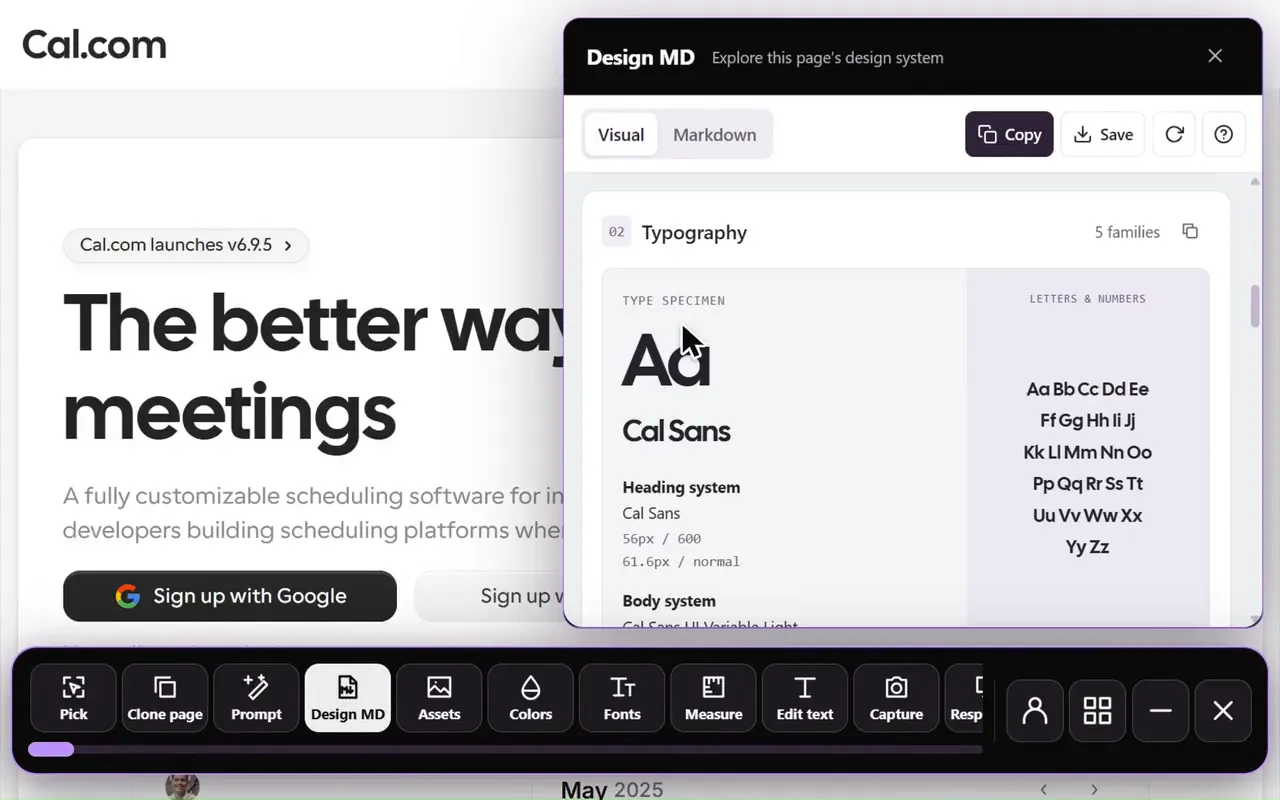
Export and review DESIGN.md, then save it at a clear path such as
docs/DESIGN.md.Point the assistant at it
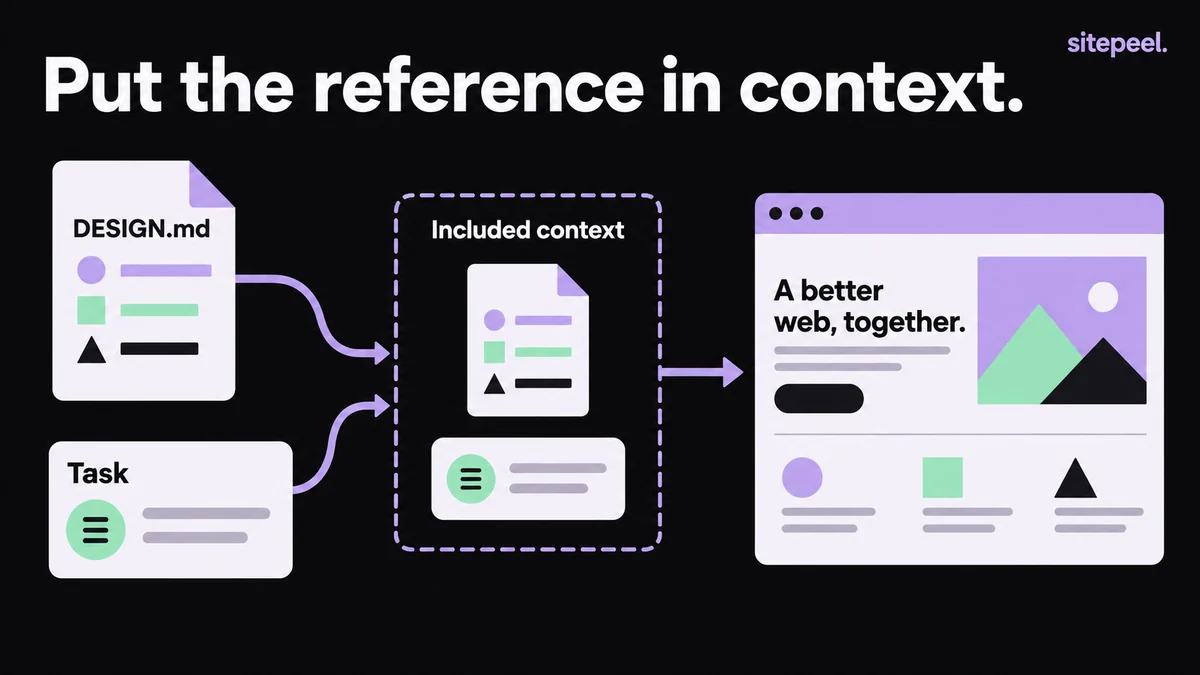
Attach the file or give its project path. In a chat without file access, paste the relevant Markdown.
Check what it read
Ask it to name the file and summarize the colors, type and spacing it will use. Fix gaps first.
Ask for one complete task
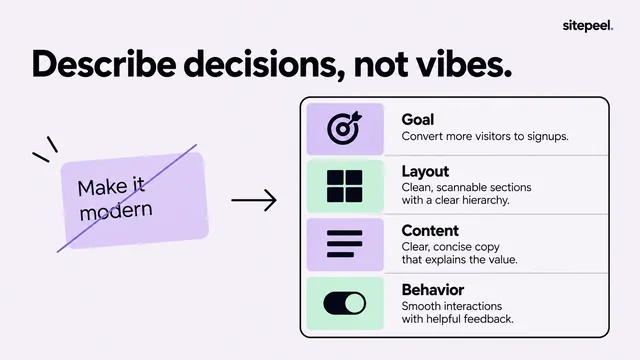
Describe one page or component: its content, main action, states and the framework you already use.
Review against the reference
Compare hierarchy, width, type and spacing, then test keyboard use, long labels and a small screen.
Prompt: check what the assistant read
Run this before any build. Missing sections or invented values in the reply mean the context needs fixing first. For a large file, send only the sections the task needs.
Read docs/DESIGN.md before proposing changes.
Identify the file and sections you used.
Summarize the documented color roles, typography and spacing.
List missing information separately; do not invent measured values.
Use that reference for the build task that follows.- Generate and review the reference before handing it off
- Start from a real DESIGN.md example
- Troubleshoot an assistant that ignores the design reference
Prompt: ask for one complete task
Don’t ask for the whole app at once. One representative section shows whether type, spacing and interactions are right before they spread.
Read docs/DESIGN.md and inspect the existing components.
Build the project overview page using the current stack.
Show the project name, status, recent activity and next action.
Include loading, empty and error states.
Use semantic controls with visible keyboard focus.
Check the layout at 390px and 1440px.
Explain any design decisions the reference does not cover.Review the result
- Hierarchy, content width, type scale, spacing and action placement match the file.
- Keyboard navigation works and focus is visible.
- Long labels and a small viewport don’t break the layout.
- If you give the same correction twice, add it to DESIGN.md.
Rules files and project memory
Keep the design decisions in DESIGN.md itself, and check your editor’s current docs before choosing a rule format.
| Assistant | Where to point it at DESIGN.md |
|---|---|
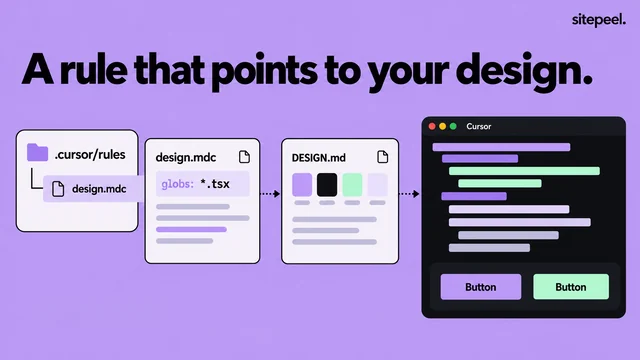
| Cursor | A project rule |
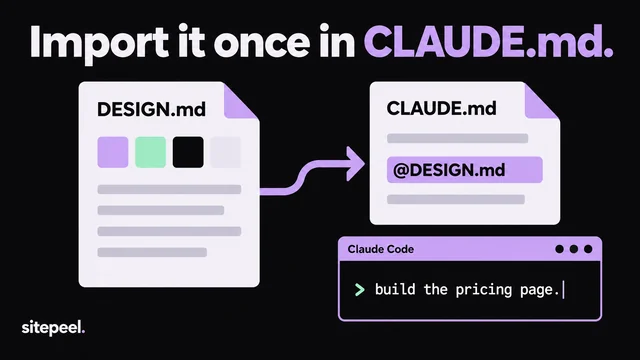
| Claude Code | Project memory (CLAUDE.md) |
| Any assistant | The file path, in each request |
Questions
Does Cursor or Claude Code read DESIGN.md automatically?
Don’t assume so. Attach the file, name its path in your request, or point a Cursor project rule or Claude Code’s CLAUDE.md at it.
Where should I save DESIGN.md?
Anywhere with a clear project path, such as docs/DESIGN.md. What matters is that you can reference it exactly.
What if the AI ignores my design file?
Ask it to name the file and summarize the rules it will use. If the summary is wrong or thin, fix the context before asking for a build.