On this page6
Step by step
Open the PDF
Click the link. Chrome, Edge, Firefox and Safari open PDFs in their own viewer.
Press the download button
Use the download arrow in the viewer’s toolbar, or press Ctrl+S (Cmd+S on a Mac).
Or save the link
Right-click the PDF link and choose Save link as to download it without opening it.
Find an embedded PDF
No link? Open DevTools, go to Network, type pdf in the filter, reload and open the request.
Where the PDF lives
| How the page shows it | What you see | How to save it |
|---|---|---|
| A link to a .pdf file | The PDF opens in a new tab | The viewer’s download button, or Save link as |
| An embedded viewer | A PDF inside a box on the page | Find its address in Elements or Network |
| A download button | A script fetches the file when you click | It saves on click; if not, check Network |
| Pages shown as pictures | A custom viewer of page images | No PDF to save: ask the owner for it |
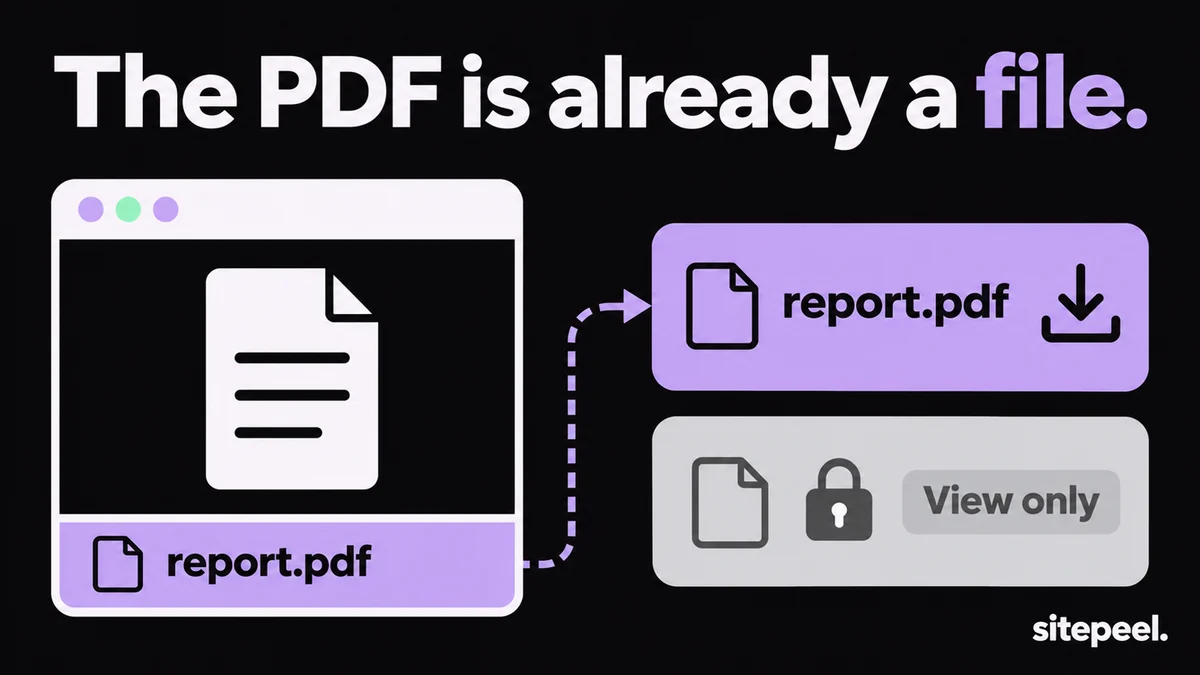
| A view-only document | Download is turned off | Ask the owner; don’t get around it |
Download an embedded PDF
- Open DevTools (F12), go to Network, type
pdfin the filter and reload the page. - Wait for the viewer to load, then right-click the request and choose Open in new tab.
- Or in Elements, press Ctrl+F and search
.pdfto find thesrcof an<iframe>,<embed>or<object>. - In Firefox, right-click the PDF and choose This Frame > Open Frame in New Tab.
- An address with
viewer.html?file=holds the real file’s address afterfile=.
Download all PDFs from a website
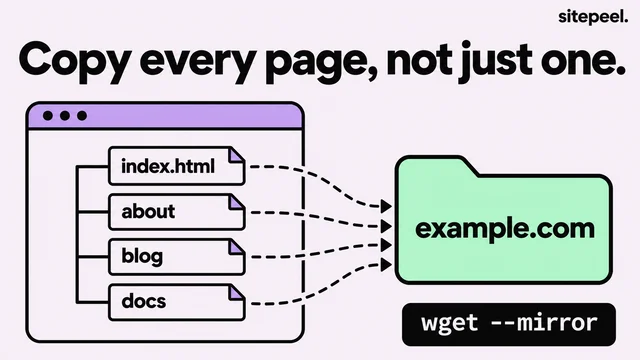
wget, a free command-line tool, can follow a site’s links and keep only the PDF files. Point it at the folder that lists them.
--level=2follows links two pages deep. Raise it for bigger sites.--no-parentkeeps it inside that folder.--wait=1waits a second between files, so you don’t overload the site.
wget --recursive --level=2 --no-parent --no-directories --accept pdf --wait=1 https://example.com/docs/When the PDF won’t download
- Download is turned off, as in a view-only shared file: the owner chose that, so ask them for a copy.
- Only page pictures load: the site never sends the PDF, so there is nothing to save.
- The link has expired: reload the page and download it right away.
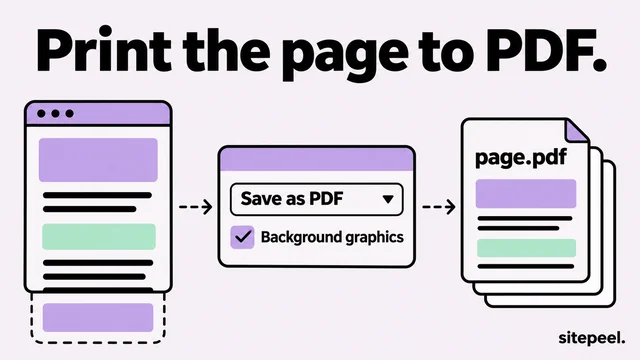
- You want the page itself as a PDF, not a file on it: print it to PDF instead.
Questions
How do I download a PDF that is not downloadable?
If only the button is hidden, the file is still there: find it in the Network panel by filtering for pdf. If the owner turned off downloads, as in a view-only shared file, ask them for a copy.
How do I download an embedded PDF from a website?
Open DevTools, choose Network, type pdf in the filter and reload. Open the PDF request in a new tab and press the download button. In Firefox you can also right-click it and open the frame in a new tab.
How do I download a PDF on my phone?
Tap the link to open it. On Android, Chrome downloads it or shows a download button. On an iPhone, tap Share and choose Save to Files.
How do I download all PDFs from a website?
Use wget with --recursive and --accept pdf: it follows the site’s links and keeps only PDF files. Limit how deep it goes with --level, and add --wait=1 to go easy on the site.
Is it legal to download PDFs from a website?
Saving a public PDF to read is normal. Sharing or republishing it needs the owner’s permission, and getting around download protection can break the site’s terms.