On this page7
Step by step
Pick a site copier
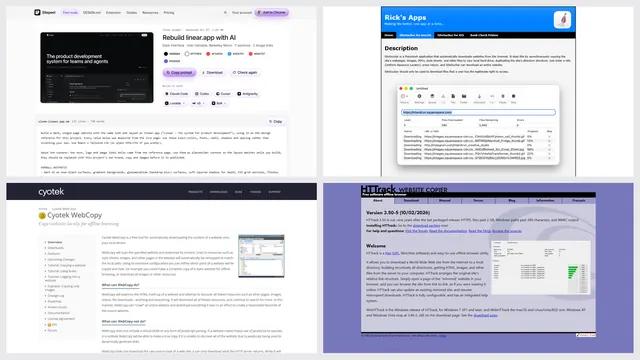
HTTrack for Windows and Linux, SiteSucker for a Mac, or wget on any computer.
Enter the address
Start from the site’s top page, or a section like /docs/ to copy only that part.
Set limits
Limit the depth and stay on the same domain, so it doesn’t wander across the web.
Open the copy
When it finishes, open index.html in the saved folder and click through the pages.
Tools that download a whole website
| Tool | Runs on | Good to know |
|---|---|---|
| HTTrack | Windows and Linux | Free and open source, with a step-by-step window |
| SiteSucker | Mac, iPhone and iPad | An App Store app: paste the address and press Download |
| wget | Windows, Mac and Linux | A free command-line tool: one command copies a site |
| Cyotek WebCopy | Windows | Free, with rules for what to copy and skip |
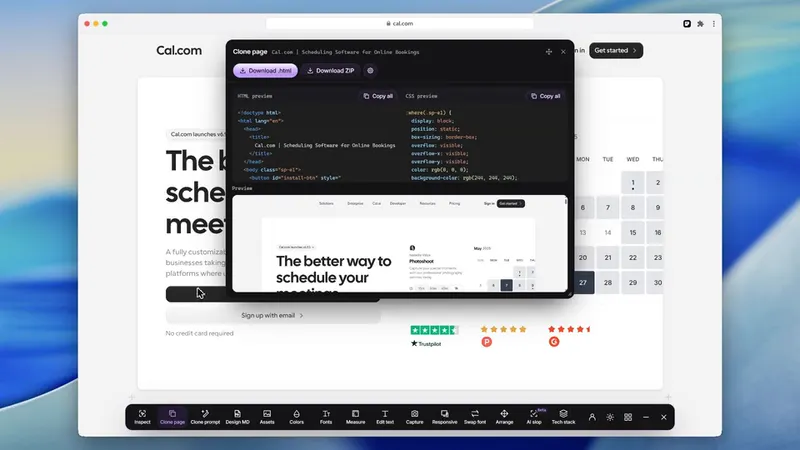
| Website to HTML | Any browser | One page at a time, saved after it renders, in a ZIP |
Copy a website with wget
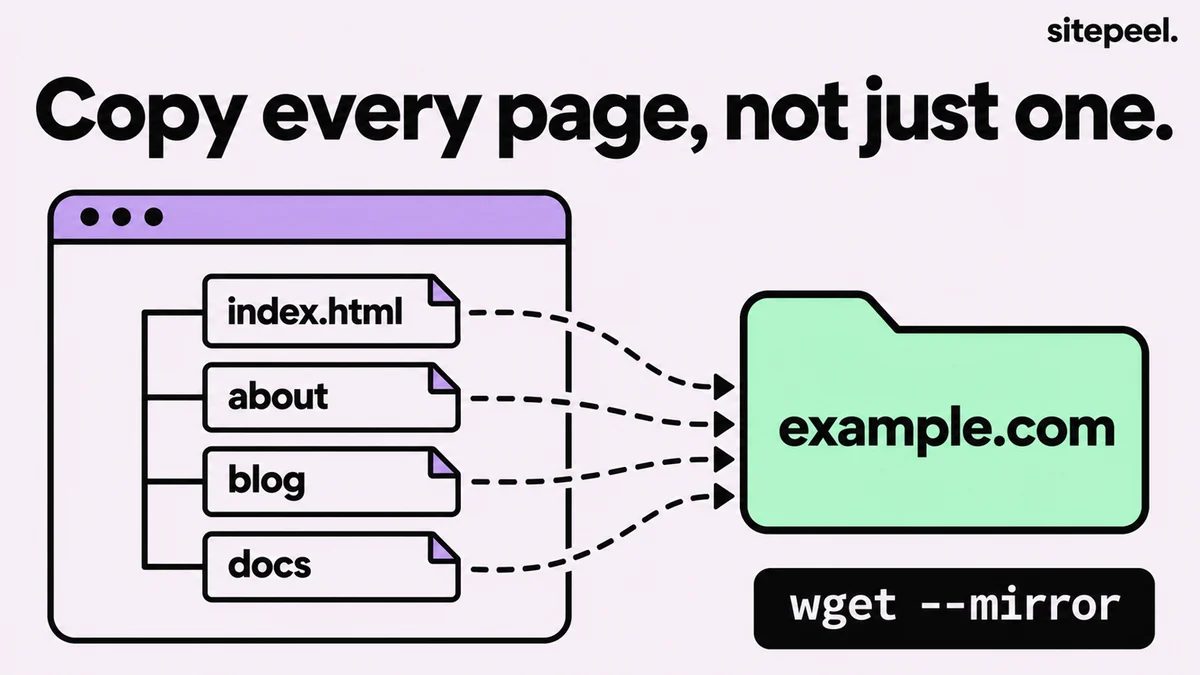
This command copies a site for offline use. It follows links inside the folder, fetches each page’s images and styles, and rewrites the links so they work on your computer.
--mirrorkeeps following links until it has the whole site.--wait=1waits a second between files, so you don’t overload the site.- On a Mac, install wget with
brew install wget; on Windows, use WSL or a Windows build.
wget --mirror --convert-links --adjust-extension --page-requisites --no-parent --wait=1 https://example.com/What a site copier can’t copy
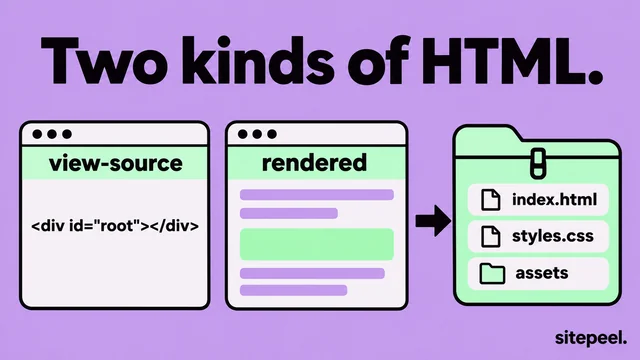
- Pages built by JavaScript: copiers save the HTML the server sends, which can be an empty shell.
- Pages behind a login, search results and forms that need the server.
- Videos played from YouTube, Vimeo and other embedded players.
- Endless pages, like calendars or filters, which can make the copy never finish: set a depth limit.
- Server code and databases, which never leave the server.
Download one page instead
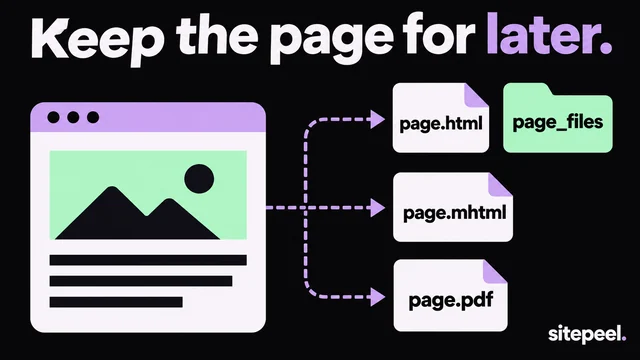
- Press Ctrl+S (Cmd+S on a Mac) and choose Webpage, Complete.
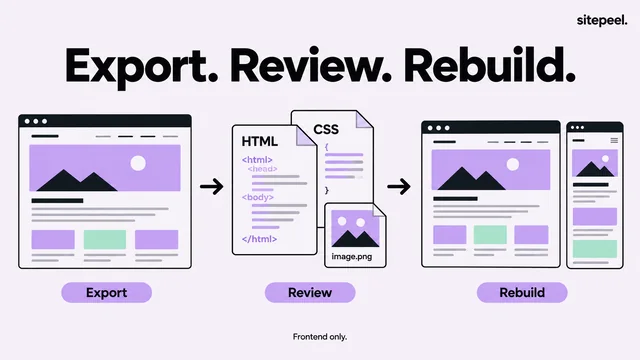
- Paste the link into Website to HTML for the rendered HTML, CSS and images in one ZIP.
- Need only the files? The free asset extractor lists every image, video and font on the page.
Is it legal to download a website?
Keeping an offline copy to read or study is usually fine. Republishing the content, or crawling so fast that the site slows down, isn’t. Check the site’s terms, respect its robots.txt and ask the owner before you copy a lot.
Questions
How do I download an entire website for offline viewing?
Use a site copier such as HTTrack, SiteSucker or wget. Give it the site’s address; it follows the links and saves each page with its images and styles. Then open index.html in the saved folder.
Can I download a whole website in Chrome?
Chrome saves one page at a time with Save page as. For a whole site, use a site copier like HTTrack or wget, or save each page you need.
Why does my downloaded website look broken?
The site likely builds its pages with JavaScript or loads files from other domains, and copiers save the HTML the server sends. Save those pages with a tool that renders them first, like Website to HTML.
How do I download all files from a website?
For one page, a free asset extractor lists every image, video and font and saves them in one ZIP. For a whole site, run wget with --recursive and --accept plus the file types you want, like pdf or jpg.
Is it legal to download an entire website?
An offline copy for your own reading is usually fine. Republishing it, or crawling so fast it slows the site, isn’t. Check the terms and robots.txt, and ask the owner.