On this page6
Step by step
Choose the approved screen
Pick one real screen that shows the design you want to keep, before the inconsistencies become the source.
Document it
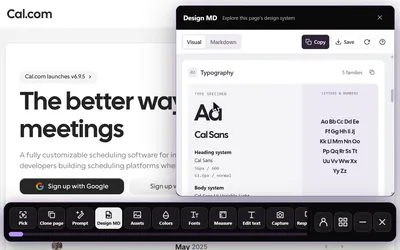
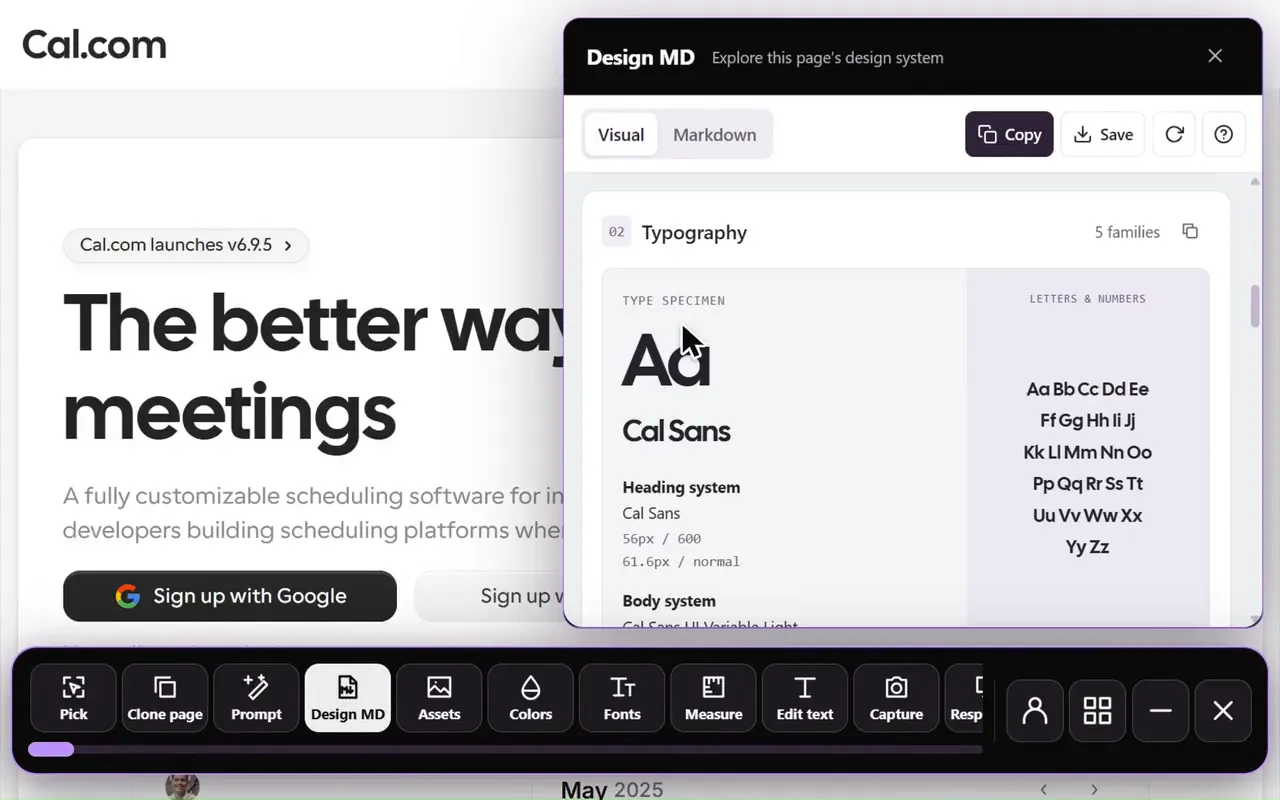
Run Sitepeel’s Design MD tool on it, check the reference against the source code and note where components live.
Share a token file
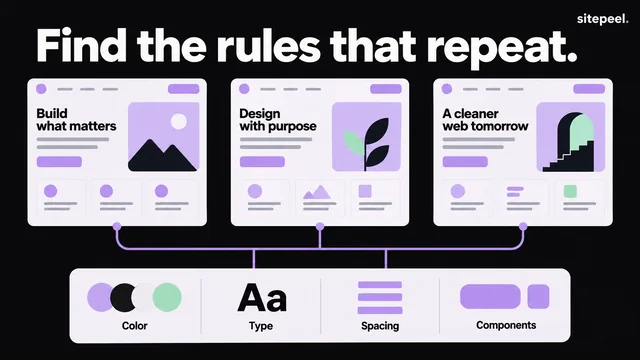
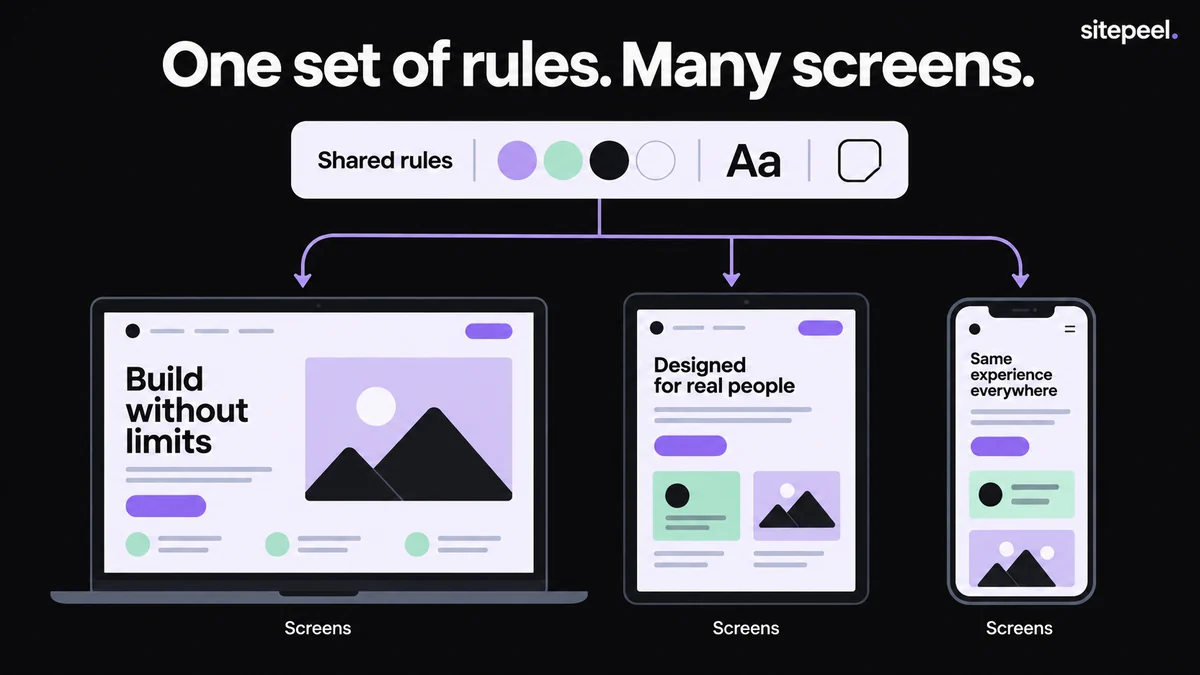
Put color roles, spacing, radii and text styles in one versioned file that every project uses.
Share matching components
Where navigation, tables or dialogs must behave the same, share one component with a few supported variants.
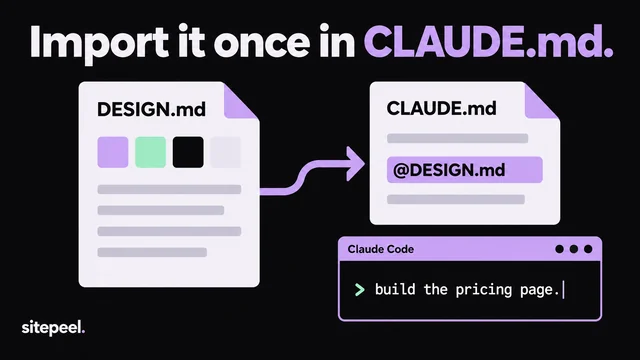
Point the agent at them
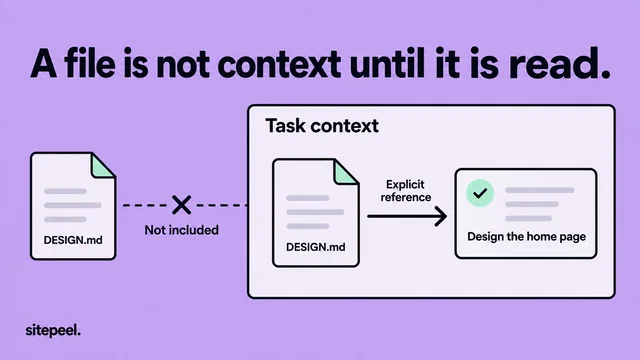
In each project’s instructions, name the token file, component entry points and one screen to inspect first.
What should projects share?
Tokens alone won’t make two sidebars behave the same. Projects on different frameworks can share tokens and decisions but need their own components, so write down shared behavior: what gets focus, how a menu closes, where validation appears.
| Share | Keeps consistent | Use when |
|---|---|---|
| Token file | Colors, spacing, radii, text styles | Always, in any stack |
| Shared components | Structure, interaction and states | Projects use the same framework |
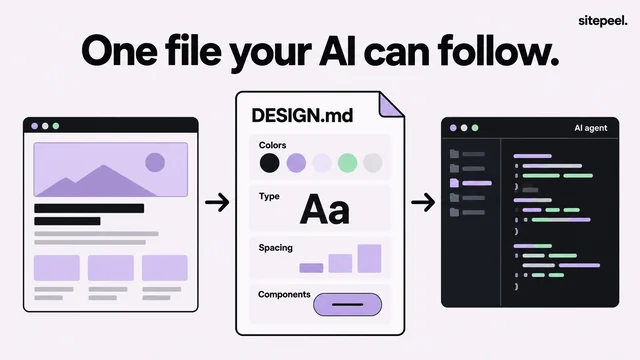
| DESIGN.md | Approved choices and where they live | Always, next to the code |
A starter token file
CSS custom properties let many rules use one named value. Name tokens by purpose, so a change is easy to follow.
/* Example values: replace with your approved design. */
:root {
  --color-page: #0b0a0d;
  --color-surface: #131016;
  --color-text: #f5f0f8;
  --color-accent: #c4a5ed;
  --space-control: 0.75rem;
  --space-section: 2rem;
  --radius-control: 0.5rem;
}

.action {
  padding: var(--space-control) 1rem;
  border-radius: var(--radius-control);
  background: var(--color-accent);
  color: var(--color-page);
}Allow intentional differences
Consistency doesn’t mean every screen has the same density. Record the variations you support, such as a compact operations table or a larger public form, so a local need doesn’t quietly start a new design.
Questions
How do I keep a design system consistent across multiple projects?
Share one versioned token file, share components where behavior must match, and point each project’s AI instructions at them. Review a few representative screens after every shared change.
Can projects on different frameworks share a design system?
Yes, at the token level: CSS custom properties work in any stack. Components usually need separate implementations, so document shared behavior such as focus, menus and validation.