On this page5
Step by step
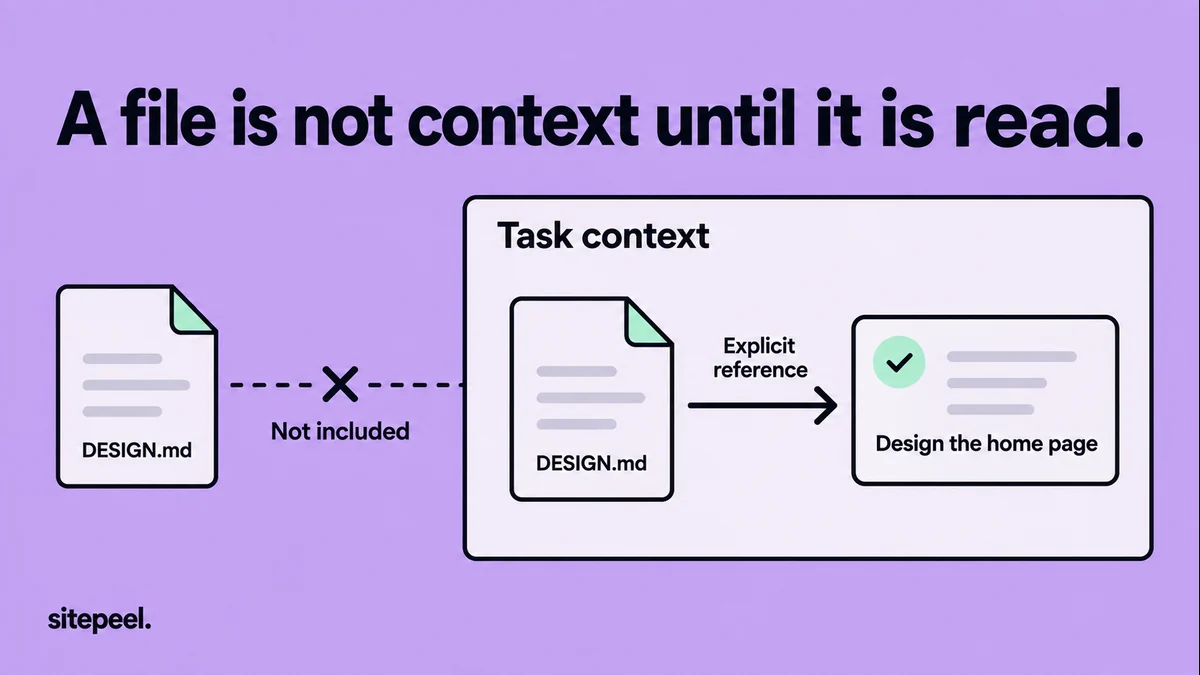
Confirm the file is loaded
Ask the agent to open DESIGN.md and name the rules it will use. Check its file-read activity if your tool shows it.
Remove conflicting instructions
Search for other design rules, such as a nested doc naming another typeface, and fix the conflict where it lives.
Fix stale paths
Update component and token paths that moved, so the agent doesn’t have to guess.
Name real tokens and components
Replace “keep spacing consistent” with the token or component to reuse, plus one screen that uses it well.
Start small and verify
Ask for one component, then compare the rendered screen with the reference using the same content and viewport.
Does your agent load DESIGN.md automatically?
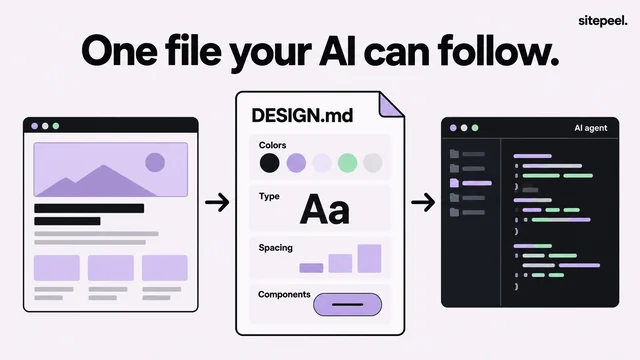
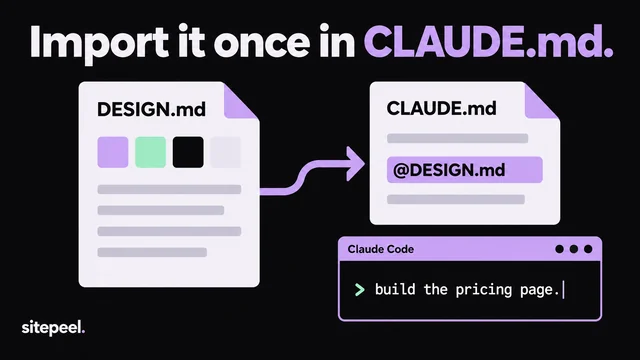
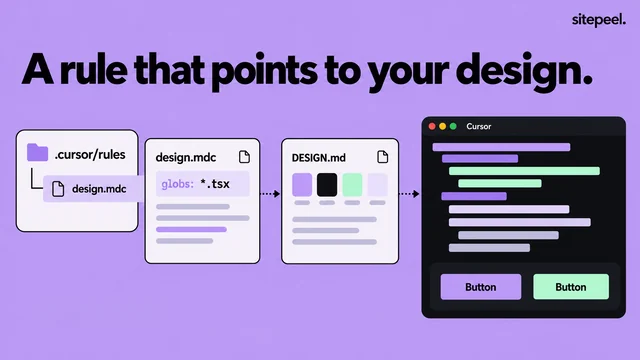
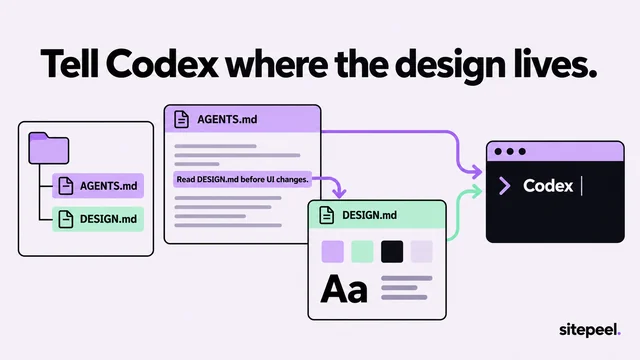
Not always. AGENTS.md is a shared convention for agent instructions, and Claude Code reads CLAUDE.md, which can import other files. Link DESIGN.md from the instructions file your tool supports, or attach it to the task.
# UI work

@DESIGN.md

Before changing the interface, inspect the existing shared components.
Use the named design tokens and component variants.
If this reference conflicts with the current implementation,
identify the conflict before making a new design choice.
Make the rules concrete
A rule like “keep spacing consistent” doesn’t say which value goes between a field and its label. A short list of current component paths and approved variants beats pages of style language.
- Name the existing token or component to reuse.
- Include one concrete example of the intended result.
- Say which values are fixed and which adapt to space.
- Describe narrow-screen and longer-content behavior.
- Delete rules that no longer apply to the project.
Check the result, not the promise
Instructions guide an agent; they don’t make the outcome certain. Before coding, ask for the component paths, tokens and rules it will use. Afterwards, check for evidence.
- Confirm shared tokens are imported, not hard-coded.
- Compare screenshots at the same width and content.
- Test keyboard focus and error states.
- Name the exact mismatch, such as the wrong heading scale.
- Fix the token or component, then update DESIGN.md to match.
Questions
Why does my AI agent ignore DESIGN.md?
Common causes: the file isn’t loaded, its rules are vague, or another instruction contradicts it. Check the agent read the current file, replace adjectives with named tokens and components, and remove conflicting rules.
How do I make Claude Code use DESIGN.md?
Claude Code reads CLAUDE.md, which can import other files. Add a line with @DESIGN.md to CLAUDE.md, or attach the file to your request, then ask it to name the rules it will use.
Does DESIGN.md guarantee a consistent UI?
No. It guides the agent but doesn’t make results certain. Pair it with shared tokens and components, and review the rendered screen against its rules.