On this page8
Step by step
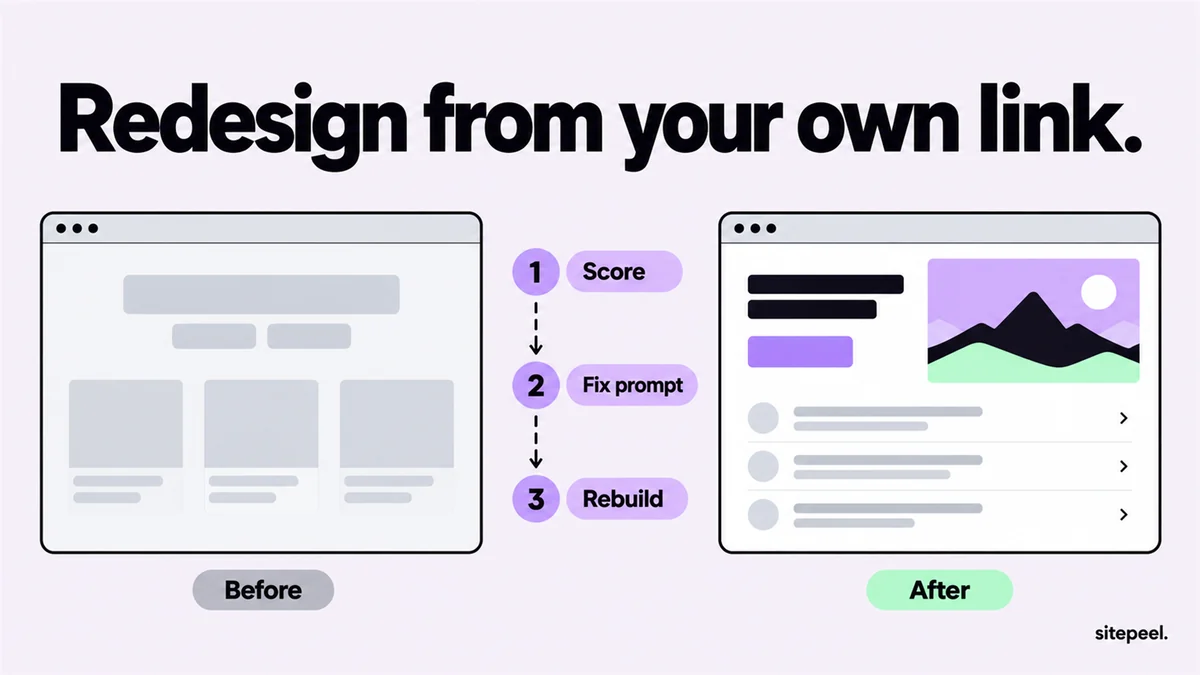
Score the current site
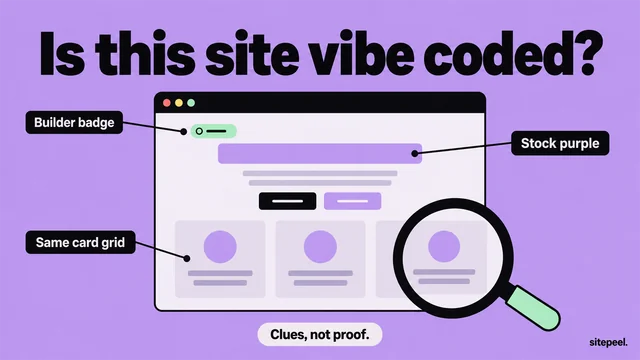
Paste your link into the free AI slop checker to see what looks generic and where.
Copy the fix prompt
From a score of 40, press Get the fix prompt. It lists every fix with where it was found.
Choose the new look
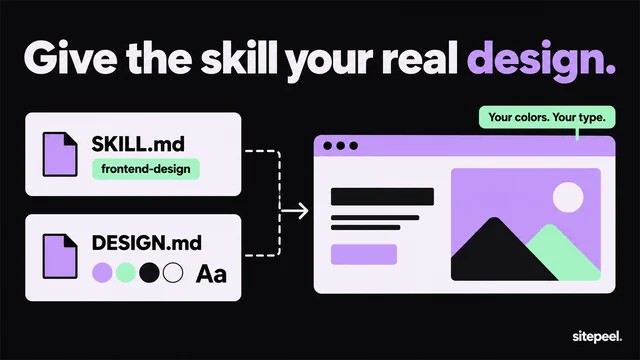
Make a DESIGN.md from your brand’s own site or a reference, then change its colors and fonts to yours.
Rebuild one page
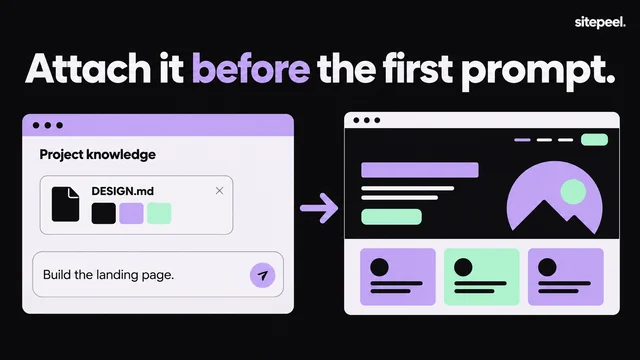
Give the prompt and DESIGN.md to your AI tool. Ask for the main landing page only.
Compare and check again
Put old and new side by side on a phone and a laptop, then run the checker again.
Can AI redesign an existing website?
Yes. App builders and coding agents can rebuild a page from a prompt. What they can’t do is guess what to keep, what is wrong and what the new look should be. Give them those three things and the result looks like your site, improved.
| It needs | Where to get it |
|---|---|
| What to keep: pages, words, forms | Your live site or its code |
| What is wrong with the current look | The AI slop checker’s fix prompt |
| The new look, as exact values | A DESIGN.md |
| A layout to follow, if you want one | Clone prompt, run on a reference page |
Which AI tool is best for website redesign?
Pick by where your site lives. If you have its code, use a coding agent that edits it in place, so routes and content stay put. If it lives in a builder or you want a fresh start, use an app builder.
| Tool | Best when |
|---|---|
| Cursor, Claude Code, Codex | You have the site’s code and want to change it in place |
| Lovable, Bolt | You want a new full site from a prompt, hosted for you |
| v0 | You want React components to bring into a Next.js project |
Find what looks generic first
Paste your link into the free AI slop checker. It scores the page from 0 to 100, marks each tell where it appears and, from 40, writes a fix prompt that keeps your colors and copy. A page under 40 doesn’t need fixing; it may only need the new look.
Borrow a look the right way
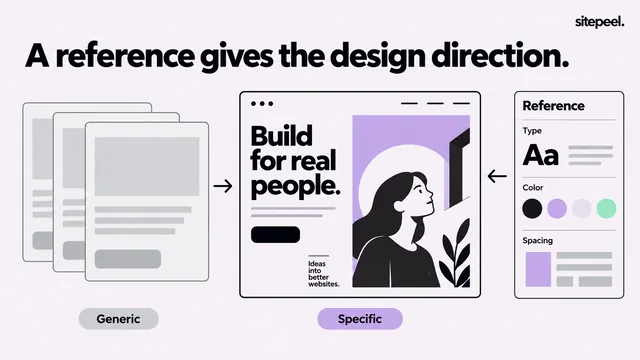
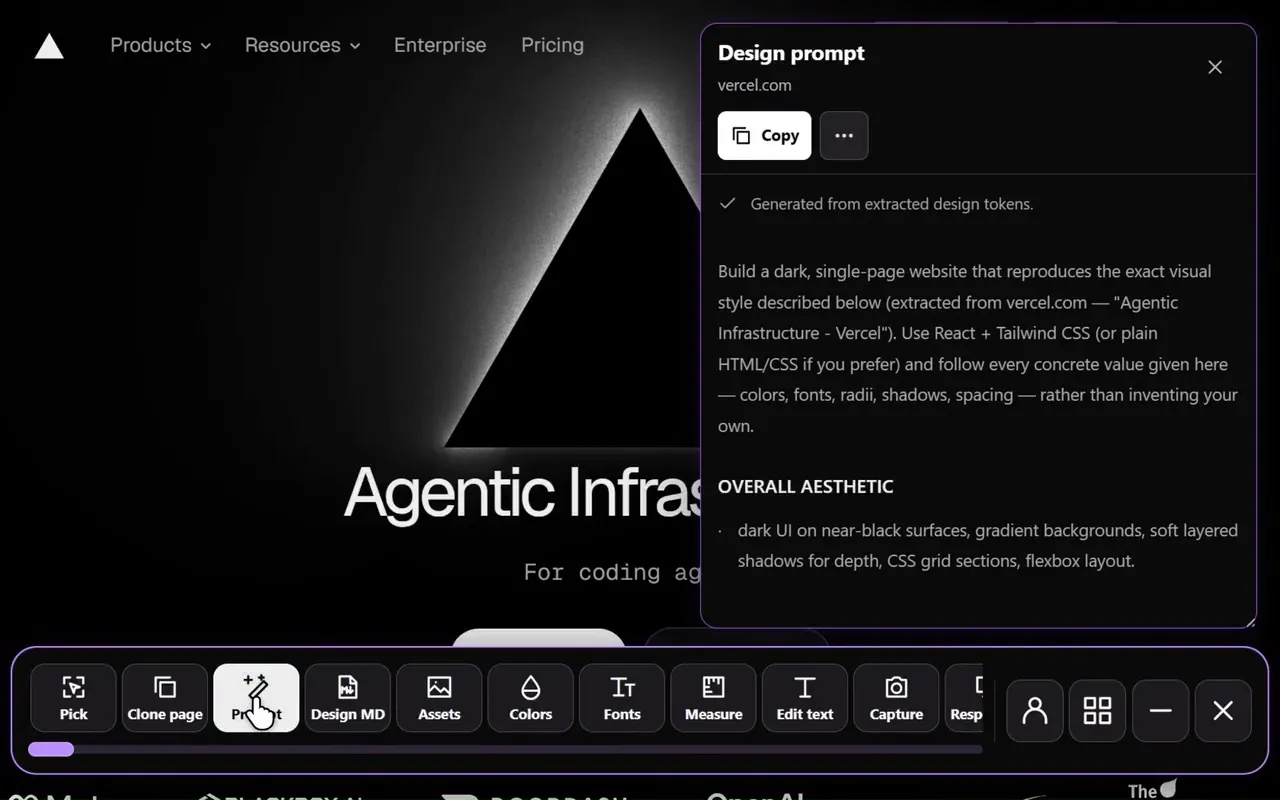
The DESIGN.md generator turns any public page into exact fonts, colors, spacing and button styles. Use your own brand’s page to keep it consistent, or a site you admire as a starting point, then swap in your brand color and font.
A redesign prompt that keeps what works
Attach DESIGN.md and the fix prompt, then paste this and fill in the brackets.
Redesign [your site link], one page at a time.

Keep: every page, address, heading, form, link and line of copy.
Fix: everything listed in the attached fix prompt.
Look: follow DESIGN.md for colors, fonts, spacing, corners and buttons.

Start with the main landing page only.
Show me the result before you change anything else.
Check the redesign before you ship
- Look at every page on a phone, a tablet and a laptop
- Run the AI slop checker on the new page
- Keep page addresses and titles, and redirect any that change
- Check text contrast and keyboard focus on buttons and links
Questions
Can AI redesign an existing website?
Yes. Give an AI app builder or coding agent your live site, a list of what to fix and the new look as a DESIGN.md. Rebuild one page first and compare it with the old one before doing the rest.
Which AI tool is best for website redesign?
If you have the site’s code, a coding agent such as Cursor, Claude Code or Codex keeps your routes and content. For a fresh site, Lovable or Bolt builds and hosts one from a prompt.
Can ChatGPT design a website?
It can plan a layout and write the HTML and CSS for a page, but it can’t see your live site unless you describe it. Give it a Clone prompt or a DESIGN.md so it works from measured values.
Will an AI redesign hurt my SEO?
Not if you keep your page addresses, titles and content, and redirect any address that changes. Check the new pages load fast and work on phones.