On this page8
Step by step
Install the skill
In Claude Code, run
/plugin install frontend-design@claude-plugins-official, then choose a scope.Check that it loaded
Type / and look for
/frontend-design:frontend-design, or open the Installed tab in/plugin.Add a DESIGN.md
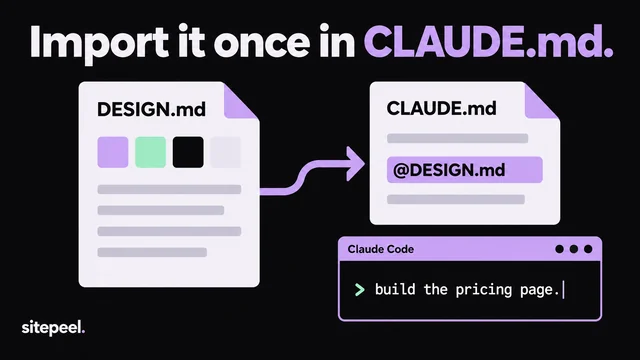
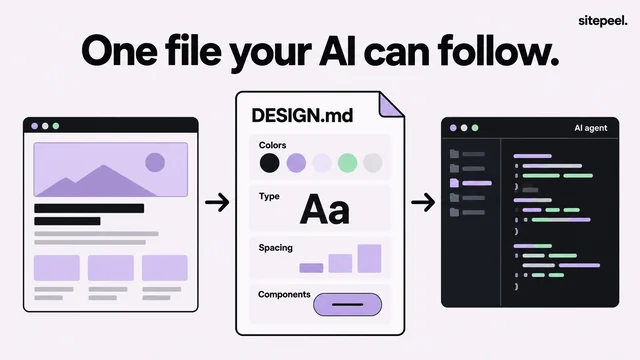
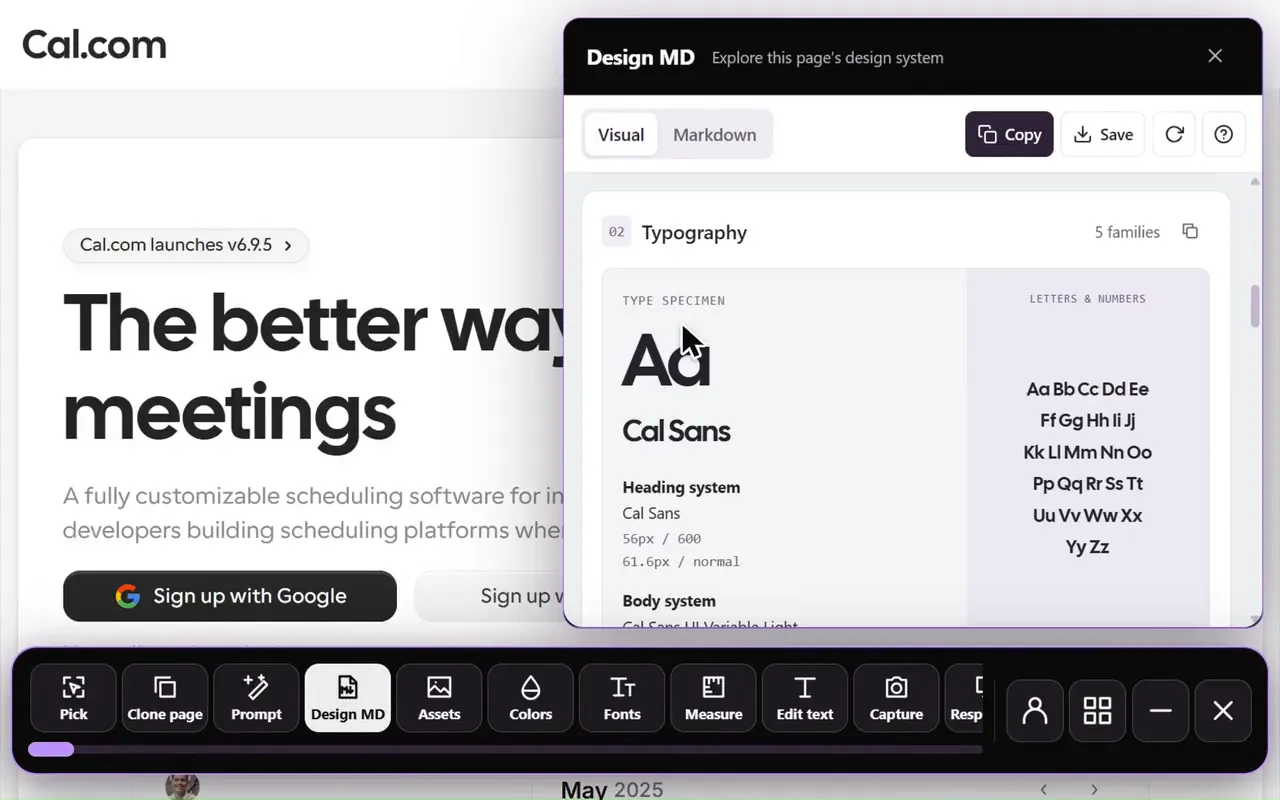
Make one from a site with the free DESIGN.md generator, save it in the project root and import it in CLAUDE.md.
Build one screen
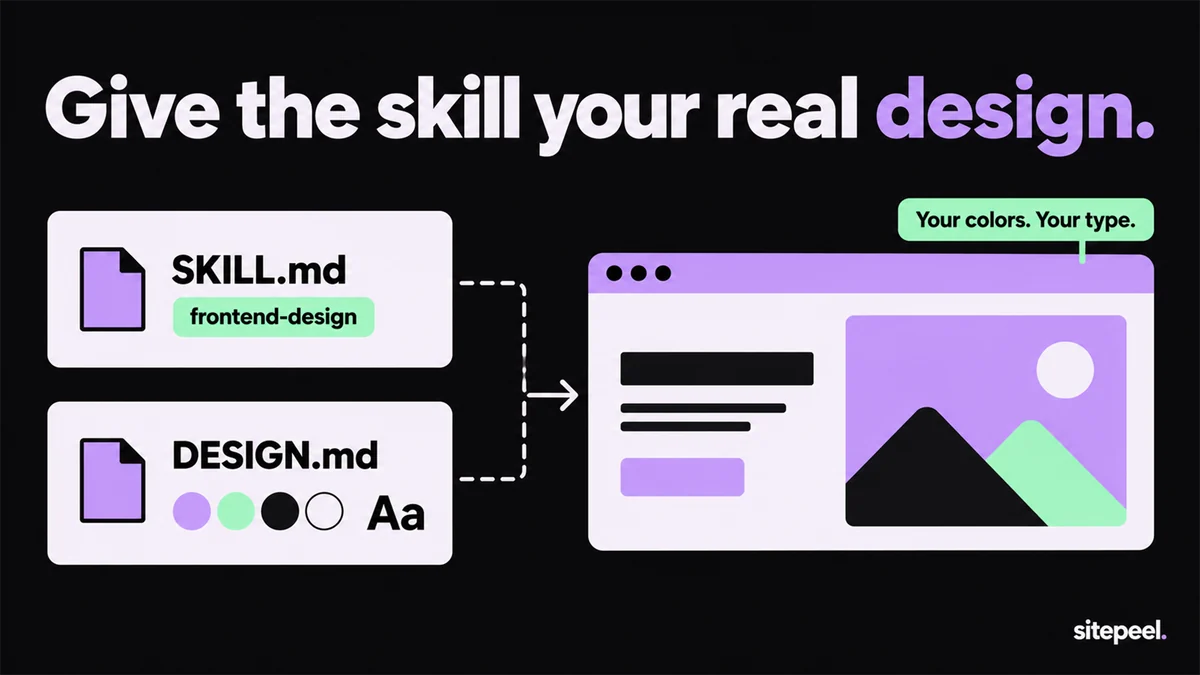
Ask for one page that follows DESIGN.md. The skill brings the craft; the file brings the look.
Check it for AI slop
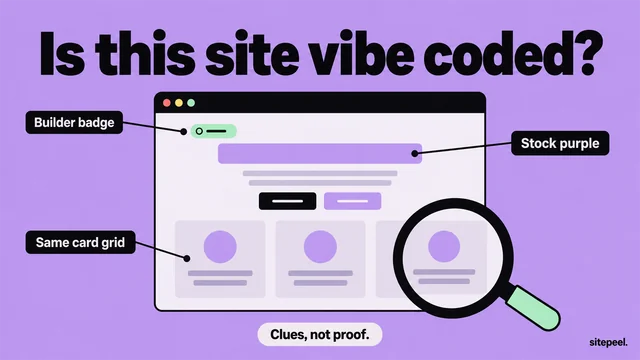
Paste a public preview link into the AI slop checker. From a score of 40, copy its fix prompt into Claude Code.
What is the frontend design skill in Claude Code?
It is a SKILL.md file written by Anthropic, shipped as the frontend-design plugin in the official Claude Code marketplace and in the anthropics/skills repository. Claude loads it by itself when you ask for interface work. In short, it asks Claude to work like a design lead whose client rejected everything templated:
- Start from the subject: its industry, materials and words
- Choose typefaces on purpose and set a clear type scale
- Plan 4 to 6 named colors, type and a layout first, then check the plan against the brief
- Skip common tells: one accented headline word, all-caps labels, numbers on things that aren’t steps
- Use one orchestrated motion moment, not a fade on every section
- Review screenshots of the work and remove one accessory
How to install the Claude design skill
The skill is free and open source under the Apache 2.0 license. You need Claude Code itself, which runs on a Claude plan or an API key.
| Where you use Claude | How to add the skill |
|---|---|
| Claude Code, in a session | /plugin install frontend-design@claude-plugins-official, then choose a scope |
| Your shell or a setup script | claude plugin install frontend-design@claude-plugins-official |
| Claude desktop app, Code tab | The + button, then Add plugins, then frontend-design |
| VS Code | Type /plugins, search frontend-design and press Install |
| claude.ai | Anthropic’s example skills, frontend-design among them, are already on paid plans |
Why the skill still gives generic UI
The skill asks for choices, but with no brief Claude still picks the look itself. The skill even lists where AI design clusters: cream with a serif and a clay accent, near-black with one acid green, newspaper columns, the rounded card kit. Avoid one and you often land on the next.
The skill also says the brief’s own words always win. Give Claude a brief with real values and it follows them.
| Part of the look | Skill alone | Skill plus DESIGN.md |
|---|---|---|
| Colors | 4 to 6 colors it picks | Your measured hex values and where each is used |
| Type | A typeface it chooses | The real font, sizes, weights and tracking |
| Spacing and corners | Its own scale | The steps and radii the page really uses |
| Buttons and cards | Drawn from scratch | Fill, text, padding and hover states |
Give the skill a measured DESIGN.md
Paste a link into the free DESIGN.md generator. It measures the rendered page, writes the colors, type scale, spacing, corners and button styles in Google’s format, and passes the official linter. Save the file in your project root and import it once in CLAUDE.md, as below.
# Design
@DESIGN.md

Follow DESIGN.md for every UI change.
Its tokens win over your own palette and font choices.Check the result with the AI slop checker
Deploy a preview and paste its link into the free AI slop checker. It scores how generic the page looks, marks each tell where it appears and, from a score of 40, writes a fix prompt that keeps your colors and copy. Paste that prompt into Claude Code and check again.
Is there a design skill for Claude?
Yes. For web pages and apps, frontend-design is the one Anthropic made for this job. The same anthropics/skills repository has three more for visual work:
- canvas-design: posters and other static art as PNG or PDF
- theme-factory: 10 preset color and font themes for slides, docs and HTML pages
- web-artifacts-builder: multi-part claude.ai artifacts with React, Tailwind CSS and shadcn/ui
Questions
What is the frontend design skill in Claude Code?
A SKILL.md from Anthropic that Claude loads for interface work. It asks for a deliberate palette, typefaces and layout, a plan reviewed against the brief, restrained motion and a screenshot review, and lists the defaults that make pages look generated.
How do I install the frontend-design skill?
In Claude Code, run /plugin install frontend-design@claude-plugins-official and choose a scope. From a shell, use claude plugin install frontend-design@claude-plugins-official. Type / afterwards to see /frontend-design:frontend-design.
Why does Claude still make generic designs with the skill?
Without a brief, Claude has to invent the look, and invented looks drift toward the same few styles. Give it a DESIGN.md with real colors, fonts and spacing; the skill tells Claude to follow the brief’s own values.
Does the skill work with a DESIGN.md?
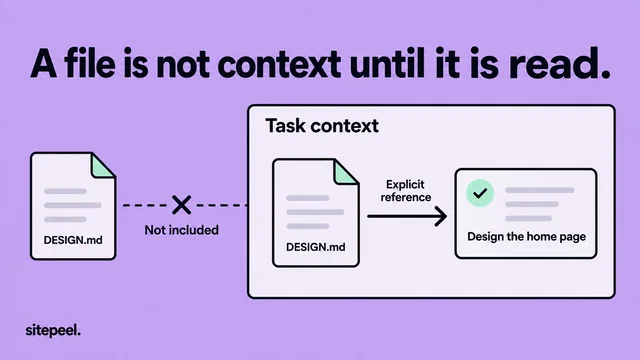
Yes. Import the file in CLAUDE.md with @DESIGN.md so every session starts with it. The skill handles layout and craft decisions, and the file pins down colors, type, spacing and components.
Is the Claude design skill free?
Yes. The skill is open source under Apache 2.0. Claude Code itself needs a Claude plan or an API key, and Sitepeel’s DESIGN.md generator and AI slop checker are free website tools.