On this page6
Step by step
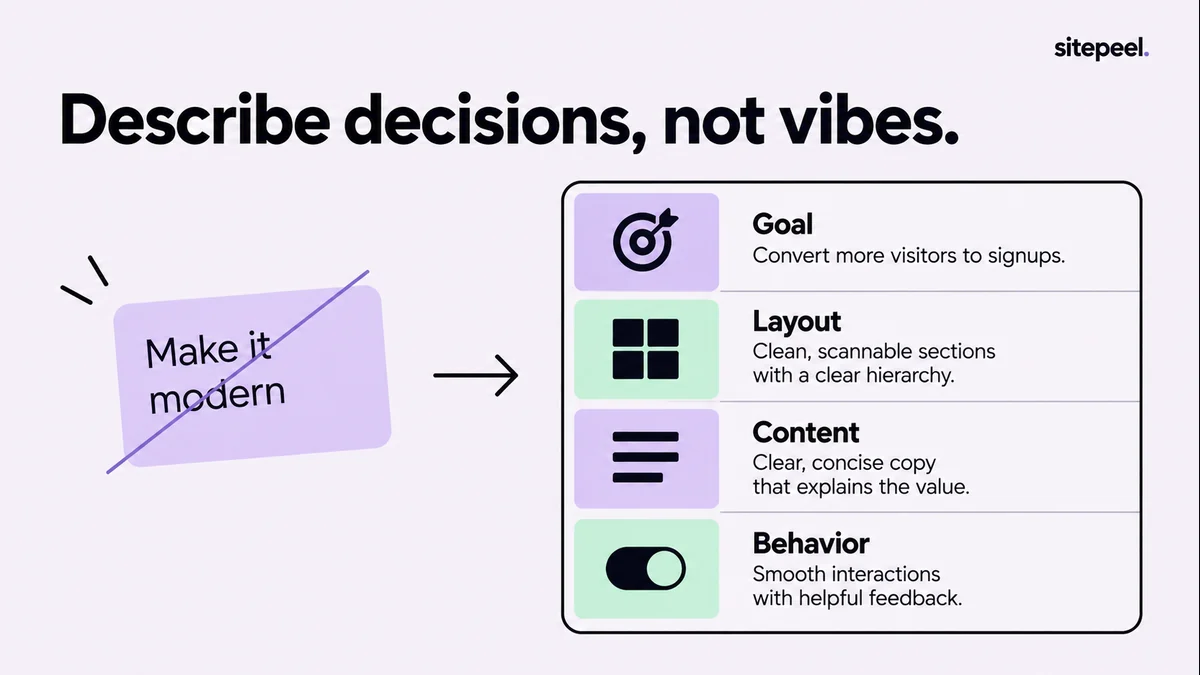
Name the visitor and action
Say who the page is for and the one thing they should do, such as book a consultation.
List what they need first
Write down the information a visitor needs before acting, in order, and arrange the page around it.
Describe the look
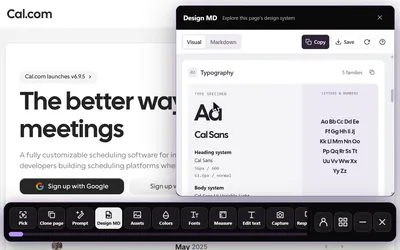
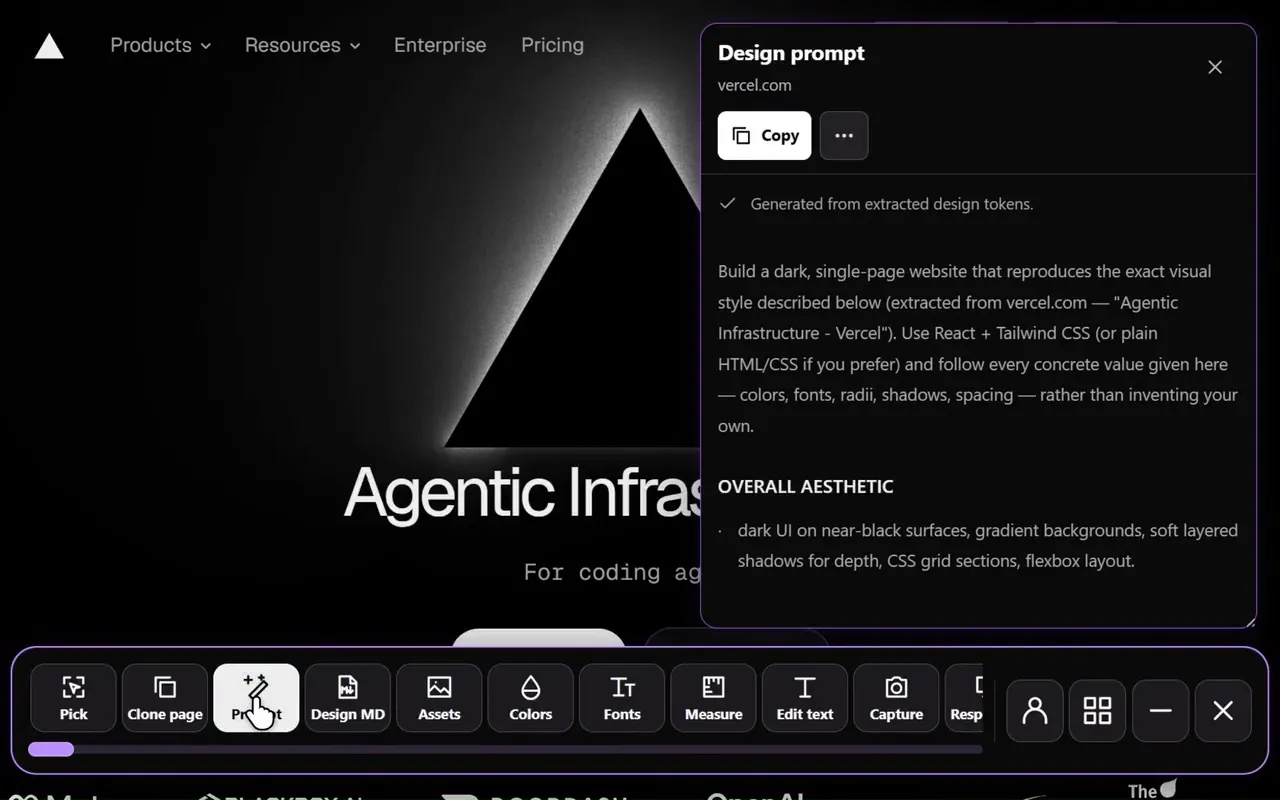
Run Sitepeel’s Design prompt tool on a reference page, keep the relationships that matter and swap in your brand.
Add states and mobile
Say what happens while loading, after submitting and on failure, plus the mobile layout and keyboard behavior.
Review and refine
Check the result in a browser and feed back concrete problems as small changes.
What goes in the prompt
| Part | Example |
|---|---|
| Audience | Clients evaluating residential design work |
| Main action | Request a consultation |
| Content | Introduction, three projects, process and contact |
| Visual direction | Warm neutral surfaces, restrained type, large photographs |
| Behavior | Working navigation, contact feedback, visible focus |
| Limits | No invented client quotes, awards or statistics |
Example prompt
Copy it and replace the details with your own.
Build a landing page for a small architecture studio.
Audience: clients evaluating residential design work.
Primary action: request a consultation.
Content: introduction, three projects, process and contact.
Design: warm neutral surfaces, restrained type and large photographs.
Keep paragraphs short and project captions readable.
Use the existing framework and supplied licensed images.
Make navigation, project links and contact feedback work.
Stack the layout on mobile and preserve visible focus states.
Do not invent client quotes, awards or statistics.
Describe relationships, not adjectives
Sitepeel’s Design prompt tool collects these details from a reference page. Keep the ones that matter, then replace the source brand, copy and assets with your own.
- A narrow reading column.
- A strong type hierarchy.
- Generous spacing between sections.
- Compact navigation.
Name the layout, the action and the picture.
Improve it with what you see
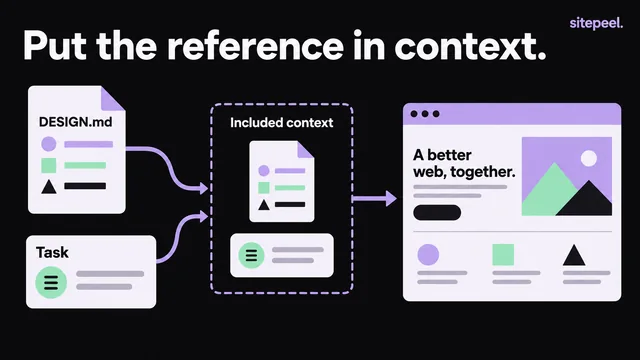
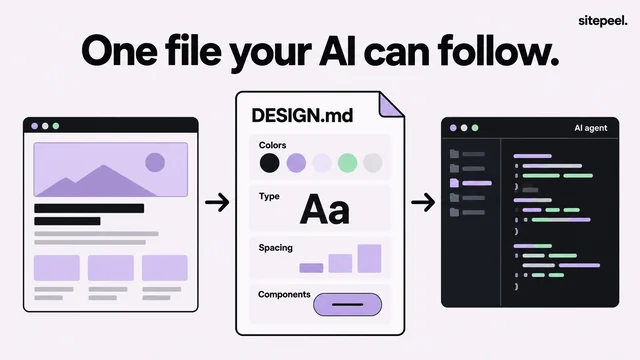
Feed each problem back as a small change. For a stable style across pages, save the recurring decisions in DESIGN.md and keep each prompt about that page’s job.
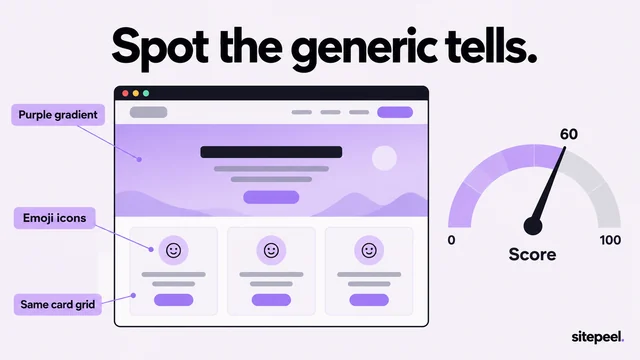
- A clipped label.
- An image without useful context.
- A main action pushed below a large hero.
Questions
What makes a good AI website design prompt?
It names the audience, one main action, the content and a visual direction, plus behavior: loading, errors, mobile and keyboard use. It also says what not to invent.
Should I use a prompt or DESIGN.md?
Both. Use the prompt for one page’s task and DESIGN.md for the visual rules shared across pages.
Does the Design prompt tool need an AI key?
No. The extracted brief doesn’t need an AI provider key. Optional AI refinement uses your own provider account.