On this page8
Best tools to download all images from a website
The best image extractors in 2026 are Sitepeel for every file a page uses, hidden images and SVGs included, extract.pics for a quick free ZIP from a link, and Imageye or Image Downloader for free one-click saving in Chrome. For whole sites from the command line, use wget.
| Tool | Best for | Price | Works in |
|---|---|---|---|
| Sitepeel | Every file, hidden ones too | A few free runs, then sign in free | Chrome extension and web |
| extract.pics | A quick ZIP from a link | Free with limits; plans from $9 a month | Web, API |
| Imageye | One-click saving in Chrome | Free; Pro price not published | Chrome |
| Image Downloader | Free and open source | Free | Chrome, Edge, Brave, Firefox |
| Website Image Extractor | Free, from a link or pasted HTML | Free | Web |
| DownThemAll! | Images, video and any file | Free, open source | Firefox, Chrome |
| Fatkun (Fiktu) | Batch saving across tabs | Free with ads; VIP yearly | Chrome, Edge |
| wget | Whole sites, command line | Free, open source | Command line |
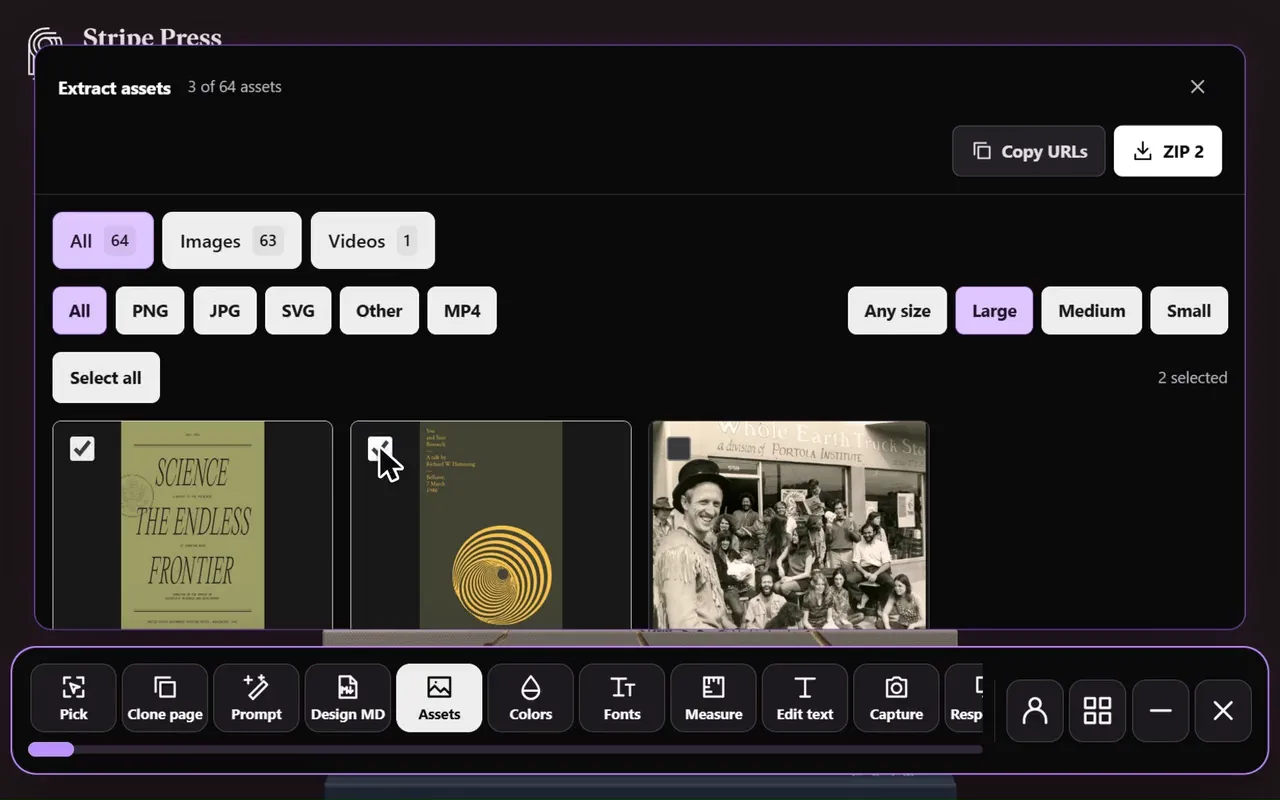
1. Sitepeel
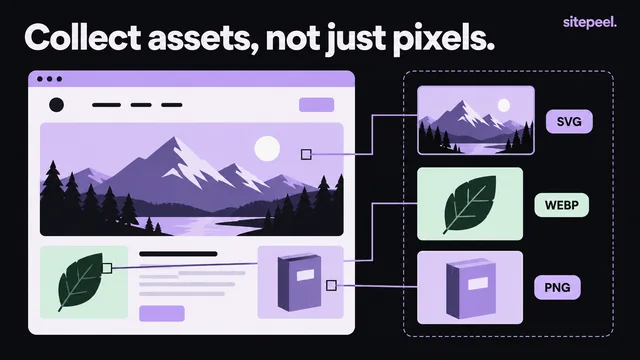
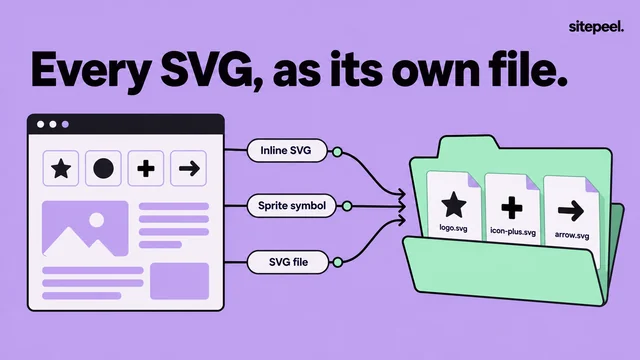
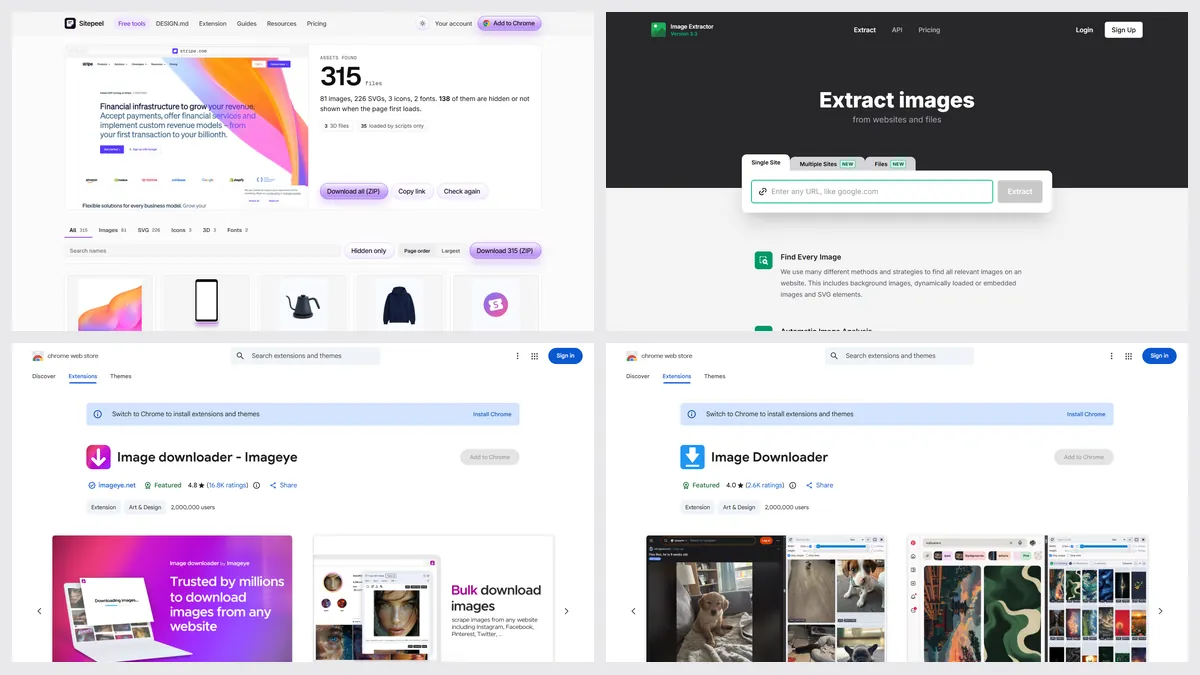
Paste a link and the asset extractor lists every image in every srcset size, CSS backgrounds, inline SVGs and sprite icons, plus video, fonts, Lottie and 3D files, with one ZIP. The Chrome extension does it on pages behind a login.
- Pick it when you want everything a page uses
- A few free runs, then a free sign-in
2. extract.pics
A web tool that scrolls a page, finds its images, backgrounds and SVGs, and zips them. It also pulls images from PDF, Word and PowerPoint files, and has an API.
- Pick it for a fast ZIP with nothing to install
- Public pages only; free use has unpublished limits
3. Imageye
A popular Chrome extension, with 2 million users, that lists the images on the page you have open so you can filter them by size and save the ones you want.
- Pick it for quick saving while you browse
- Its own pages don’t say if it finds CSS backgrounds or SVGs
4. Image Downloader
An open-source extension with 2 million Chrome users. It finds the images on the page, including CSS backgrounds, lets you filter by size and type, and saves them into a folder.
- Pick it if you want open source
- Saves files one by one into a folder, not a ZIP
Which one should you pick?
Questions
How do I download all images from a website?
Paste the page’s link into a web tool like Sitepeel’s asset extractor or extract.pics and download the ZIP. Or open the page with an extension like Imageye and save the images you pick.
What is the best free image extractor?
For one page from a link, extract.pics and Website Image Extractor are free. In Chrome, Imageye and Image Downloader are free. Sitepeel gives a few free runs, then a free sign-in.
Can I download images from a page behind a login?
Yes, with an extension: it reads the page you have open. Web tools only see public pages. Sitepeel’s Chrome extension works on signed-in pages.
Why are some images missing from the download?
Many tools miss CSS background images, inline SVGs or images that load as you scroll. Tools that scroll the page and read its styles, like Sitepeel and extract.pics, find more.
Can I reuse the images I download?
Only with permission. The images belong to the site’s owner or the photographer, even when a tool can save them.