On this page8
The short list
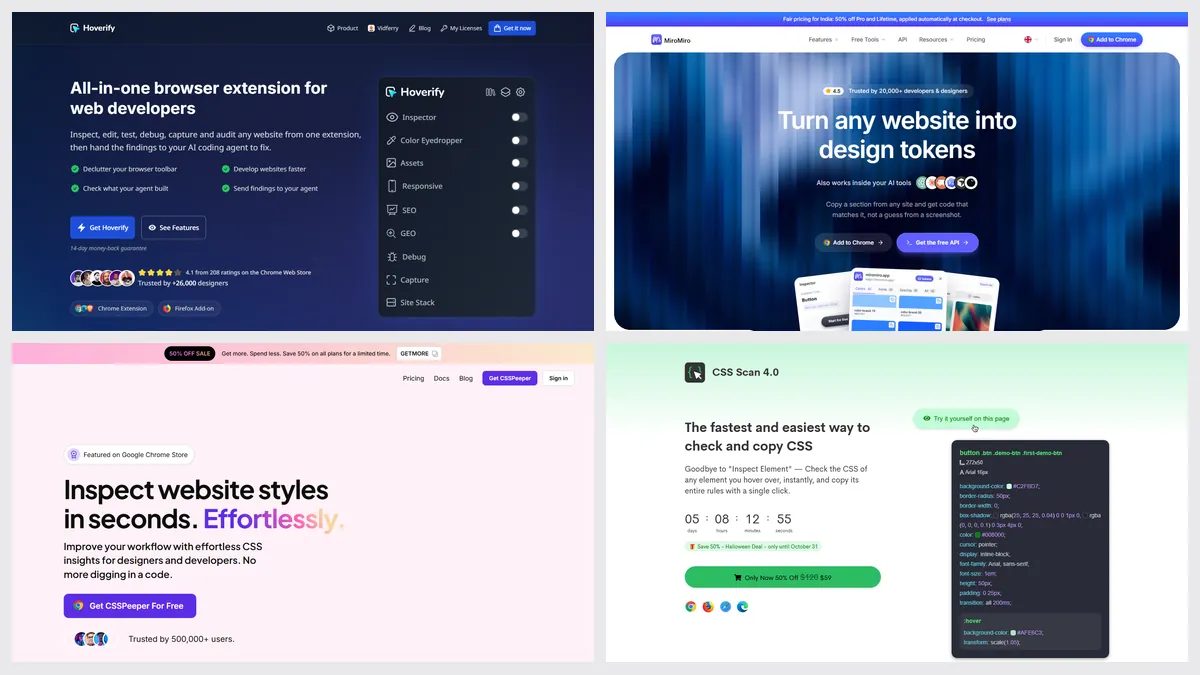
Hoverify’s prices rose between October 27 and November 5, 2026: yearly from $30 to $35, and one-time from $89 to $99. It has no free plan or trial, only a 14-day refund, so people look for something they can try first.
| Tool | Best for | Price | Works in |
|---|---|---|---|
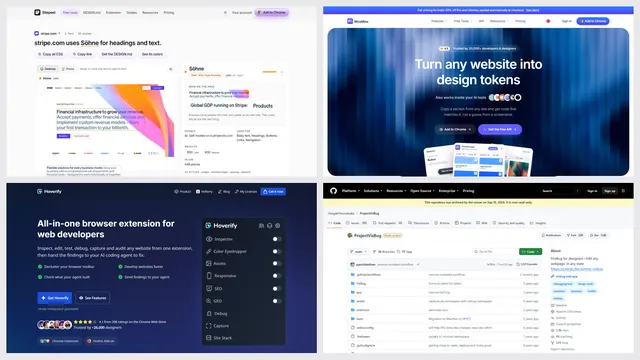
| Sitepeel | Page export, AI prompts, free web tools | Free web tools; extension free to start, paid once | Chrome extension and web |
| MiroMiro | Tailwind, React and Vue code | Free plan; Pro €12 a month or €99 once | Chrome, Firefox |
| CSS Peeper | Colors, type and images | Free plan; from $2.49 a month | Chrome |
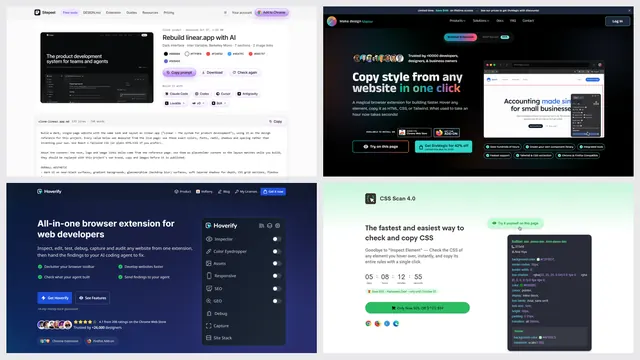
| CSS Scan | Copying CSS exactly | $120 list; $59 shown on November 5 | Chrome |
| VisBug | Free visual editing | Free, open source | Chrome, Edge, Firefox |
| Web Developer | A free toolbar of dev tools | Free, donations welcome | Chrome, Edge, Firefox |
1. Sitepeel
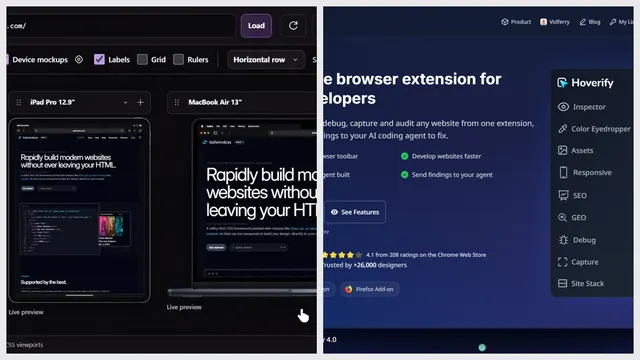
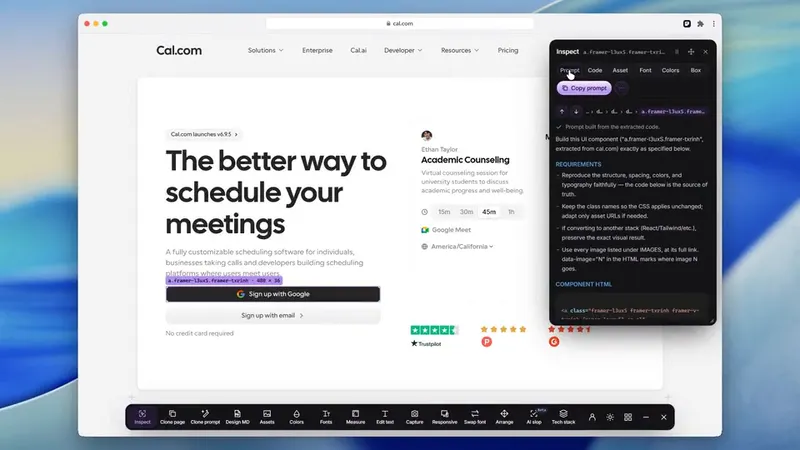
Sitepeel inspects, measures, takes screenshots and previews devices like Hoverify, then exports the rendered page, writes a Clone prompt and makes DESIGN.md files. Nine website tools work free from a link.
- No SEO or accessibility audits
- No live CSS editor: you edit text, move, delete and swap fonts
2. MiroMiro
MiroMiro inspects any element, edits styles live and exports sections as Tailwind, React, Vue, HTML or Elementor code, with 25 device frames. Its free plan has no code export after a 3-day trial.
3. CSS Peeper
CSS Peeper is a simple point-and-click inspector for designers. Its free plan covers a basic inspector, assets and palette export; copying CSS and the contrast checker need a paid plan.
4. CSS Scan
CSS Scan shows and copies an element’s cleaned CSS, children and hover states included, and can convert it to Tailwind. It does this one job, for one payment.
When Hoverify is the better pick
- You want SEO, AI search and accessibility checks in the same extension
- You edit CSS live, media queries and animations included
- You want tech stack details like hosting, DNS and SSL
- You want an MCP server for coding agents, included with every license
- You want a Firefox add-on and frequent releases: version 4.9.51 came on November 4, 2026
Which one should you pick?
Questions
Is Hoverify free?
No. Hoverify has no free plan or trial; it offers a 14-day refund instead.
How much does Hoverify cost?
$35 a year, with no auto-renew, or $99 once. Both cover 3 browsers and include its MCP server. Team discounts apply by license count.
Did Hoverify raise its prices?
Yes. On October 27, 2026 its pricing page showed $30 a year and $89 once. On November 5 it showed $35 and $99. We don’t know the exact day it changed.
Does Hoverify work in Firefox?
Yes. It’s on Firefox Add-ons as well as Chrome, Edge and other Chromium browsers.
What is a free alternative to Hoverify?
For one job at a time, Sitepeel’s 15 website tools are free from a link. VisBug and Web Developer are free extensions, though neither has had a new version since 2024.