On this page7
Side by side
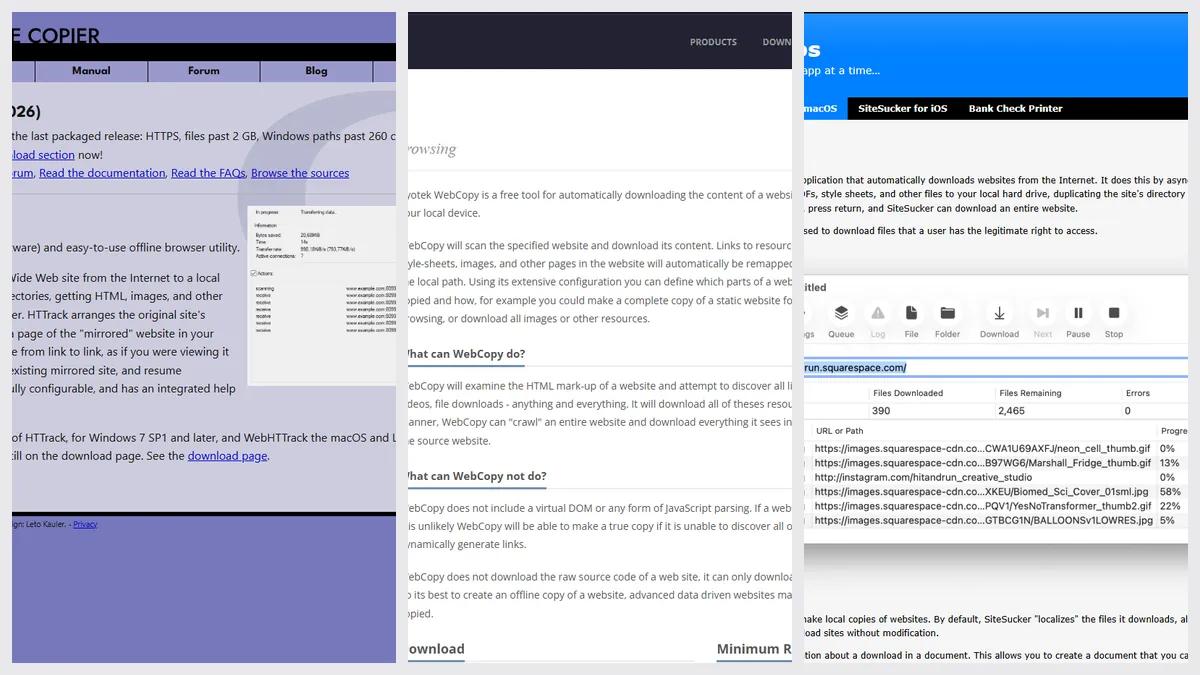
| HTTrack | Cyotek WebCopy | SiteSucker | |
|---|---|---|---|
| Price | Free, open source (GPL) | Free, donations welcome | $5.99 once (Mac App Store) |
| Windows | Yes, as WinHTTrack | Yes | No |
| Mac | Yes, macOS 15+ on Apple Silicon | No | Yes, macOS 14+, Intel and Apple silicon |
| Linux or Android | Yes | No | No, (iPhone and iPad instead) |
| Latest stable release | 3.51, October 28, 2026 | 1.9.1.872, August 2023 | 6.2.2 (the store shows Sep 23, no year) |
| Sites behind a login | Yes, from your browser session (3.51) | Yes, areas you can access | Not stated |
| Pages built with JavaScript | May not copy fully | No, Cyotek says it doesn’t parse JavaScript | May not copy fully |
| Control over what’s copied | Yes, many options | Yes, detailed rules | Yes, with pause and resume |
Pick HTTrack if…
- You want it free and open source
- You use Linux or Android, or switch between computers
- You need a site behind your own login
Pick Cyotek WebCopy if…
- You’re on Windows and want detailed copy rules
- You’re happy with a stable release from 2023
- You want a clear window to set up a crawl
Pick SiteSucker if…
- You’re on a Mac and want a simple native app
- You run long jobs you can pause and resume
- A small one-time price is fine
When none of them fits
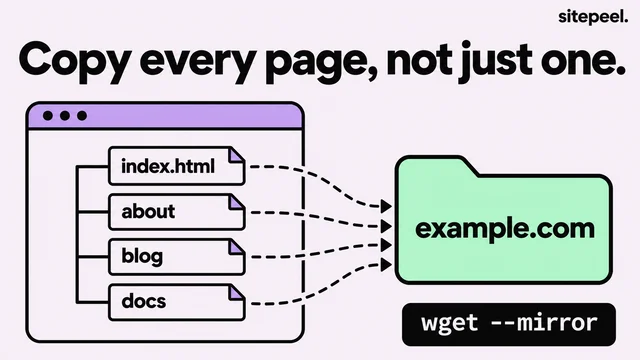
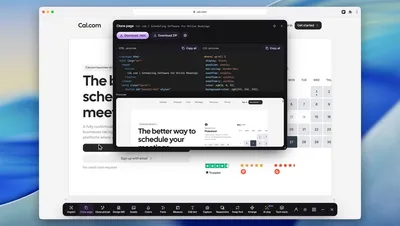
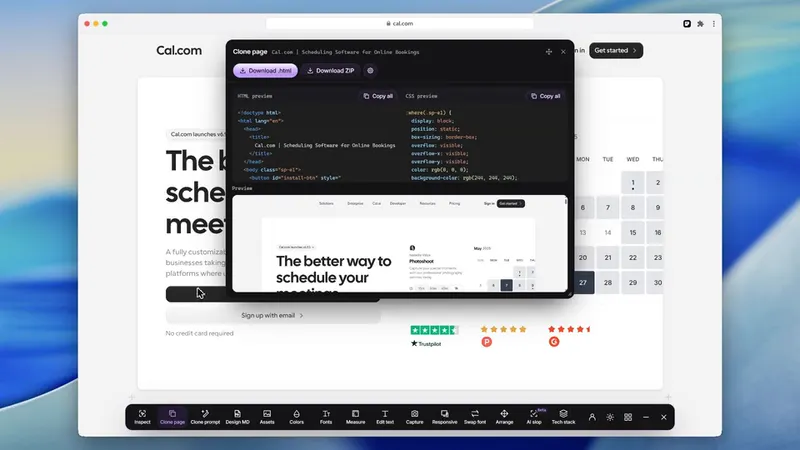
These apps copy many pages from the server. If you want one modern page as it renders, Sitepeel’s Website to HTML saves it from a link, and its Clone prompt writes a prompt that rebuilds it with AI. Sitepeel doesn’t crawl whole sites.
The verdict
Questions
Is Cyotek WebCopy free?
Yes, it’s free to use, and donations are welcome. It’s Windows only and needs .NET Framework 4.6.
Is there a Cyotek WebCopy for Mac?
No, it’s Windows only. On a Mac, use SiteSucker, or HTTrack on macOS 15 or later with Apple Silicon.
Is SiteSucker free?
No. It’s $5.99 once on the Mac App Store. SiteSucker Pro has a 14-day trial limited to 100 files at a time, and adds embedded videos.
Which one copies a site behind a login?
Cyotek WebCopy can log in to areas you have access to. HTTrack 3.51 can use a login or CAPTCHA session from your own browser. Check first that you may copy the site.
Do they copy pages built with JavaScript?
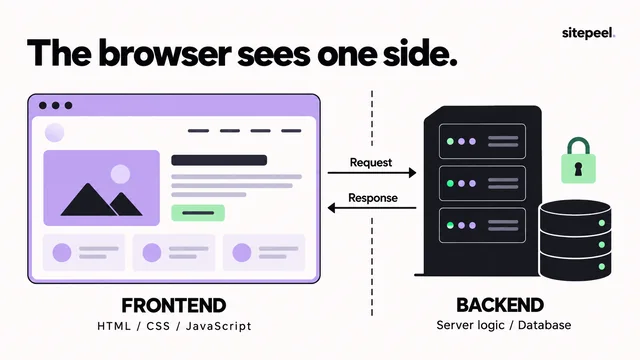
Often not fully. Cyotek says WebCopy doesn’t parse JavaScript, and crawlers in general save what the server sends. A browser tool like Sitepeel’s Website to HTML saves one page as it renders.