

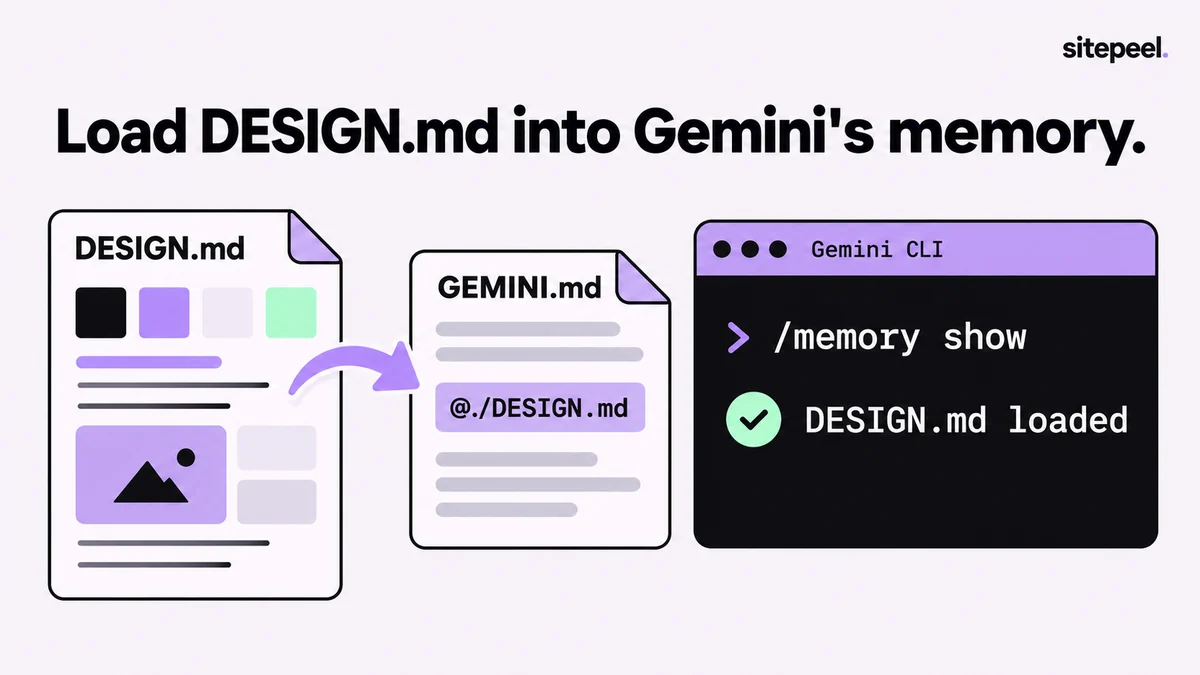
Sample GEMINI.md with a DESIGN.md import
Gemini CLI reads GEMINI.md from your home folder, your workspace and its parent folders, joins them and sends them with each prompt. The @ line pulls DESIGN.md into that context.
Tip@ imports inside code blocks or inline code are ignored. Put the line on its own, as plain text.
# Project context

## UI design
@./DESIGN.md

- Use the tokens above for every color, font, spacing and radius.
- Reuse existing components before creating new ones.
- If DESIGN.md has no rule for a case, ask before inventing one.
How GEMINI.md files and imports load
- Global: ~/.gemini/GEMINI.md applies to all your projects
- Project: GEMINI.md files in your workspace folders and their parent folders
- Just in time: when a tool opens a folder, GEMINI.md files there load too
- Imports take relative (@./, @../) or absolute paths
- Nested imports stop at five levels by default; circular imports are blocked
- The footer shows how many context files are loaded
Check and reload the context
| Command | What it does |
|---|---|
| /memory show | Prints the full, combined context sent to the model |
| /memory list | Lists the GEMINI.md files in use |
| /memory reload | Re-reads all GEMINI.md files after you edit them (also /memory refresh) |
| @DESIGN.md in a prompt | Adds the file’s contents to that one prompt |
Use AGENTS.md instead of GEMINI.md
GEMINI.md is only the default name. If your repository already has AGENTS.md for Codex or Cursor, set context.fileName in settings.json to a list that includes AGENTS.md and GEMINI.md. Gemini CLI then loads both.