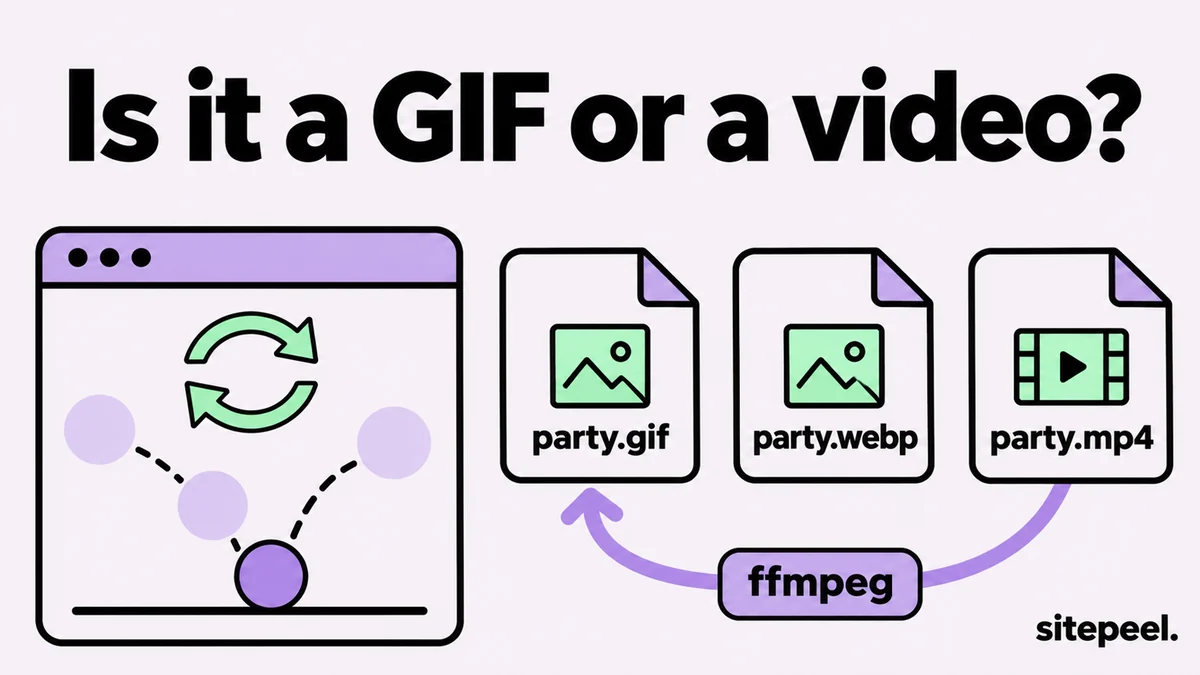
On this page6
Step by step
Right-click the GIF
Choose Save image as. If the menu says Save video as, it is a video, not a GIF.
Check the file type
Look at the saved name: .gif is a GIF; .webp or .mp4 means a converted copy.
Get every GIF at once
Paste the page’s link into the free asset extractor and type .gif in the search box.
Convert if needed
Turn an MP4 or WebP back into a GIF with ffmpeg or ImageMagick, as shown below.
What a GIF on a website really is
| What it is | Right-click shows | How to save it |
|---|---|---|
| A GIF file | Save image as | Save it as it is |
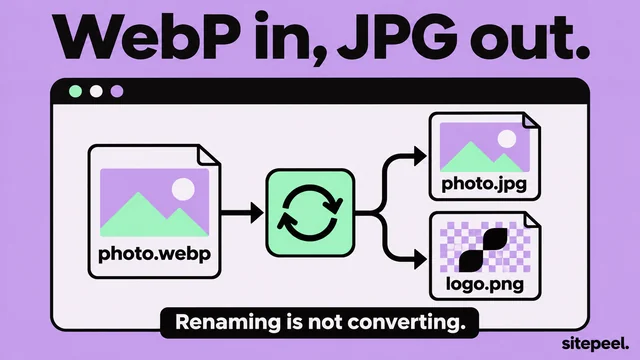
| An animated WebP | Save image as (.webp) | Save it, then convert it if an app needs GIF |
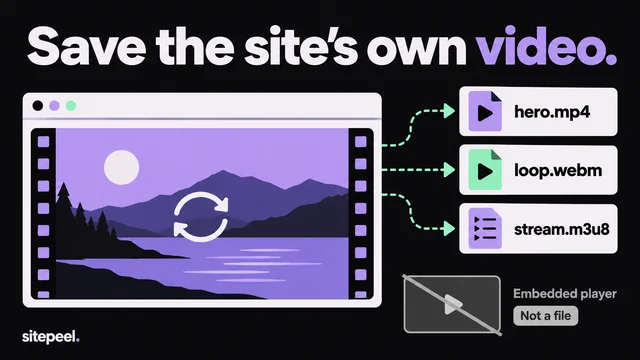
| A looping MP4 or WebM | Save video as, or nothing | Save the video, then convert it |
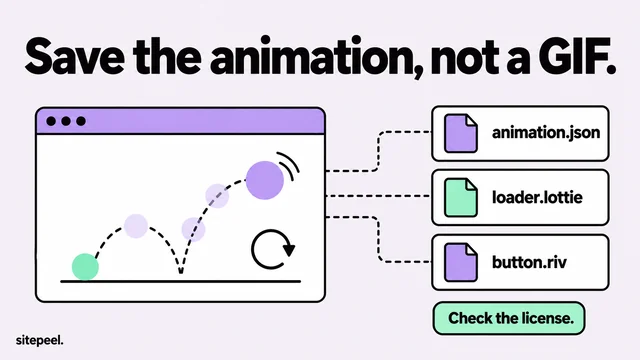
| A Lottie animation | Nothing | Save its .json file |
| A CSS or canvas animation | Nothing | Record your screen instead |
Turn an MP4 or WebP into a GIF
ffmpeg turns a video into a GIF. The palette step keeps colors clean, and scale sets the width. ImageMagick handles animated WebP.
ffmpeg -i clip.mp4 -vf "fps=15,scale=480:-1:flags=lanczos,split[a][b];[a]palettegen[p];[b][p]paletteuse" clip.gif

# animated WebP
magick clip.webp clip.gif
Find GIFs in DevTools
- Open DevTools, go to Network, choose Img and reload.
- Type
gifin the filter box. Also trywebp, andmp4under Media. - Right-click a request, choose Open in new tab, then save it.
- In Elements, check the
<img>or<video>tag’ssrcfor the file’s address.
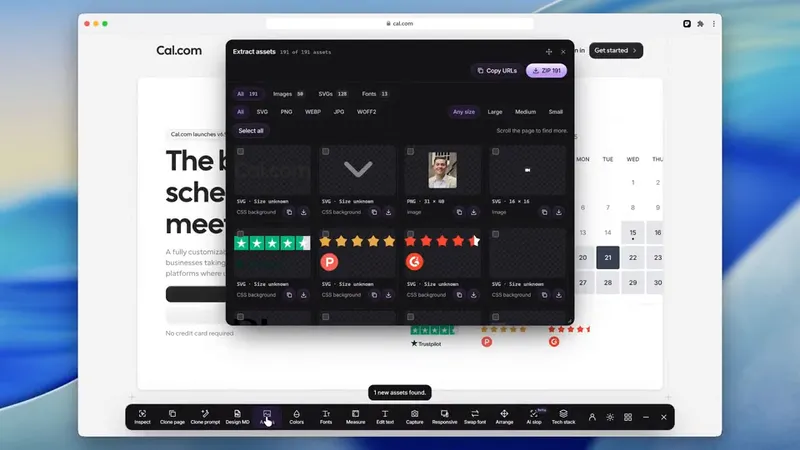
What the asset extractor finds
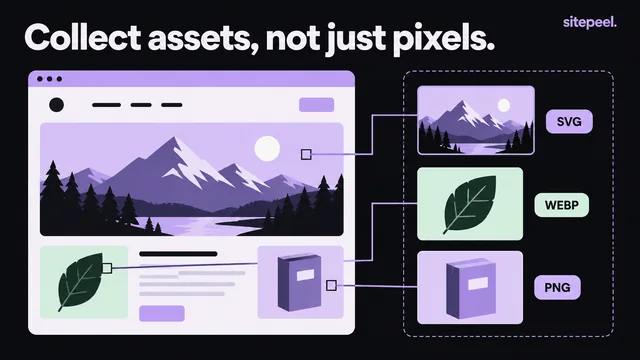
It lists every image the page loads, GIFs included, with looping videos under Video and Lottie files under Animations. Type .gif in its search to see only GIF files, and hover a video to play it.
Questions
How do I download a GIF from a website?
Right-click it and choose Save image as. If it saves as WebP or MP4, convert it back with ffmpeg. For every GIF on a page, paste the link into a free asset extractor and search for .gif.
Why does my GIF save as a WebP or MP4?
The site converted it to a smaller format. The animation is the same; only the file type changed. Keep it, or convert it back to GIF with ffmpeg or ImageMagick.
How do I save a GIF on my phone?
Press and hold the GIF and choose Save image, or Save to Photos on an iPhone. If no save option appears, it is a video: use the browser’s download option for the video.
How do I convert an MP4 to a GIF?
Run ffmpeg with a palette filter, as shown above, or use any video to GIF converter. Keep it short: a GIF is much larger than the same clip as MP4.
Can I use GIFs from other websites?
GIFs are made from someone’s video, art or film, so they have owners. Sharing one in a chat is common; using it in your product or ads needs permission.