On this page7
Step by step
Save the image
Right-click the image and choose Save image as. It saves as .webp or .avif.
Open it in an image app
On Windows, open it in Paint or Photos. On a Mac, open it in Preview.
Save as JPG or PNG
In Paint, choose File > Save as. In Preview, choose File > Export and pick the format.
Check the result
Open the new file. Pick PNG if the image has a transparent background.
Convert WebP on your computer
| App | How |
|---|---|
| Paint (Windows) | Open the file, then File > Save as > JPEG picture or PNG picture |
| Photos (Windows) | Open the file, then the ... menu > Save as, and pick JPG or PNG |
| Preview (Mac) | File > Export, then pick JPEG or PNG under Format |
| ffmpeg or ImageMagick | One command per file or folder, as shown below |
Get a JPG straight from the site
Many image services pick the format for your browser. Open the image in a new tab and look at its address:
fm=webp(imgix) orformat=webp: change it tojpgorpngand reload.f_autoin a Cloudinary address: change it tof_jpg.- Next.js images (
/_next/image?url=…) hold the original file’s address afterurl=. - An address ending in .webp is the file itself: there may be no JPG to get.
Convert many files at once
For a folder of images, the command line is fastest. ffmpeg and ImageMagick are both free.
ffmpeg -i photo.webp photo.jpg

# every WebP in a folder, as PNG (ImageMagick)
magick mogrify -format png *.webp
Find every image and its format
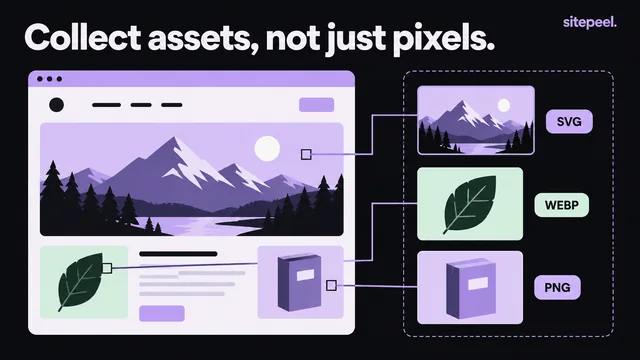
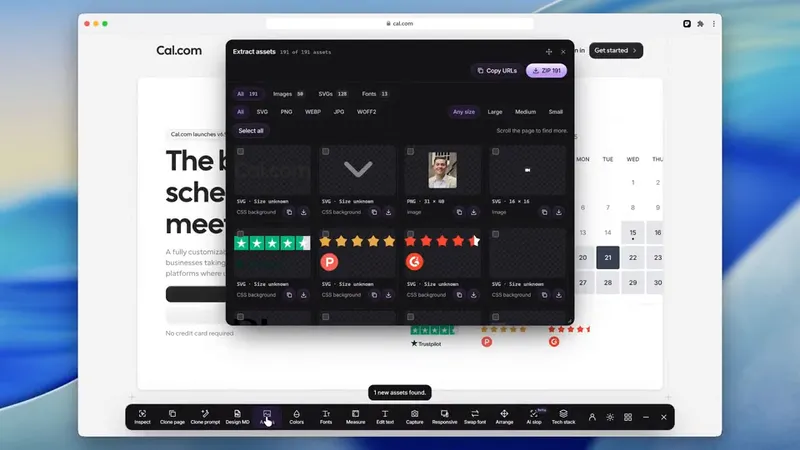
Paste the page’s link into the free asset extractor. Each image shows its real format and size, and it groups an image’s sizes so you get the largest. Download them all as one ZIP, then convert the ones you need.
JPG or PNG?
- JPG: photos. Smaller files, no transparency.
- PNG: logos, icons, screenshots and anything with a transparent background.
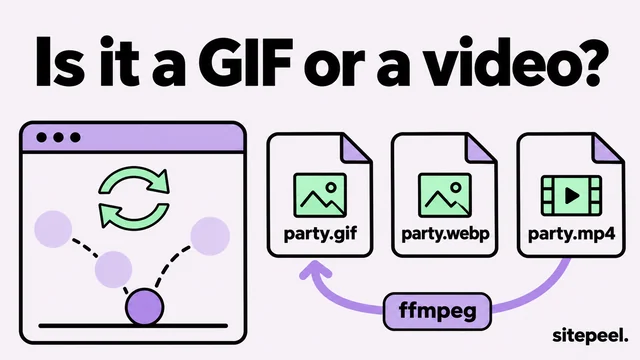
- Animated WebP: convert it to GIF or MP4; JPG and PNG keep only one frame.
- AVIF: the same steps work in apps that open AVIF, or with ImageMagick.
Questions
How do I save a WebP image as a JPG?
Save it, open it in Paint (Windows) or Preview (Mac) and save or export it as JPEG. Or change format=webp to format=jpg in the image’s address, if the site’s image service allows it.
Why do images save as WebP in Chrome?
Many sites and image services send WebP or AVIF to browsers that can show them, because the files are smaller. The site may keep a JPG, but the copy you were sent is WebP.
Can I just rename a .webp file to .jpg?
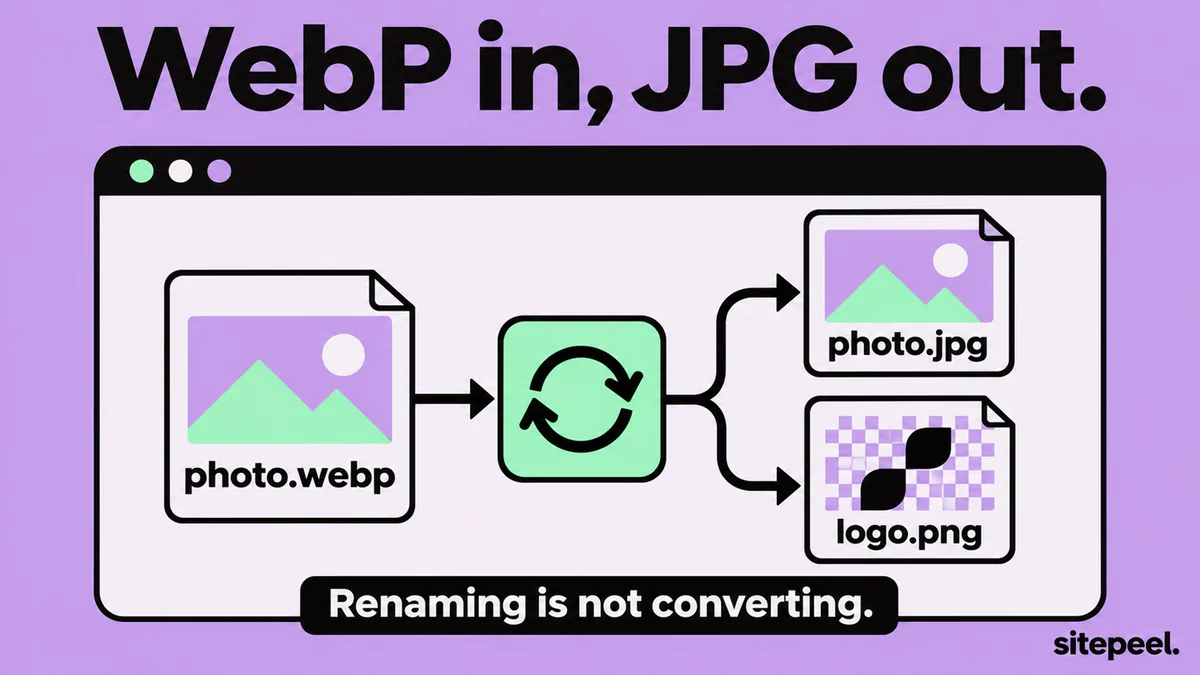
No. The name changes but the data inside is still WebP, so some apps won’t open it. Convert it in an image app or with a converter.
Does converting WebP to PNG lose quality?
No. PNG is lossless, so it keeps every pixel the WebP has. It can’t bring back detail the WebP compression already removed.
Can I use images I download from a website?
They belong to the site’s owner or photographer. Use them for reference, or get permission or a license before you reuse them.