On this page6
Step by step
Paste the link
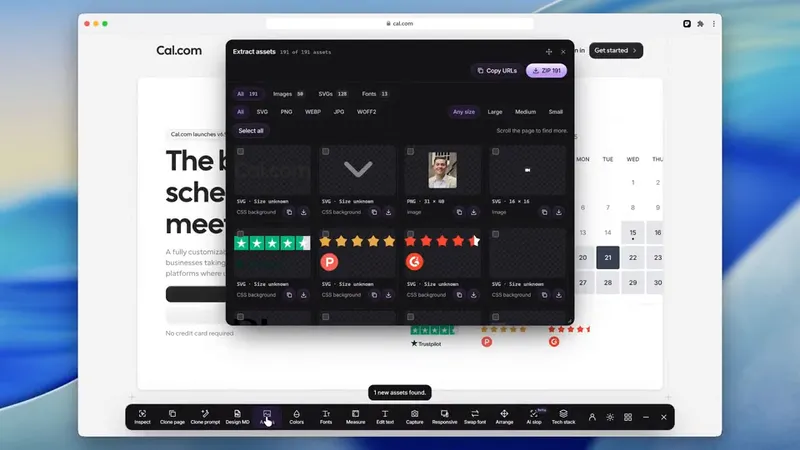
Paste the page’s link into the free asset extractor and press Extract.
Open SVG or Icons
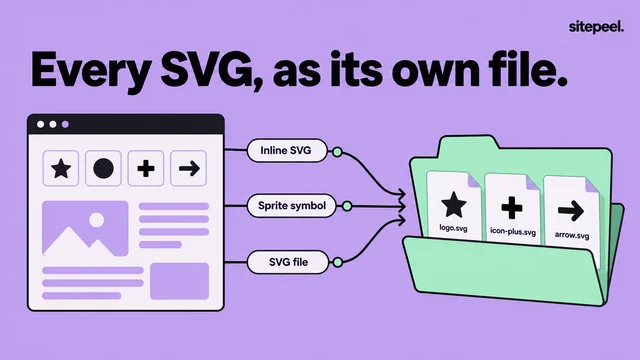
SVG has the page’s icons and logos. Icons has the favicon and app icons.
Show hidden icons
Press Hidden only to see sprite icons and icons in closed menus.
Download or copy
Download one icon, copy its SVG code, or press ZIP for all of them.
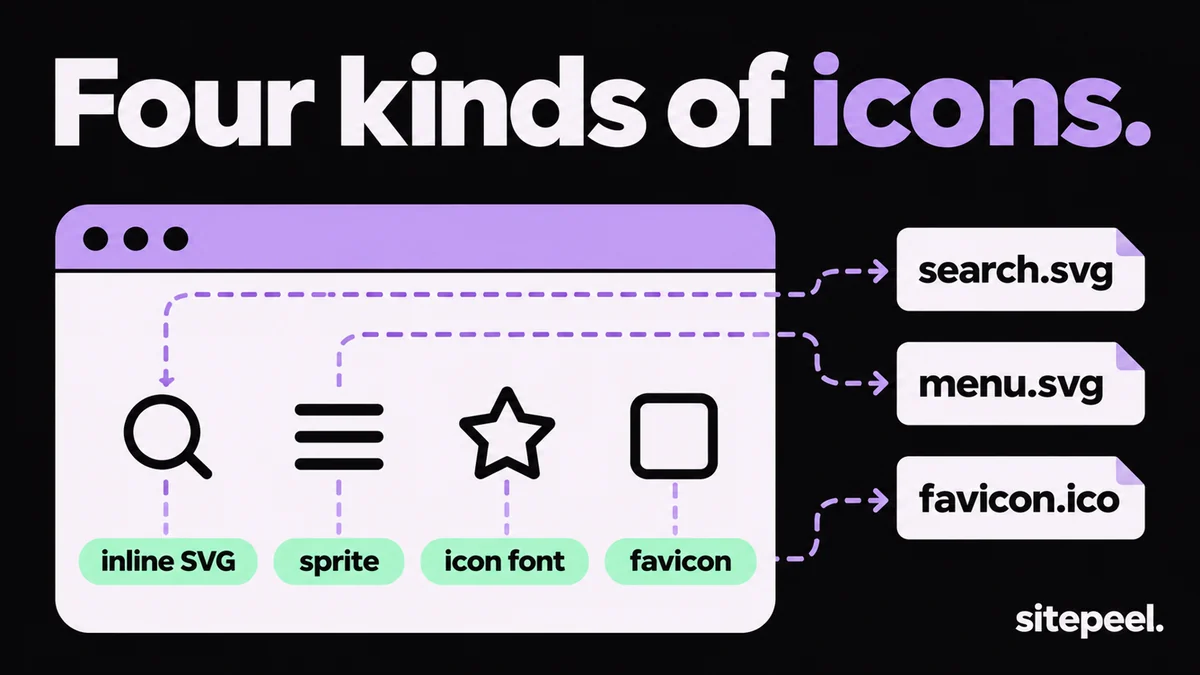
Four kinds of website icons
| Kind | How to spot it | How to save it |
|---|---|---|
| Inline SVG | An <svg> element in Elements | Copy outerHTML, or use the SVG tab |
| SVG sprite | <use href="#icon-name"> inside the svg | The asset extractor lists each sprite icon as a file |
| Icon font | An <i> or <span> with a class like fa- and a ::before glyph | Get the SVG from the icon set’s site |
| Favicon and app icons | <link rel="icon"> and the web app manifest | The Icons tab, or the favicon downloader |
| PNG icons | An <img> or CSS background with a small PNG | Save it, or look for a larger size in srcset |
Find out which icon set a site uses
Many sites use a free icon set. Download the icons from the set itself: you get clean SVGs and a clear license.
- Class names often say it:
lucide-,fa-,bi-ormaterial-symbols. - Lucide and Heroicons outline icons are drawn on a 24 by 24 grid with
stroke="currentColor". - Font Awesome, Bootstrap Icons and Material Symbols all offer SVG downloads.
Copy an icon by hand
- Right-click the icon and choose Inspect.
- Select the
<svg>element, right-click it and choose Copy > Copy outerHTML. - Paste it into a file named icon.svg and add
xmlns="http://www.w3.org/2000/svg"if it is missing. - Swap
currentColorfor a real color, or the icon turns black. - Paste the SVG straight into Figma to edit it as a vector.
Get favicons and app icons
The favicon downloader reads the page’s icon links, its web app manifest and /favicon.ico. You get ICO, SVG and PNG favicons, Apple touch icons and app icons up to 512 pixels. Press Largest to put the biggest first.
Questions
How do I download icons from a website?
Paste the link into a free asset extractor and open the SVG tab for interface icons or the Icons tab for favicons. Or right-click an icon, choose Inspect and copy the svg element into a .svg file.
How do I download an icon font icon as SVG?
A font glyph doesn’t save cleanly as a file. Find the icon set from the class name, like fa- for Font Awesome, and download that icon’s SVG from the set’s site.
Why is my downloaded icon black?
It used currentColor or the page’s CSS for its color. Open the SVG and set fill or stroke to a real color.
How do I get a website’s favicon?
Paste the link into a free favicon downloader. It reads the page’s icon links, its manifest and /favicon.ico, and lists every icon and size.
Can I use icons from another website?
Icons from free sets like Lucide or Heroicons can be used under their licenses; get them from the set. Custom icons and logos belong to the site’s owner, so ask first.