On this page6
Step by step
Look for a brand page
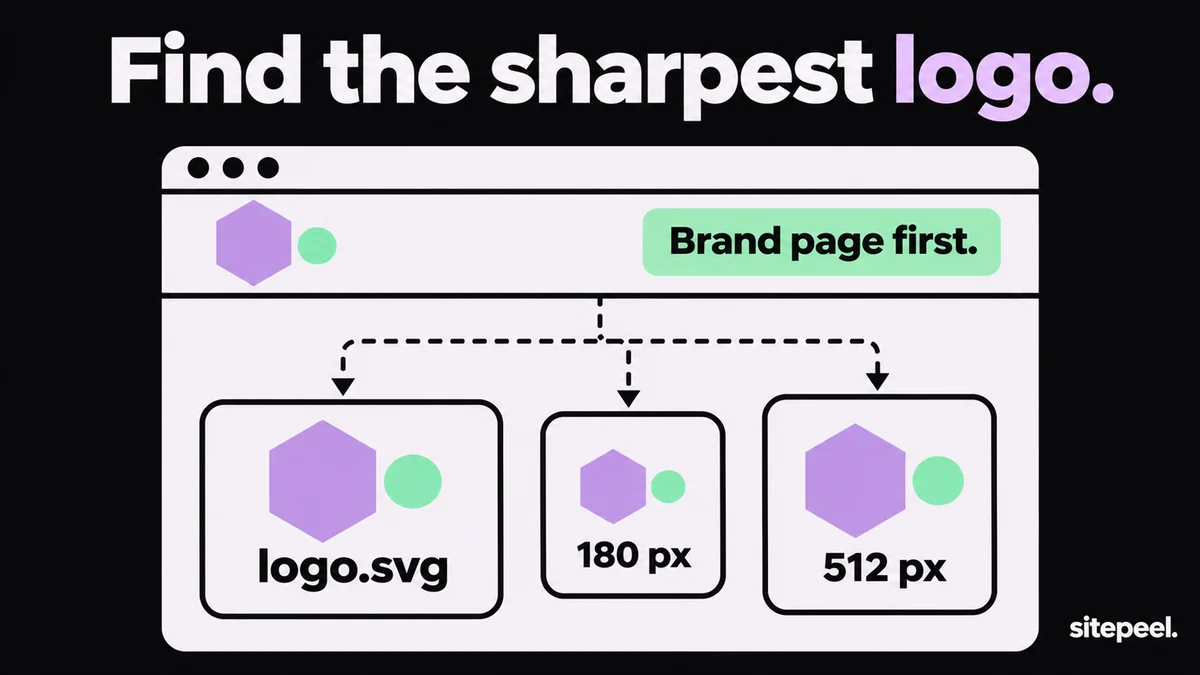
Look for Brand, Press or Media kit links, often in the footer. Official logo files are there.
Paste the link
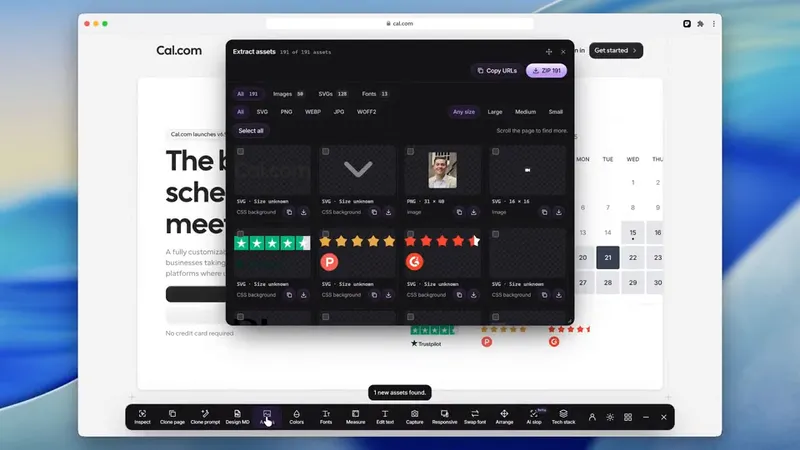
Otherwise paste the link into the free asset extractor and type logo in its search box.
Pick the best file
Prefer SVG. For PNG, press Largest to put the biggest files first.
Download or copy
Download the file, or open an SVG and press Copy SVG code to paste it into Figma.
Where a website keeps its logo
| Where | What you get | How to find it |
|---|---|---|
| Header logo | An inline SVG, or an SVG or PNG file | Inspect it, or search logo in the asset extractor |
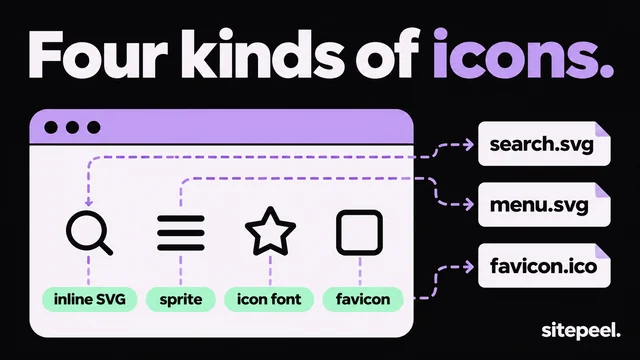
| Favicon and app icons | Square icons from 16 to 512 pixels | The favicon downloader |
| Social sharing image | A wide picture, often with the logo on it | og:image in the page’s head |
| Brand or press page | Official SVG and PNG files with usage rules | Brand, Press or Media kit links |
Save an inline SVG logo
- Right-click the logo and choose Inspect.
- Find the
<svg>element, right-click it and choose Copy > Copy outerHTML. - Paste it into a text file and save it as logo.svg.
- Add
xmlns="http://www.w3.org/2000/svg"to the opening tag if it is missing. - Replace
currentColorwith the logo’s color, or it turns black.
Get a large, sharp version
- SVG scales to any size. Use it whenever the site has one.
- Apple touch icons are usually 180 pixels, and web app icons go up to 512 pixels.
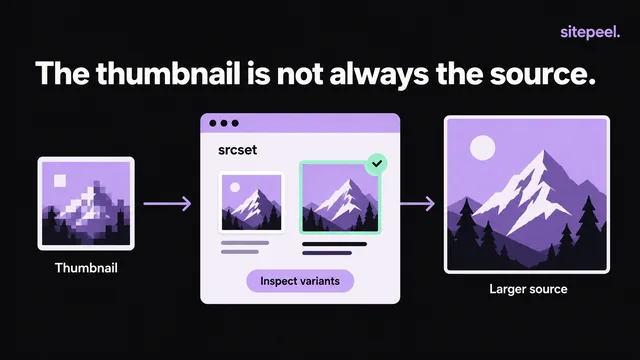
- Sharper PNG logos often have @2x in the name or a larger size in srcset.
- Don’t enlarge a small PNG: it turns blurry. Ask the company for a vector file.
Can you use a company’s logo?
Logos are trademarks. Showing one to name or link to the company, as in an article or a list of customers, is common. Using it as your own, or in a way that suggests a partnership, needs permission. Most brand pages say what they allow.
Questions
How do I download a logo from a website?
Check the site for a brand or press page first. Otherwise paste the link into a free asset extractor and search for logo, or right-click the logo, choose Inspect and copy the SVG.
How do I get a company logo in high resolution?
Use the SVG version: it stays sharp at any size. Look on the brand or press page, or save the SVG from the site’s header. App icons up to 512 pixels work for square marks.
How do I get a logo as a transparent PNG?
Most site logos are SVG, or PNG with a transparent background already. Open an SVG in Figma or Inkscape and export a PNG at the size you need.
Why can’t I right-click the logo to save it?
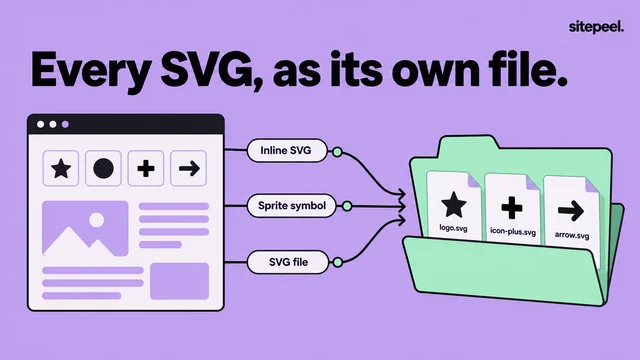
It is an inline SVG written into the HTML, or a CSS background. Inspect it and copy the SVG, or let the asset extractor list it as a file.
Can I use another company’s logo?
To name or link to the company, usually yes. As your own logo, or to suggest a partnership, not without permission. Read the company’s brand guidelines.