On this page6
Step by step
Inspect the area
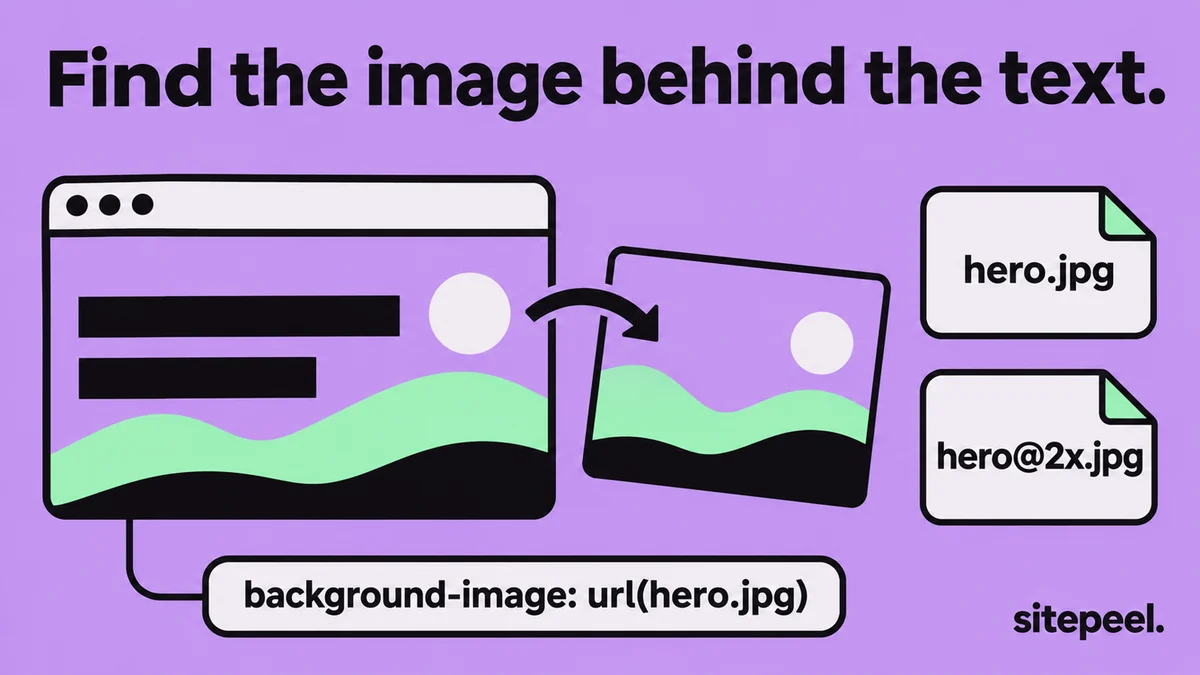
Right-click the background and choose Inspect. The element, or a parent, holds the image.
Find background-image
In the Styles pane, look for background or background-image with a url().
Open the image
Right-click the address, choose Open in new tab, then save the image.
Or list them all
Paste the link into the free asset extractor and search for CSS background.
Why right-click doesn’t work
An <img> is part of the page, so the browser offers Save image as. A background is styling: CSS paints it behind other content, often under text or a dark overlay, so the menu never sees it.

Find the image in DevTools
- Nothing on the element? Select its parent in Elements, or check its
::beforeand::after. - Open the Computed tab and search background-image to see the final value.
- In Network, choose Img and reload: the background is one of the requests.
- A
data:imageaddress is the image itself. Paste it into the address bar to save it.
Get the right size
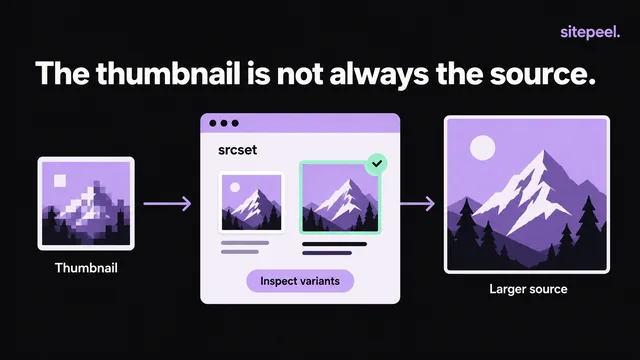
image-set()lists the same image at 1x and 2x: pick the 2x file.@mediarules swap the background at other widths. Check them in Styles, or widen the window.- Image services may add a width like
w=800to the address. Removing it sometimes loads a larger file.
When there is no image to save
linear-gradientorradial-gradient: CSS draws it. Copy the rule instead.- A
<canvas>or WebGL scene: code draws it. Take a screenshot. - A video: save the MP4 instead.
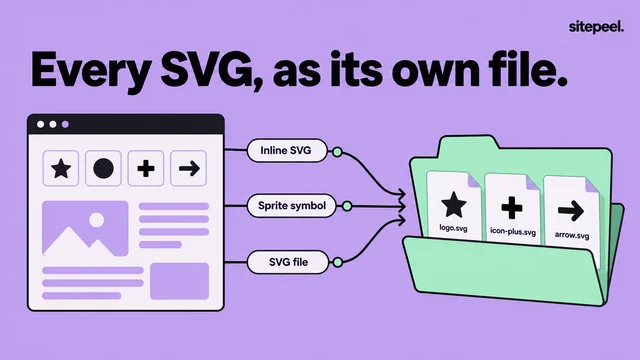
- An SVG pattern: save it as an SVG file.
Questions
How do I download a background image from a website?
Right-click the area and choose Inspect, find background-image in the Styles pane, then open its url() in a new tab and save it. Or paste the link into a free asset extractor, which lists every CSS background.
Where are background images stored on a website?
In image files on the site’s server or image service, named in its CSS with background-image: url(…). The CSS can be in a stylesheet, a style tag or the element’s style attribute.
Why can’t I right-click to save a background image?
Browsers only offer Save image as for img elements. A background is painted by CSS and often covered by text or overlays, so you find its address in DevTools instead.
How do I save a background image without DevTools?
Paste the page’s link into a free asset extractor. It reads the page’s stylesheets and lists every background image, marked CSS background, ready to download.
Can I use a website’s background image?
It belongs to the site’s owner or photographer. Use it for reference, or get a license; many sites use stock photos you can license yourself.