On this page6
Step by step
Save the page
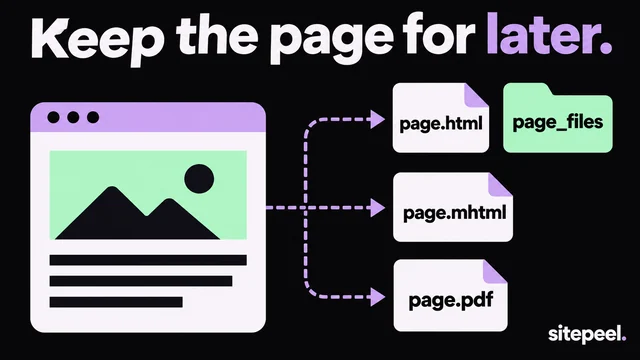
Press Ctrl+S (Cmd+S on a Mac) and choose Webpage, HTML only, or Complete to keep its images.
Or view the source
Press Ctrl+U (Cmd+Option+U on a Mac), then save it with Ctrl+S.
Copy the rendered HTML
Open DevTools, right-click the
<html>tag in Elements and choose Copy > Copy outerHTML.Or use Website to HTML
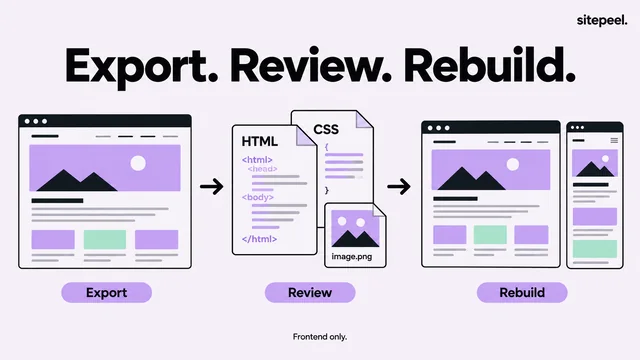
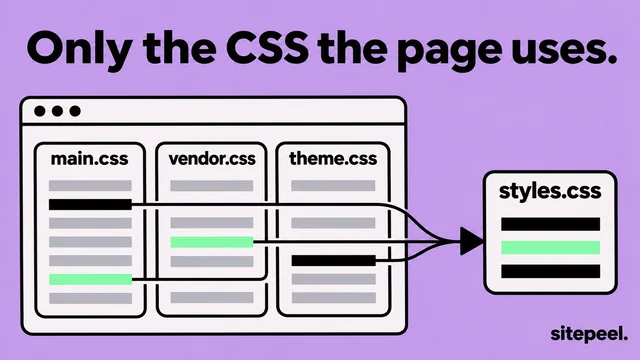
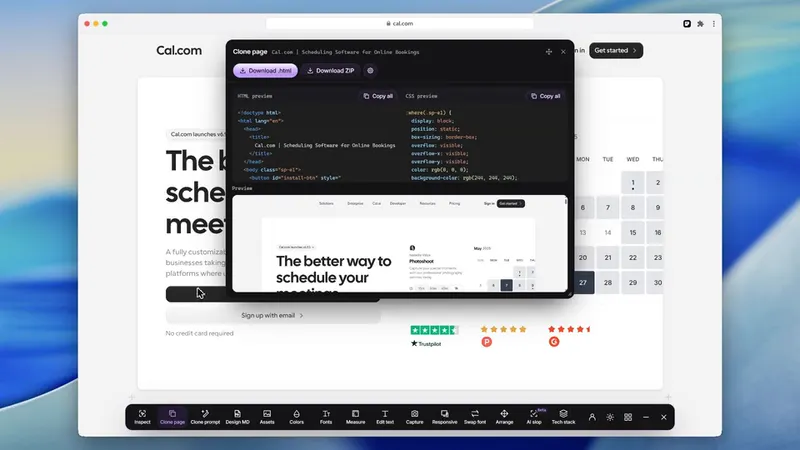
Paste the link into the free tool to get the HTML, one CSS file and the images in a ZIP.
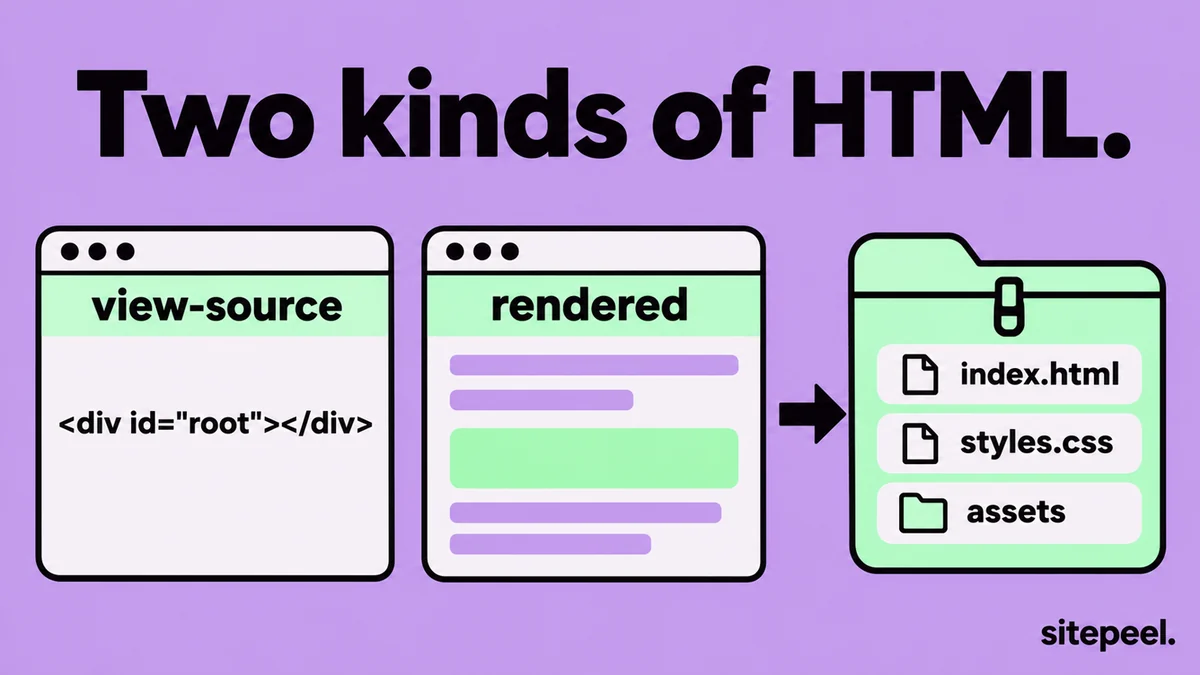
Source HTML or rendered HTML?
| Way | What you get | Good for |
|---|---|---|
| View source (Ctrl+U) | The HTML the server sent, before scripts run | Meta tags, links and what loads first |
| Save page as | An HTML file, plus a folder of files with Complete | A quick offline copy |
| DevTools > Copy outerHTML | The page as it is now, after scripts ran | Sites built with React, Vue and other frameworks |
| Website to HTML | Rendered HTML without scripts, one CSS file and the images, in a ZIP | A copy that opens and looks right on your computer |
Download the CSS and JavaScript too
- Open DevTools, go to Sources and expand the site’s folder to see every file it loaded.
- Right-click a file and choose Save as, or open it in a new tab and save it.
- In Network, filter by CSS or JS and reload to list each stylesheet and script.
- Most files are minified. Press the
{}button in Sources to make them readable.
Save the HTML with a command
curl and wget fetch the HTML the server sends, the same as view source. They don’t run scripts, so script-built pages come back nearly empty.
curl -L https://example.com -o page.html

# with its images and styles, links rewritten
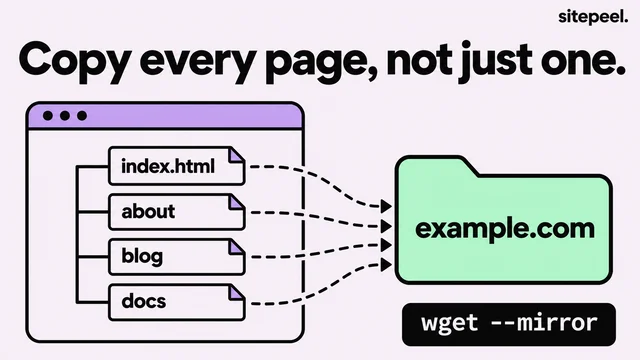
wget --page-requisites --convert-links https://example.com/
What you can’t download
- Server code like PHP, Node or Python: only its output reaches the browser.
- Databases, API keys and private files.
- The original project, like React components: you get the built output.
- Pages behind a login, unless you save them from your own signed-in browser.
Questions
How do I download the HTML of a website?
Press Ctrl+S and choose Webpage, HTML only, or press Ctrl+U to view the source and save it. For sites built by scripts, copy the rendered HTML from DevTools or use a Website to HTML tool.
How do I download a website’s source code?
You can download its front end: the HTML, CSS, JavaScript and images your browser receives. The server code and database stay on the server and can’t be downloaded.
Why is the downloaded HTML almost empty?
The site builds its page with JavaScript after it loads, so the saved file is just the shell. Copy the rendered HTML from the Elements panel, or use a tool that saves the page after it renders.
Can I download HTML from a website online?
Yes. Paste the link into Sitepeel’s free Website to HTML tool. It opens the page, waits for it to render and gives you the HTML, one CSS file and the images in a ZIP.
Is it legal to download a website’s HTML?
Saving a page to study it is usually fine. Its text, images and design still belong to the owner, so don’t republish them without permission.