

 Node.jsBrand
Free DESIGN.md generator
Turn any website into a live DESIGN.md.
Paste a link. Get its style guide and a DESIGN.md your AI coding agent can follow.
Gallery · 199 designs
Popular with the community
Node.jsBrand
 BunBrand
 TypeScriptBrand
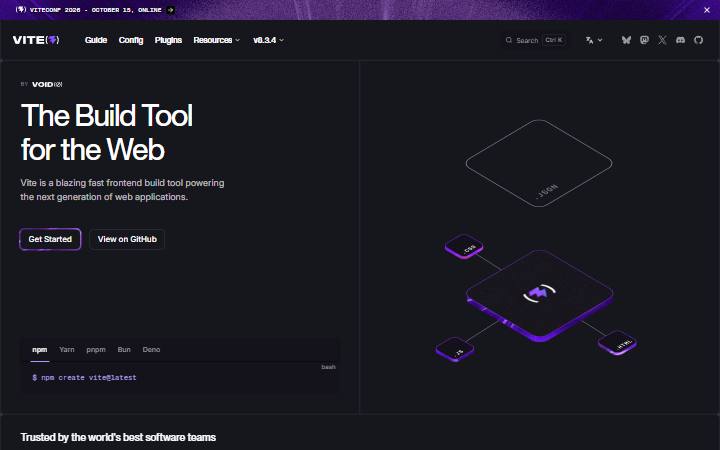 ViteBrand
 SvelteBrand
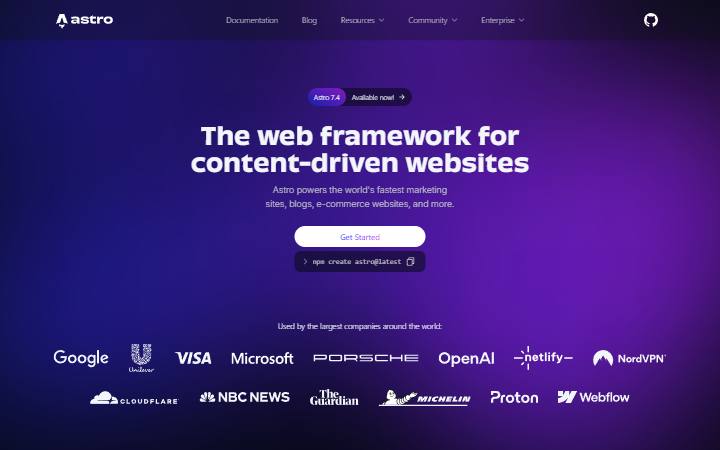 AstroBrand
 Vue.jsBrand
 Next.jsBrand
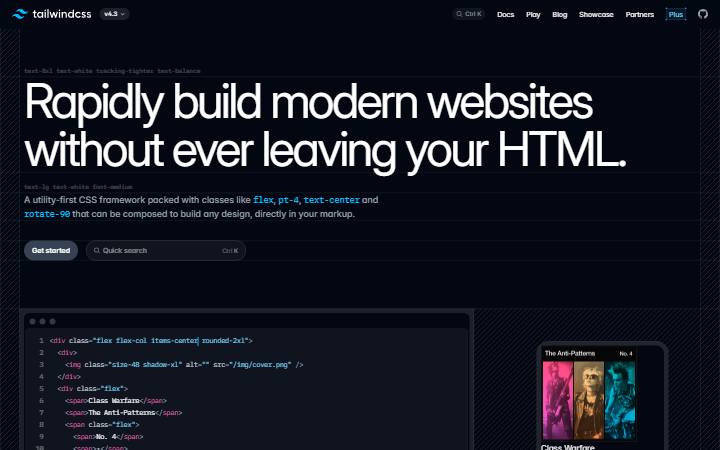 Tailwind CSSBrand
 ReactBrand
 RivianBrand
 Booking.comBrand
 Oura RingBrand
 NothingBrand
 SonosBrand
 teenage engineeringBrand
 GlossierBrand
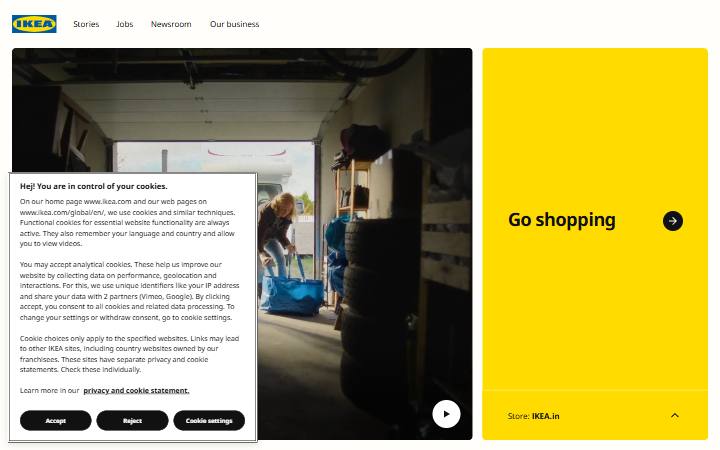 IKEABrand
 AllbirdsBrand
 StravaBrand
 HeadspaceBrand
 SubstackBrand
 PinterestBrand
 NikeBrand
01 · The format
What is DESIGN.md?
A plain-text design system file for AI coding agents. Tokens for colors, type, corners, spacing and components sit at the top; short sections explain how to use them. Google published the format with Stitch. More about the format.
02 · Measured
Measured, not guessed
Every value comes from the rendered page after it fully loads: computed colors and where they appear, the type scale with tracking, spacing, corner radii, shadows, button hover states and mobile headline sizes. Each file passes the official DESIGN.md linter.
03 · The outcome
Build in that style
Put the file in your project and ask your AI coding agent for a landing page, pricing table or dashboard. It uses the site’s measured colors, fonts, spacing and buttons, not generic defaults. Setup: Claude Code, Cursor, Codex.
 Claude Code
 Cursor
FAQ
Questions
What is a DESIGN.md file?
A plain-text design system for AI coding agents: color, type, spacing and component tokens at the top, short rules underneath. Google published the format with Stitch. More about the format.
What can I build with it?
Pages and components in a site’s style: landing pages, pricing tables, dashboards and forms. Your AI coding agent uses the measured colors, fonts, spacing and buttons instead of its generic defaults. Every file also comes with a visual style guide you can read at a glance.
How do I use it with my AI coding agent?
Download the file, put it in your project’s root folder and ask your agent to follow it. Step-by-step guides: Claude Code, Cursor, Codex, GitHub Copilot, Windsurf, Gemini CLI.
Is it free?
Yes. Paste a link and download the file, with no account needed to start. Sign in free to keep going; lifetime access makes it unlimited.
Can I make one from a page behind a login?
Yes, with the Sitepeel Chrome extension. Its Design MD tool measures the page you have open, including pages behind a login, and can combine several pages into one file.
Is it the site’s official design system?
No. Each file is an independent measurement of a public page, not made or approved by the site’s owner. Use it to learn and prototype, and don’t copy logos, names or content.